What happened
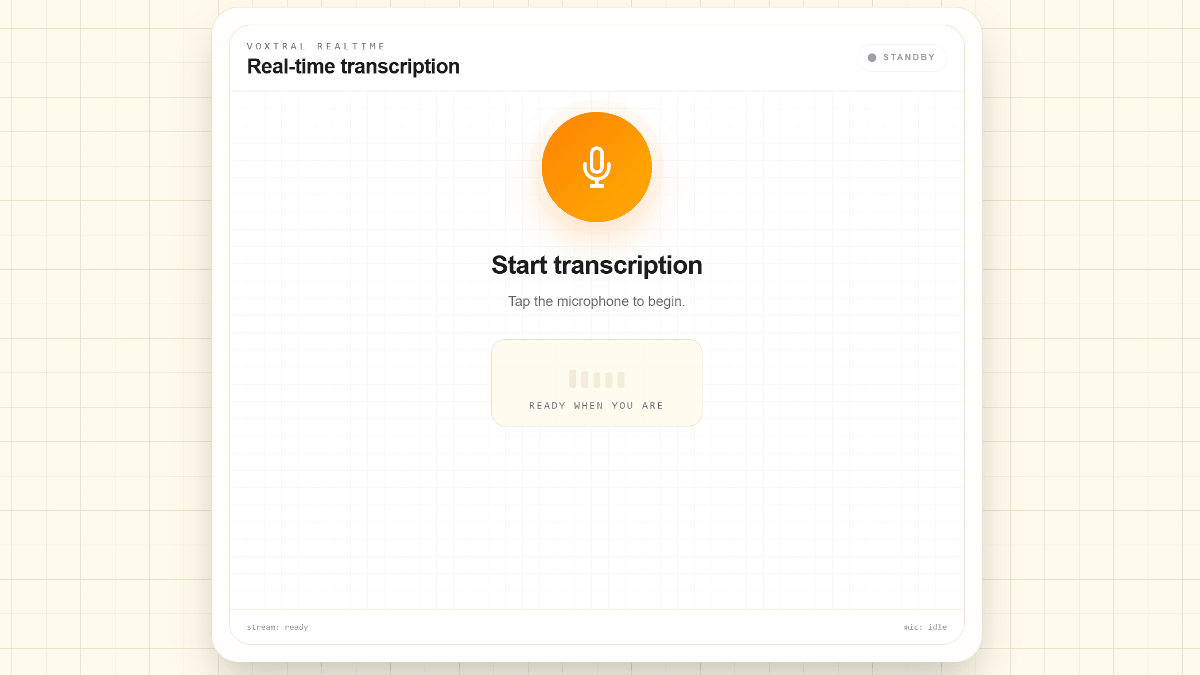
Mistral AI published Voxtral Mini 4B Realtime WebGPU on Hugging Face. It downloads a roughly 2.8GB model and transcribes speech live in 13 languages, including Japanese, with the language detected automatically.
Why it matters
The tool runs entirely in the browser, so no installation or account is needed to start transcribing, and it is free to use.
Summaries like this, every morning.
Voxtral Mini 4B Realtime WebGPU is distributed through Hugging Face, where the model page lets users start transcription with a single click. On first use, the browser downloads about 2.8GB of model data; later visits can reuse the cached copy. The interface is minimal: a microphone button starts listening, and recognized text appears in a Transcript pane almost in real time.
The model handles 13 languages — Japanese, English, Chinese, Korean, French, German, Spanish, Italian, Portuguese, Dutch, Russian, Arabic, and Hindi — without a language-selection menu. Instead, it detects the spoken language automatically. It is built purely for speech-to-text; translation, speaker labeling, and audio-file upload are not included.
Processing happens entirely on the local machine. The AI model is loaded from Hugging Face's Transformers.js as an ONNX-format model and runs on the PC's GPU via WebGPU, so audio does not need to be sent to a remote server. That local approach also sets the hardware bar: the browser and GPU must support WebGPU and shader-f16 (16-bit floating-point calculations). One report notes an error on a PC with 4GB of dedicated VRAM, and during a test with 8GB of GPU VRAM, memory use rose from 2.0GB before launching the tool to 5.9GB while it ran.
Pick your industry and the AI tools you use, and get news related to your work every day.
Free · 30 seconds with Google · unsubscribe anytimeWhat is AIToday? →
Ask AI anything about this article. The AI reads this article, earlier AIToday articles, and Wikipedia, and cites its sources. Q&As are published on this page for other readers too.
Blue, co-founded by former Google product manager Omar Abdelaziz and backed by Y Combinator, unveiled an AI-fi…
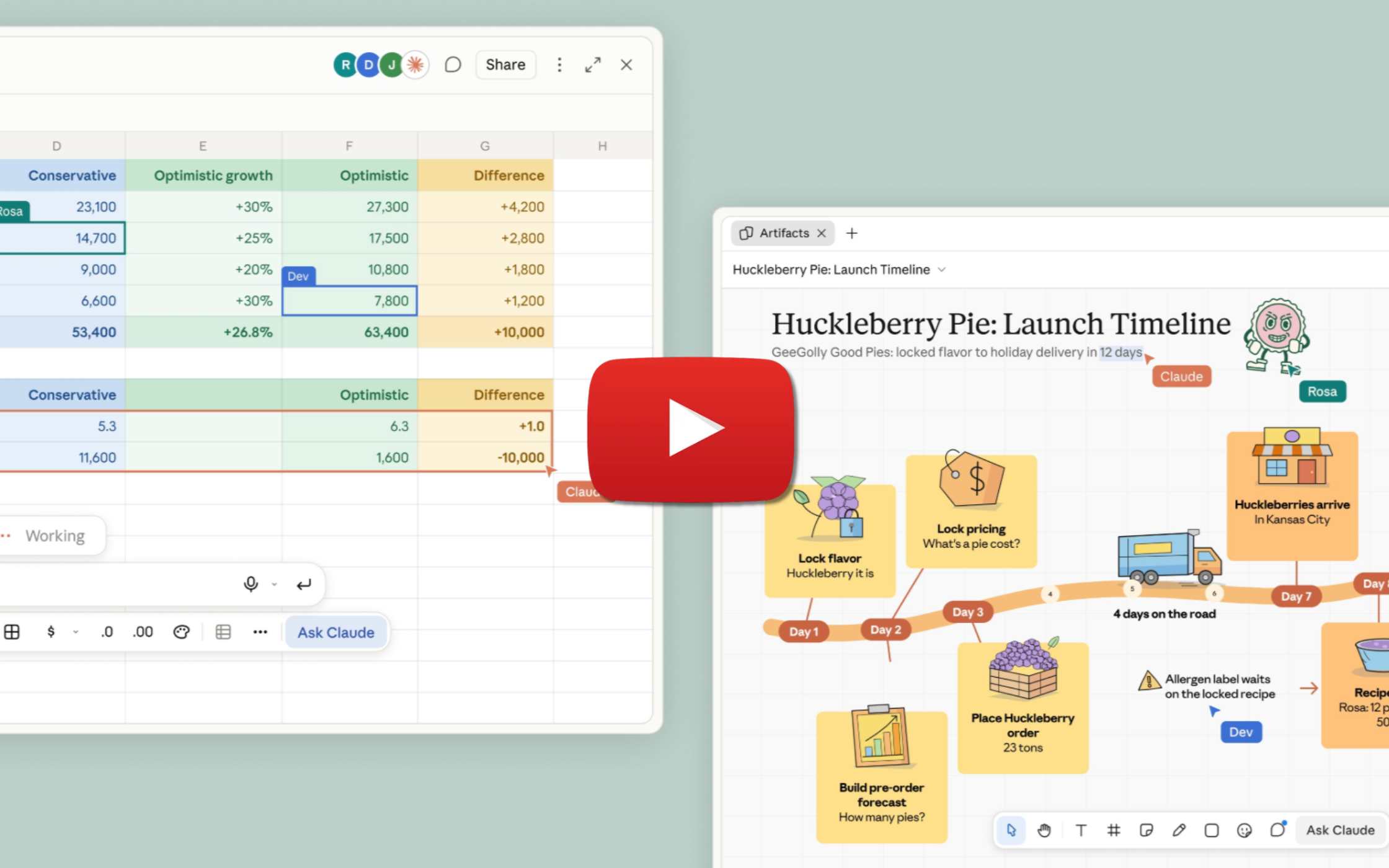
Anthropic rolled out Claude Whiteboards, Sheets, and Data, now rolling out to paid plans under Claude's Artifa…
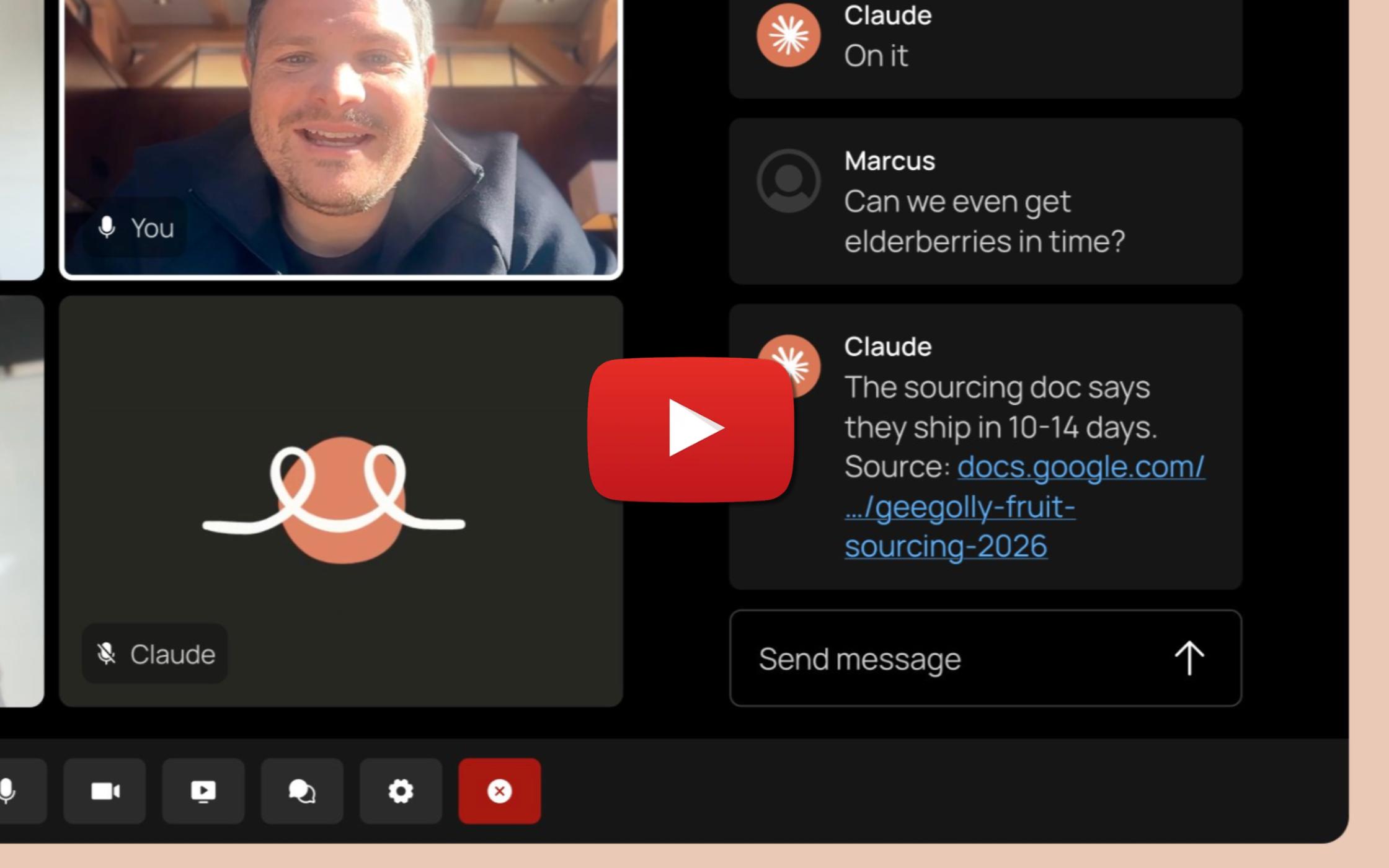
Anthropic rolled out Claude Meetings to Team and Enterprise plans on Google Meet, letting Claude follow along…
Runway released Praxis-1 with open weights and source code under the Apache 2.0 license, which allows commerci…
Hiroshi Ono of the Cognitive Behavioral Therapy Training and Development Center says Allen Frances, his mentor…

Dai Nippon Printing is entering the AI search optimization support business, planning to roll it out to 500 co…