What happened
A Zenn article lays out a four-layer prompt template — subject, shooting conditions, typography, usage constraints — and shows a mug prompt printing the exact word "MORNING" in bold sans-serif.
Why it matters
Because AI models can render light and texture but often garble letters, specifying the exact string and legibility, rather than asking for a nice-looking font, is what keeps ad creatives readable enough to be accepted.
Summaries like this, every morning.
A practical frustration is the starting point: AI models reproduce light and texture well, but on-image text tends to come out looking like letters without actually spelling what you asked for. It attributes this to text being discrete — a single wrong character changes the meaning — and to the need to control position and spelling simultaneously. The fix it proposes is structural rather than tool-specific: separate the prompt into subject, shooting conditions, typography, and usage constraints so each concern is stated on its own.
Japanese and Korean have different character density from Latin letters, so writers should put the intended wording directly in the prompt, keep it short, and state the contrast between text and background. It pairs "exact text" with "fully legible / no misspellings" to narrow the room for the model to fall back on letter-like shapes. It also recommends fixing aspect ratio and margins up front, since layout shifts when the ratio is left open.
For corrections, multi-turn editing in a fixed order is favored — subject first, then text, then background and color — with one change per instruction. It points readers to GPT Image 2 as a browser-based environment for testing the same workflow, and stresses that visual inspection, especially zooming in on CJK characters, remains the final check.
Pick your industry and the AI tools you use, and get news related to your work every day.
Free · 30 seconds with Google · unsubscribe anytimeWhat is AIToday? →
Ask AI anything about this article. The AI reads this article, earlier AIToday articles, and Wikipedia, and cites its sources. Q&As are published on this page for other readers too.
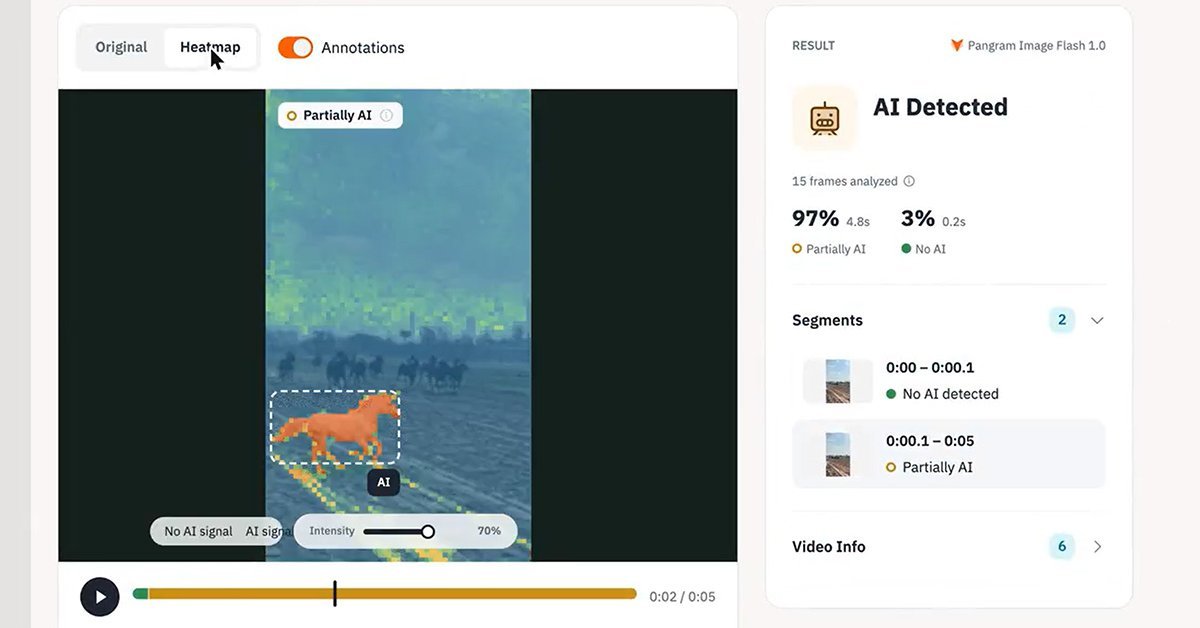
Pangram Labs announced Pangram Image 1.0 on Nov 4, claiming 99.2% detection of AI-generated images with a 0.27…
Bicep Hearts generates a 7-second, 9:16, 720p silent MP4/GIF with no watermark, using Nano Banana for a refere…
ChatGPT can now generate GIFs from a prompt or uploaded photo, with controls to adjust animation speed, edit i…
Noetra, backed by major Japanese firms, opened a tech blog on the Zenn platform on November 4
fal raised $1.3 billion at a $16 billion valuation, led by Bessemer Venture Partners, with Nvidia, Sound Ventu…
Viral images of Jeff Bezos and Jason Statham with fuller hair are fake, The Verge's Jess Weatherbed confirmed…