What happened
Google released Google AI Edge Foresight, a Mac note-taker that works completely offline using the on-device EmbeddingGemma 2 model with 740 million parameters. It captures meeting notes across apps, and the FAQ page says it is optimized for Apple Silicon.
Why it matters
It lets users view meeting transcripts, take manual notes, and chat with the assistant to get answers even while traveling or where there is no internet connection, according to the company's FAQ page.
WHO IT HITSPeople who take meeting notes on Macs—especially those working in places without reliable internet—gain a note-taker that processes conversations on the device itself, with the company saying it works completely offline.
Summaries like this, in your inbox every morning.
The release comes from the same team that earlier in April put out an AI-powered dictation tool that worked with local models. Unlike that earlier experimental app, which did not make it to mainstream usage, Google AI Edge Foresight is a full meeting note-taker. The app appears aimed in part at showing what Google's Gemma series of offline models can do.
The news lands in a crowded note-taker field. Over the last few months, dictation company Wispr and scheduling company Calendly each released their own note-takers, and productivity startup Superhuman (formerly Grammarly) acquired YC-backed note-taker Fathom last month. The body also notes that Google could release a consumer version of a meeting note-taker that works across video calling apps through its Gemini apps while relying on its cloud models.
Pick your industry and the AI tools you use, and get news related to your work every day.
Free · 30 seconds with Google · unsubscribe anytimeWhat is AIToday? →
Ask AI anything about this article. The AI reads this article, earlier AIToday articles, and Wikipedia, and cites its sources. Q&As are published on this page for other readers too.
Cammarata reinterprets InceptionV1's cat-car neuron as a V-shape detector, not two unrelated concepts
Google Deepmind's Gemini 4 Argon scored 97.5 percent on ARC-AGI-3 at a cost of $4,800, second only to GPT-6 As…
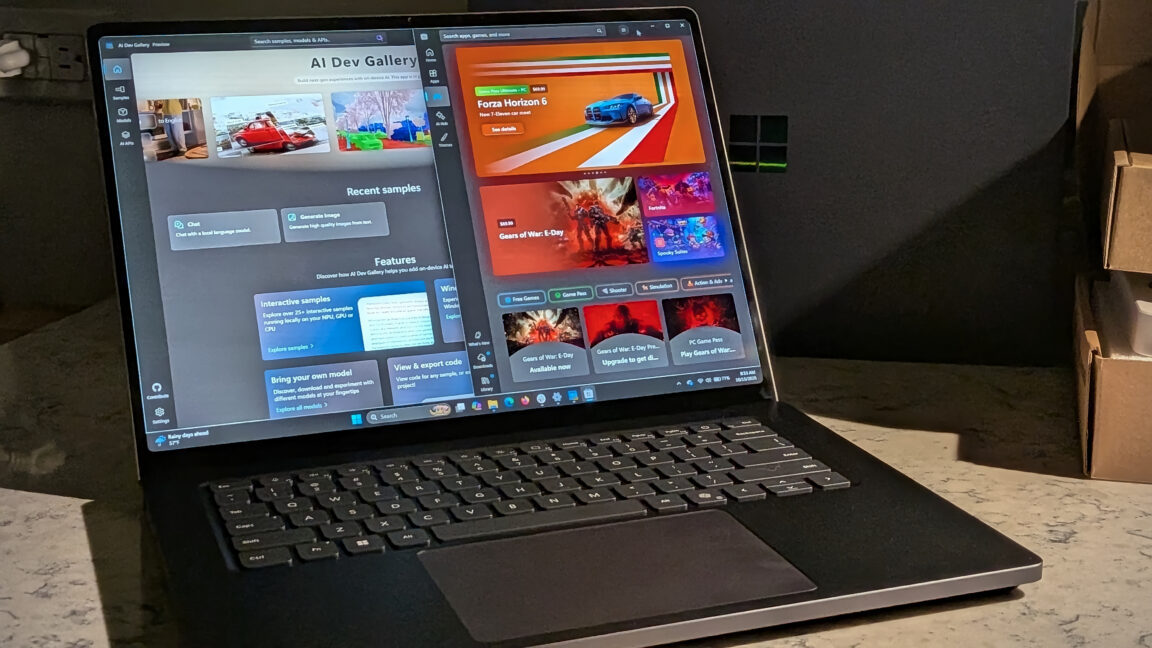
Microsoft's Surface Laptop Ultra, using Nvidia's RTX Spark platform, starts at $2,599 (up to $5,899)
Meta's new commercial terms, effective October 30th, appear to let it crawl and train AI on content from websi…
Vercel data published Thursday shows TypeSafe AI's Jev, a lightweight decision model for choosing among predet…
Reflection AI introduced Beam, an open-weight model for agentic coding and long-horizon tasks, with 501 billio…