What happened
Canva added a toggle that disables generative AI tools like Magic Expand, Canva chatbot image generation, Magic Write, Dream Lab, and Canva Code, available to free and paid users.
Why it matters
The switch answers user frustration with the influx of AI features, but it does not turn off every AI-powered tool, so some AI remains active.
WHO IT HITSDesigners and small-business users who rely on Canva for templates and graphics can now reduce AI-generated suggestions and disable most generative features, while still using AI tools that work only with content already in a design.
Summaries like this, every morning.
Canva's decision to add a generative AI off switch comes after some users expressed frustration with the influx of AI features and asked for ways to turn them off. Since Canva's big push into AI in 2023, the company has only continued to expand its AI-powered image-editing suite, rolling out a prompt-powered editing update in April and launching its first in-house AI model, Canva Craft, last month.
The toggle still turns off many of Canva's other AI features, including Magic Write, Magic Design, Magic Layers, Magic Edit, Dream Lab, Canva Code, and AI Shapes, but it does not disable everything. Canva says the background remover and Magic Grab remain available because they work only with what's already in a design. Separately, users can now choose to see less AI content in Canva's content library, which means human-created content appears first when searching for templates, graphics, and other design elements. Canva says a small portion of its library consists of AI-generated content, and any design that uses one of these elements will have an AI label in its metadata.
Pick your industry and the AI tools you use, and get news related to your work every day.
Free · 30 seconds with Google · unsubscribe anytimeWhat is AIToday? →
Ask AI anything about this article. The AI reads this article, earlier AIToday articles, and Wikipedia, and cites its sources. Q&As are published on this page for other readers too.
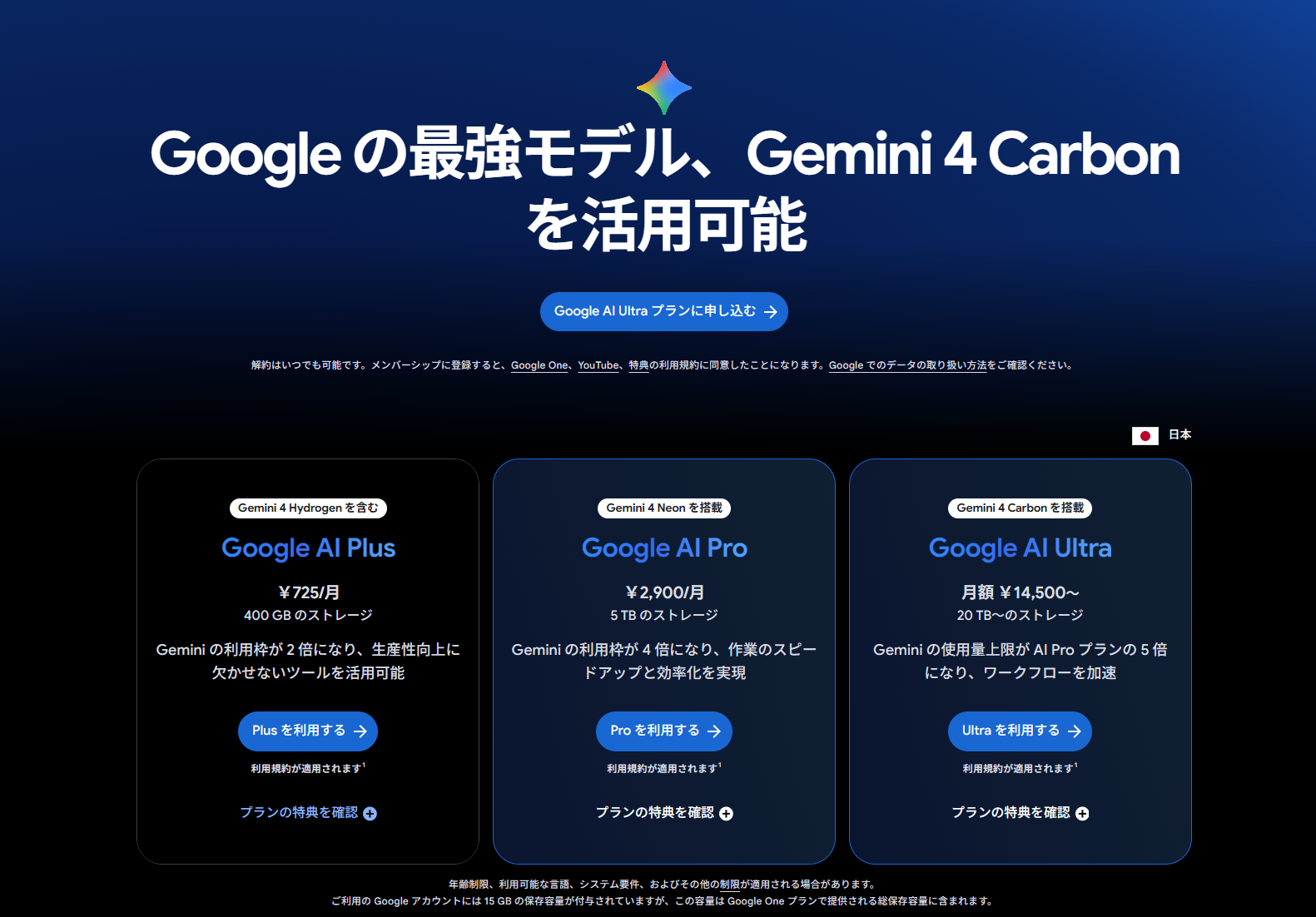
Google said Google AI Ultra (from 14,500円/month) now upgrades its included YouTube Premium from individual to…
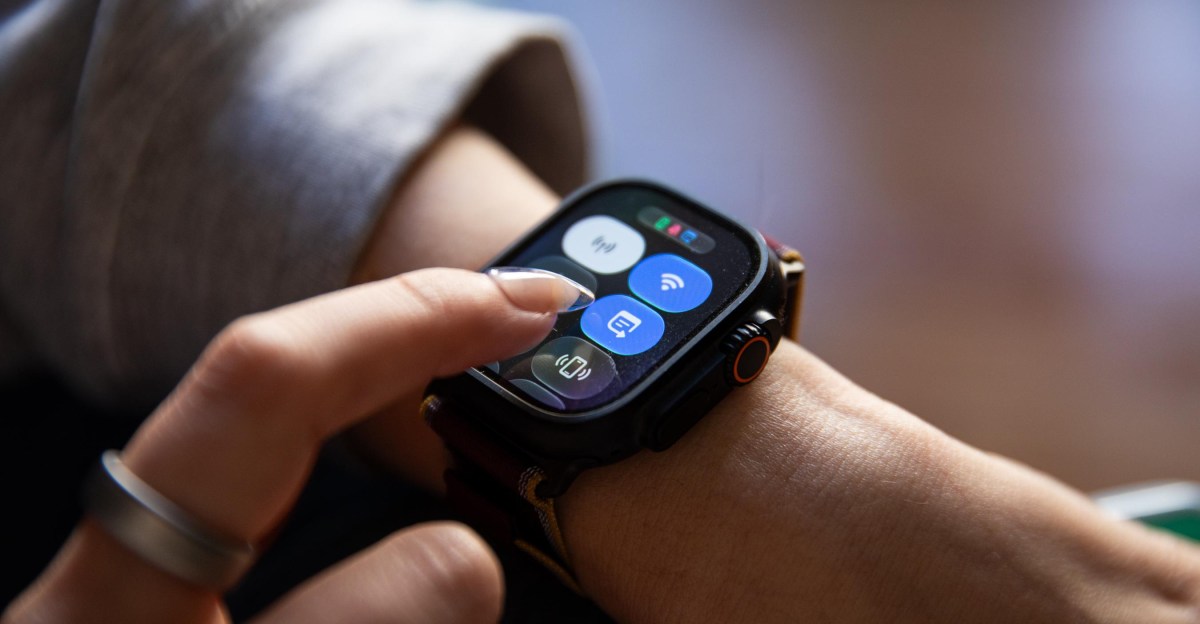
Victoria Song tested Siri Recap on the Apple Watch Ultra 4 for two weeks
Daniel van Strien of Hugging Face tested eight open OCR models on 850 pages from old natural history books, th…
Google DeepMind released Gemini 4 Neon, its fourth Gemini 4 model in about seven weeks
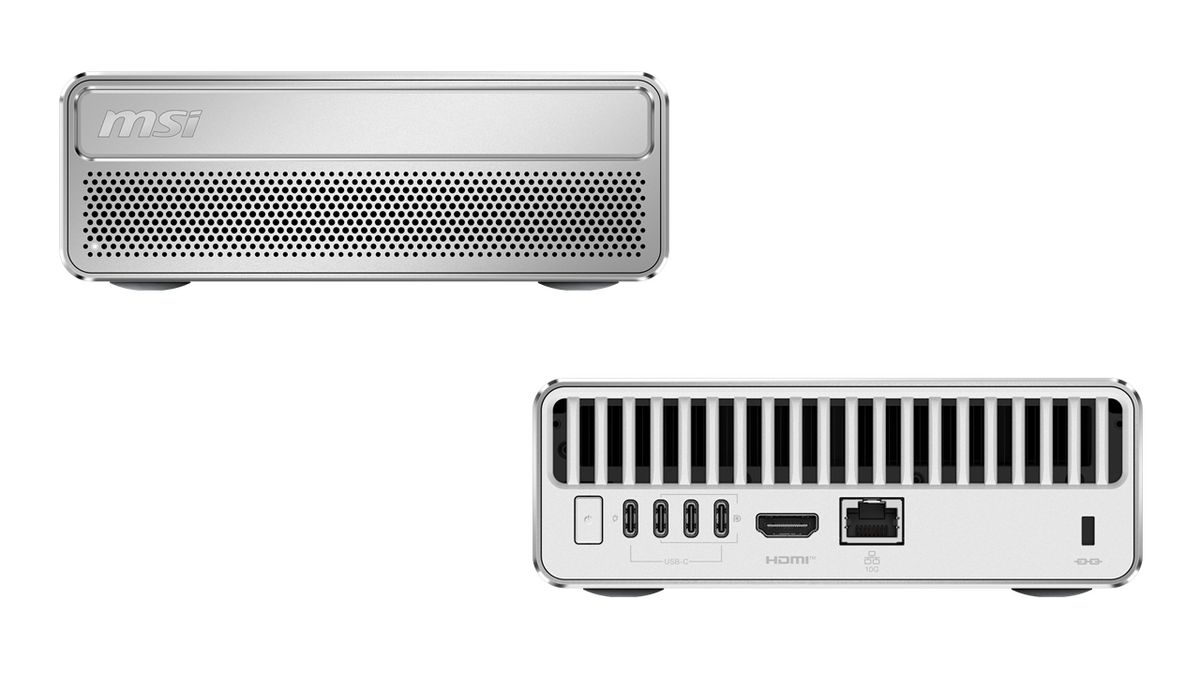
MSI Computer Japan announced the EdgeMesa N AI+ series on Nov 19, a 1.3L compact desktop with NVIDIA RTX Spark…
RebotAi launched the AF13AIR, a 13.4-inch Android 16 tablet with Gemini AI, Widevine L1 and a 10,000mAh batter…