
What happened
A developer released OYAKATA, a browser tool that lists sessions from five coding agents — Claude Code, Codex CLI, Gemini CLI, Copilot CLI and OpenCode — and sends instructions back to them.
Why it matters
Because it watches sessions started anywhere, not only inside itself, engineers juggling several agent sessions in different terminals can see which ones are working, waiting or blocked on a permission prompt in one place.
WHO IT HITSDevelopers and engineers running multiple coding-agent sessions across terminals, VS Code and repos are the clearest beneficiaries, since the tool shows sessions started anywhere and lets them reply from the browser.
Summaries like this, in your inbox every morning.
The project grew out of a specific frustration rather than a product plan: with four terminal tabs open, there was no way to tell which session was idle and which was waiting on a permission prompt, and long answers scrolled past in a wall of Read and Bash logs. The developer tried existing options — Orca, the official Agent View, Remote Control, and tmux-based and worktree-management tools — but each missed on at least one front, whether because it only showed sessions started inside it, because it still displayed plain terminal text, or because it assumed tmux and therefore did not fit a Windows machine.
OYAKATA's approach is to read the record files each agent already writes to disk, rather than wrapping or replacing the agents themselves. That is why sessions begun in a terminal or from a VS Code extension show up alongside ones started in the browser, and why worktrees were later added so parallel sessions in the same repository do not overwrite each other's files. The tool also ships a skill that tells the agent its output will be rendered in the browser, nudging it toward tables and diagrams instead of ASCII art — a small loop that the developer says made them actually read Claude's answers to the end.
Pick your industry and the AI tools you use, and get news related to your work every day.
Free · 30 seconds with Google · unsubscribe anytimeWhat is AIToday? →
Ask AI anything about this article. The AI reads this article, earlier AIToday articles, and Wikipedia, and cites its sources. Q&As are published on this page for other readers too.
ElevenLabs completed a $300 million employee tender at a $22 billion valuation, and co-founder Mati Staniszews…

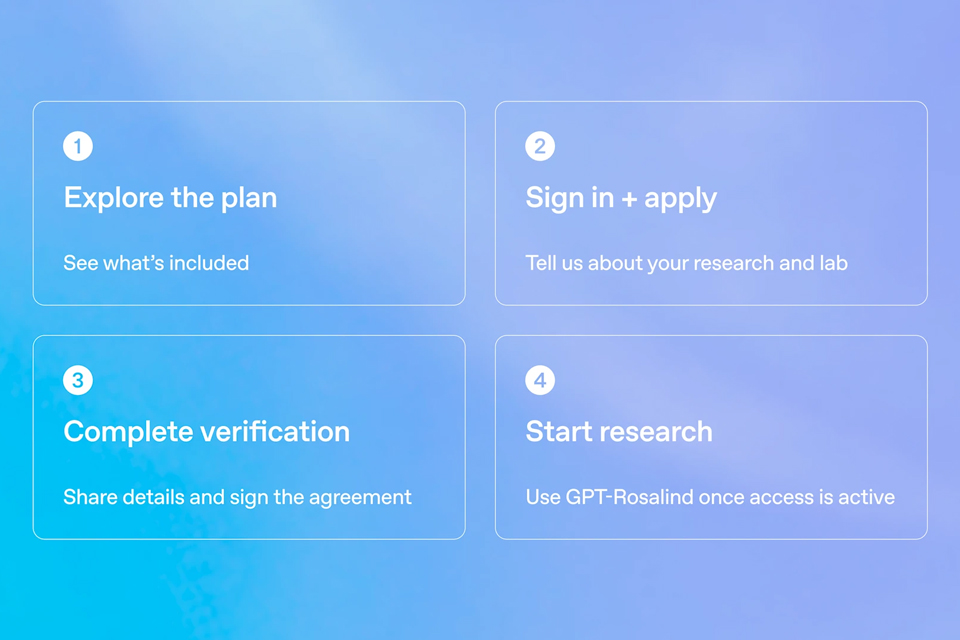
On October 15, OpenAI announced the Rosalind Academic Plan, giving approved US university labs free access to…
A Qiita article compared automated red-teaming methods for LLM apps — GCG, PAIR, and TAP — using mock implemen…

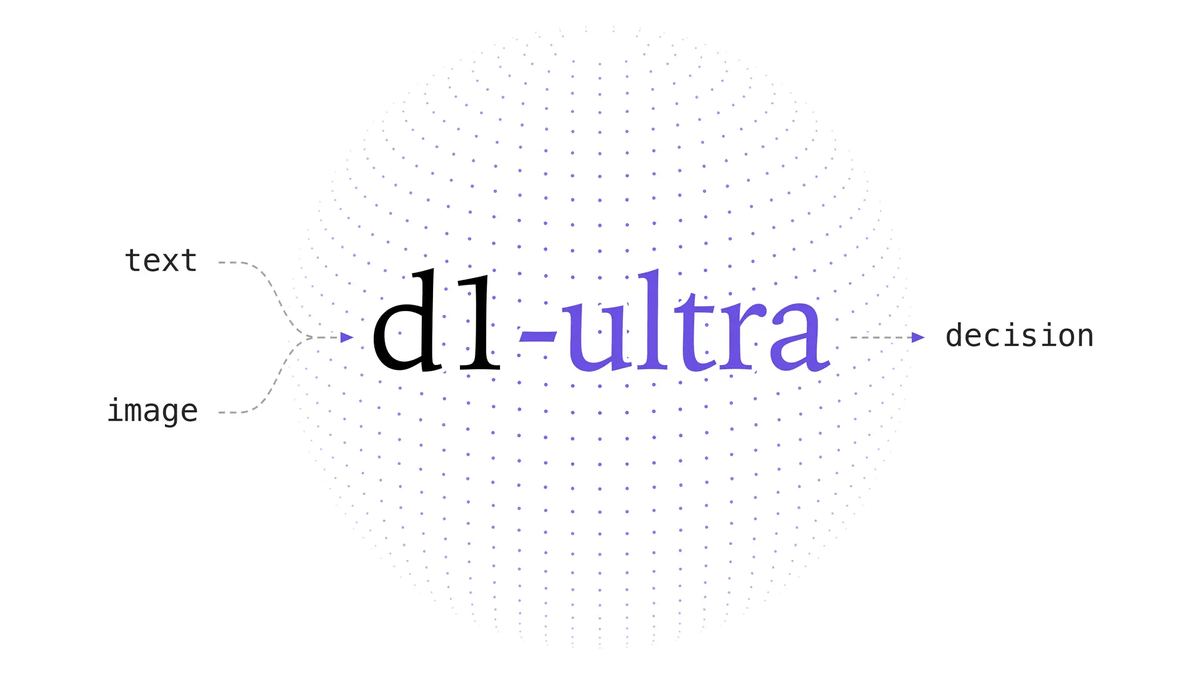
Liquid AI released d1-ultra on October 15, 2026, an upgraded open-weights decision model that averaged 76.7 ac…
Circlia started a proof-of-concept for TASTE SIGNAL: visitors to Holland Village Cafe FUKUOKA taste cookies an…

In a webinar hosted by French Mathematical Society president Isabelle Gallagher, Fields Medal winner Hugo Dumi…

