
What happened
Adobe is releasing three AI audio tools — Generate Music (royalty-free music for videos), Generate Speech (script-to-voiceover conversion), and Generate Sound Effects (scene audio) — across its Firefly platform, all cleared for commercial use. Firefly AI Assistant now offers free daily generations, and Adobe has integrated Google's Gemini Omni Flash model, which accepts video, audio, image, and text inputs alongside existing third-party models from Kling AI, Luma AI, and Runway.
Why it matters
The audio tools extend Firefly's creative suite beyond text and image generation, letting creators produce video soundtracks and voiceovers within a single platform without licensing concerns. Gemini Omni Flash's multimodal input (video, audio, images, text) broadens the range of creative tasks Firefly can handle, potentially streamlining workflows for content producers.
What to watch
Adobe reports that "Create Storyboard" and "Create Brand Kit" are among the most-used Firefly features, suggesting demand for integrated creative tooling; uptake of the audio tools will signal whether users adopt these features at similar rates.
Summaries like this, in your inbox every morning.
Adobe's expansion of Firefly with dedicated audio tools addresses a gap in its creative platform. While Firefly already supported text-to-image and image editing, voiceover and sound design typically required separate tools or outsourced work. By bundling Generate Speech, Generate Music, and Generate Sound Effects alongside existing features, Adobe is attempting to consolidate video production workflows—a meaningful efficiency gain for creators who currently switch between multiple vendors.
The integration of Gemini Omni Flash complements this strategy. Unlike single-modality models, Omni Flash's ability to ingest video, audio, and images alongside text means creators can feed raw footage or audio into Firefly and receive creative suggestions or edits without pre-processing. This multimodal capability sits alongside existing partnerships with Kling AI, Luma AI, and Runway, suggesting Adobe is positioning Firefly as an orchestration layer for multiple generative models rather than betting exclusively on its own models.
Pick your industry and the AI tools you use, and get news related to your work every day.
Free · 30 seconds with Google · unsubscribe anytimeWhat is AIToday? →
Ask AI anything about this article. The AI reads this article, earlier AIToday articles, and Wikipedia, and cites its sources. Q&As are published on this page for other readers too.
On October 12, Adobe and Echigo Tokimeki Railway co-hosted "Enjoy Trainspotting!

A developer split a robot mascot and a raccoon thief illustration with AI for Spine, and reported that the rac…

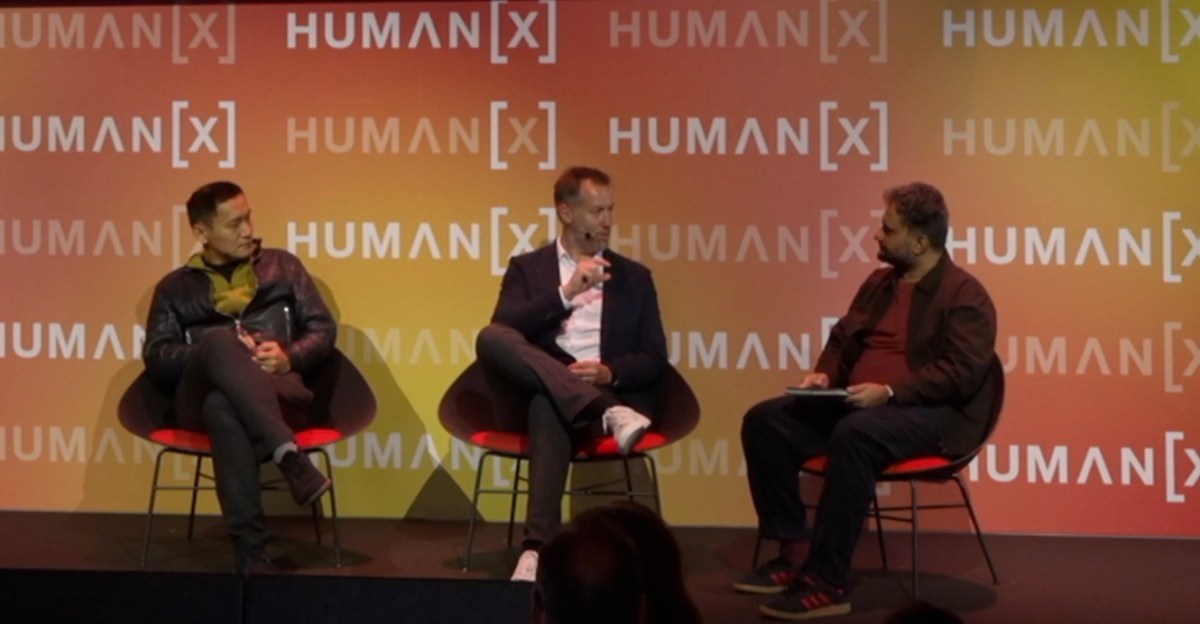
PolyAI CTO Shawn Wen told the HumanX conference that full-duplex models — which can speak while listening — no…
The BBC released the archive of "It'll Never Work?", including a December 10, 1996 episode in which host Sally…

The developer oboroge0 released Hayamimi, a real-time multilingual speech recognition system that runs on CPU…

A generative AI scandal has reached one of Nikon's competitions, per a DPReview report carried on Hacker News