What happened
The GitHub Copilot app now enables developers to create stacked sessions—a series of tasks in the same repository where each session builds on the previous one—and automatically generates corresponding stacked pull requests. A developer used the feature to modernize a decade-old personal project, breaking a complex modernization task (updating React 15, removing Less CSS, replacing react-bootstrap) into multiple sequential sessions rather than one large pull request.
Why it matters
Modernizing legacy codebases without AI assistance would take weeks or months of manual work; the author notes she had previously given up on this exact project. Stacking sessions lets developers avoid scope creep by breaking large refactors into smaller, reviewable pull requests that chain together logically—each PR targets the branch of the PR below it, ultimately landing on main. This approach makes shipping changes simpler and reduces risk compared to one massive pull request.
What to watch
The feature is available now in the GitHub Copilot app and in pull request stacks anywhere you commit code on GitHub. Developers working on legacy codebases or large refactors can test the workflow by starting a session, creating a plan, and using the app to automatically create follow-on stacked sessions when scope grows.
Summaries like this, in your inbox every morning.
The blog post documents a concrete workflow improvement in the GitHub Copilot app: the ability to chain multiple AI-guided development sessions together so that each session's changes build logically on the previous one. The author's use case illustrates why this matters in practice. She had a decade-old personal project (last major updates in 2014) that had become increasingly difficult to maintain—it used React 15, Less CSS preprocessing, and an old version of react-bootstrap. Attempting the modernization as a single large task would have taken weeks or required giving up entirely (which she had done before). By breaking the work into stacked sessions, she was able to handle compatibility issues separately, avoid scope creep (a constant temptation when AI is doing the coding), and ship multiple focused pull requests instead of one unwieldy mega-PR.
The feature appears to address a real pain point in developer workflows: the gap between "I want to refactor this large codebase" and "I want to review and merge changes safely." Stacking allows developers to accept AI's help on large tasks without sacrificing code review discipline or creating dangerously large changesets. The author's excitement about the feature suggests it resonates with developers who use AI coding tools regularly and want to maintain good engineering practices while benefiting from AI assistance.
Pick your industry and the AI tools you use, and get news related to your work every day.
Free · 30 seconds with Google · unsubscribe anytimeWhat is AIToday? →
Ask AI anything about this article. The AI reads this article, earlier AIToday articles, and Wikipedia, and cites its sources. Q&As are published on this page for other readers too.
Circlia started a proof-of-concept for TASTE SIGNAL: visitors to Holland Village Cafe FUKUOKA taste cookies an…

In a webinar hosted by French Mathematical Society president Isabelle Gallagher, Fields Medal winner Hugo Dumi…

NVIDIA released Nemotron 3.5 Super VL, an open-weight model with 120 billion parameters that handles text, ima…
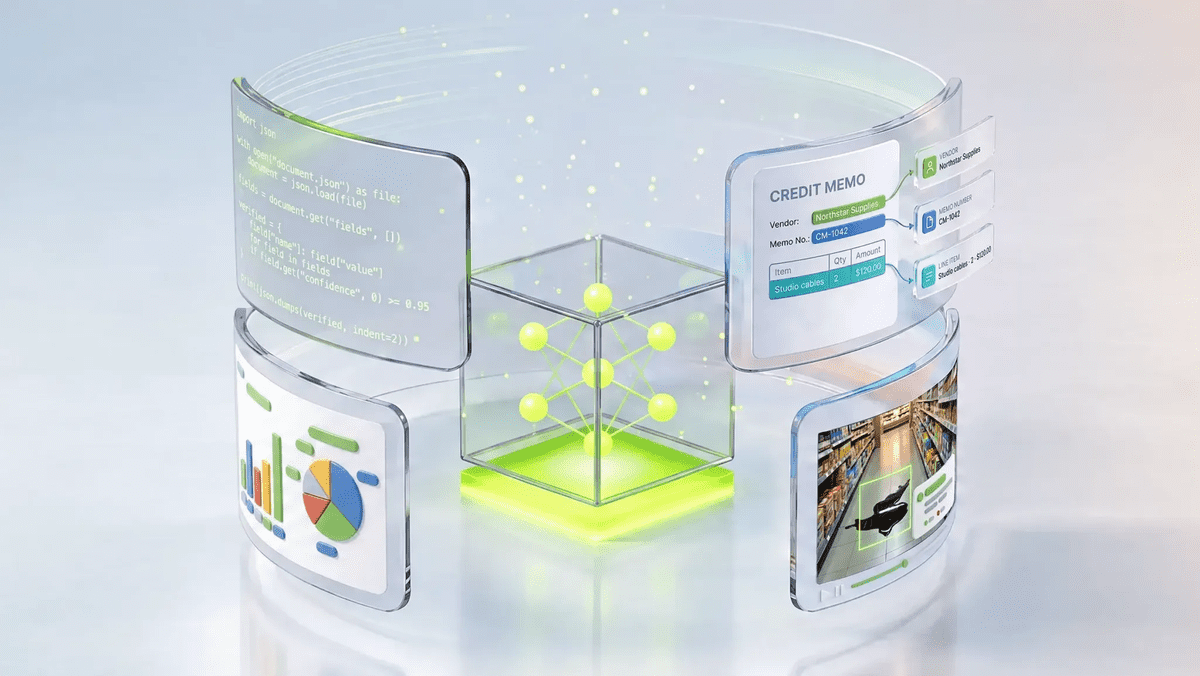
NVIDIA released Nemotron 3.5 Bolt 74B-A9B 24GB, an AI model for local agents that hits over 80 tokens per seco…
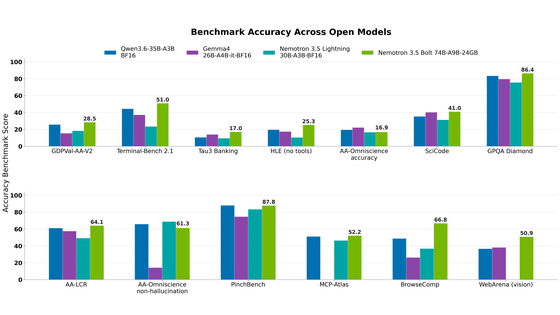
NVIDIA published a blog post titled "AI Security Is an Engineering Problem - How to Solve It at Every Layer of…

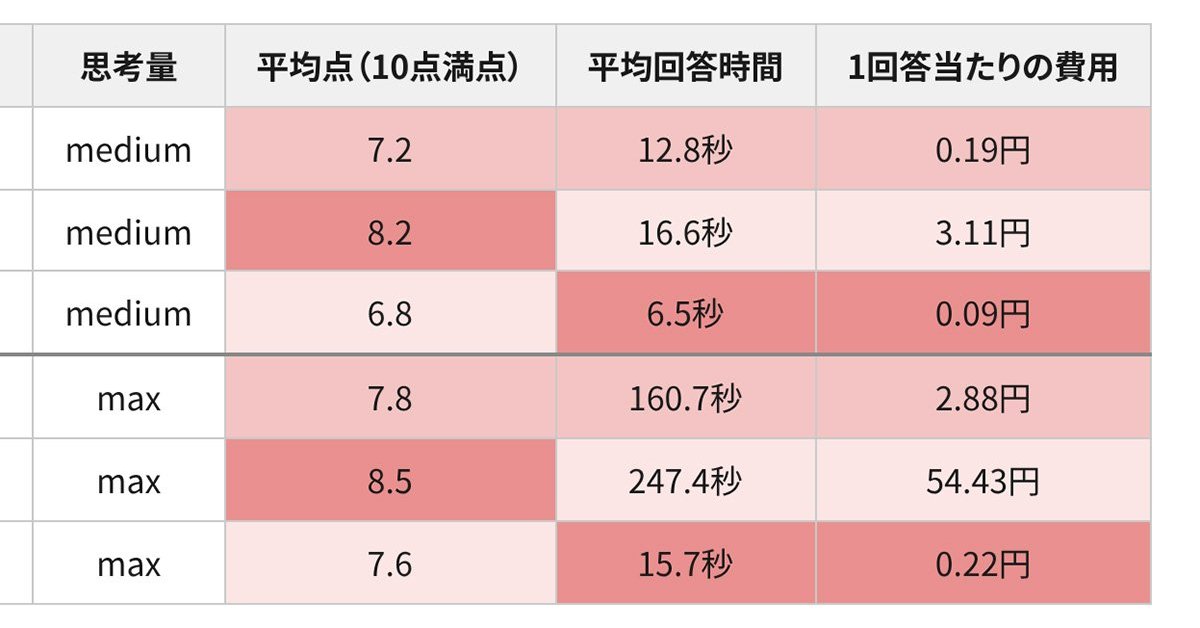
In the test, Haiku 5.5 on medium setting averaged scores close to Sonnet 5.5 on routine documents at about 1/1…