What happened
A developer has released a video editing, screen recording, and streaming tool built in Rust using the Slint GUI framework, supporting Linux and Windows. The tool includes a multi-track timeline, 46 video filters (transform, transition, mask, effect, overlay, and AI/advanced), 12 audio filters, keyframe animation, subtitle editing, and an export system supporting MP4, AAC, FLAC, MP3, OGG, and WAV formats.
Why it matters
The tool bundles extensive AI capabilities—including smart clip detection, speech transcription, scene detection, background removal, watermark removal, super-resolution enhancement, music stem separation, speaker diarization, optical character recognition, text-to-speech, and music generation—making advanced video production accessible without switching between multiple applications. The full undo/redo system and crash recovery protect work in progress.
What to watch
The tool exposes 50+ editor operations via Model Context Protocol, enabling AI agent control; the developer notes that AI operation results are incomplete and not great currently. Screen sharing uses WebRTC and RTMP streaming. Source code and build instructions are available on GitHub.
Summaries like this, in your inbox every morning.
This release represents a comprehensive attempt to consolidate video production workflows into a single Rust-based application. The inclusion of 46 video filters across multiple categories—transform, transition, mask, effect, overlay, and AI/advanced—demonstrates breadth that would typically require plugins or separate tools. The subtitle editing system (with AI translation and removal of hardcoded subtitles via LaMa inpainting) and global filters (progress bar, rotation, timer, speed, danmaku overlay) address both technical and creative use cases common in content creation.
The AI tools suite is the tool's distinguishing feature. Rather than treating AI as an accent, the developer has integrated it deeply: smart clip detection and smart mix (a three-phase pipeline combining transcription, visual recognition, and semantic matching) suggest an attempt to automate editorial decisions. Other tools like stem splitter, speaker diarization, and the embedding-based similar video segment detection lower barriers for creators who lack audio engineering or linguistic expertise. The developer's note that AI operation results are "not great, currently incomplete" signals active development and honest assessment of what remains work-in-progress.
The export queue system supporting parallel tasks and the full undo/redo system (with configurable history up to 1000 steps) reflect production-focused design. However, the tool's dual build process (separate Wayland wlr and XDG portal versions on Linux, separate Windows setup with FFmpeg and Qt dependencies) indicates a steep build and configuration surface, likely limiting uptake beyond developers and technically proficient users.
Pick your industry and the AI tools you use, and get news related to your work every day.
Free · 30 seconds with Google · unsubscribe anytimeWhat is AIToday? →
Ask AI anything about this article. The AI reads this article, earlier AIToday articles, and Wikipedia, and cites its sources. Q&As are published on this page for other readers too.
ElevenLabs completed a $300 million employee tender at a $22 billion valuation, and co-founder Mati Staniszews…

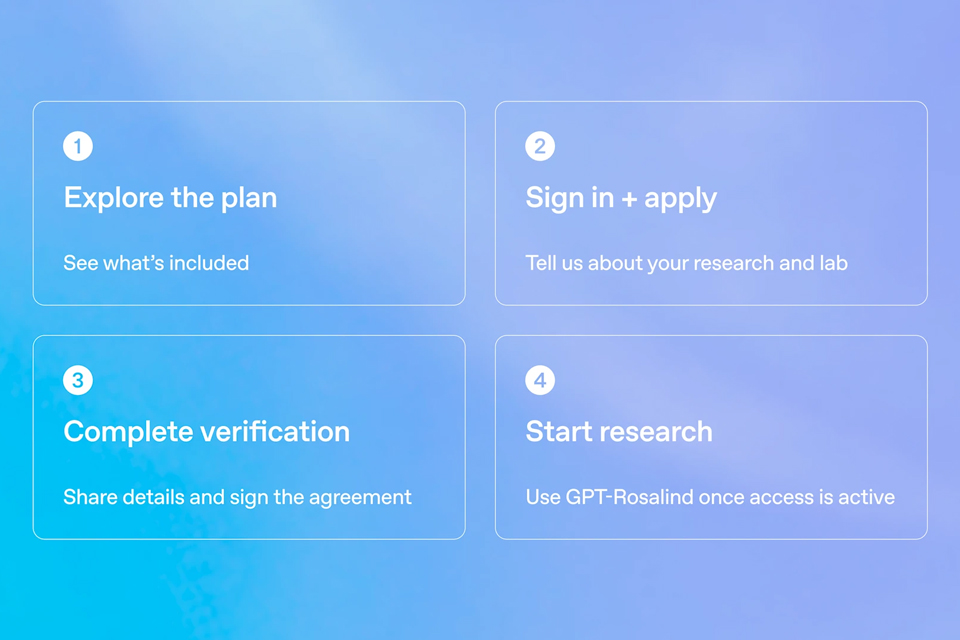
On October 15, OpenAI announced the Rosalind Academic Plan, giving approved US university labs free access to…
A Qiita article compared automated red-teaming methods for LLM apps — GCG, PAIR, and TAP — using mock implemen…

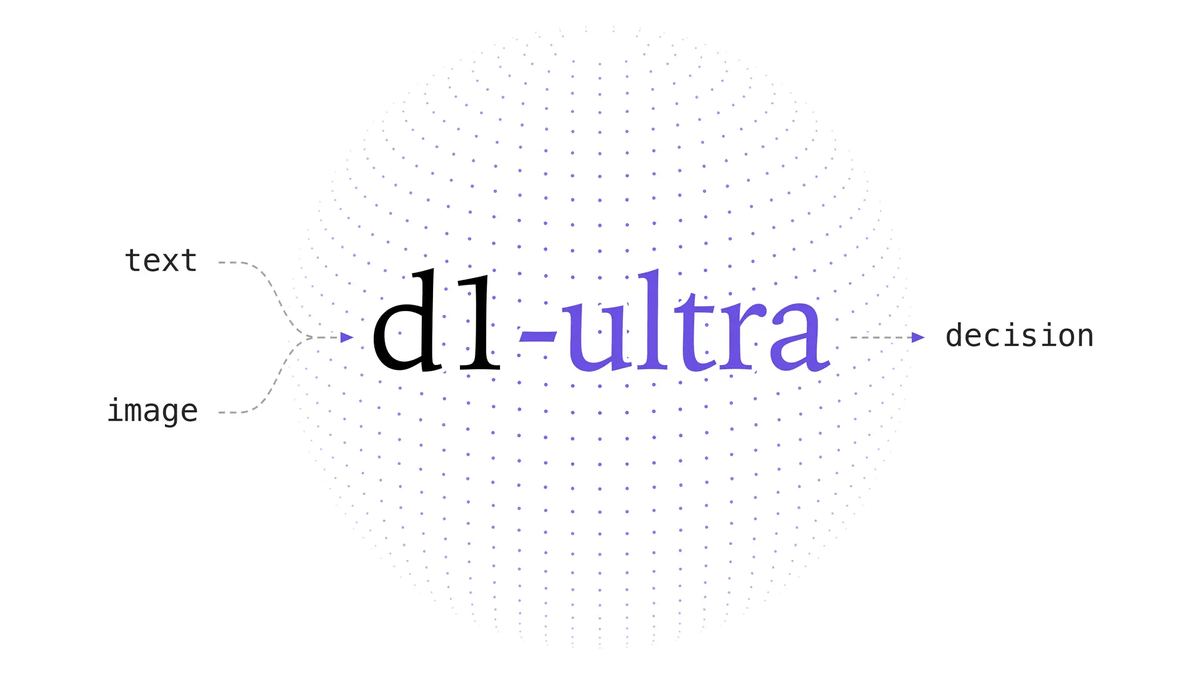
Liquid AI released d1-ultra on October 15, 2026, an upgraded open-weights decision model that averaged 76.7 ac…
Circlia started a proof-of-concept for TASTE SIGNAL: visitors to Holland Village Cafe FUKUOKA taste cookies an…

In a webinar hosted by French Mathematical Society president Isabelle Gallagher, Fields Medal winner Hugo Dumi…

