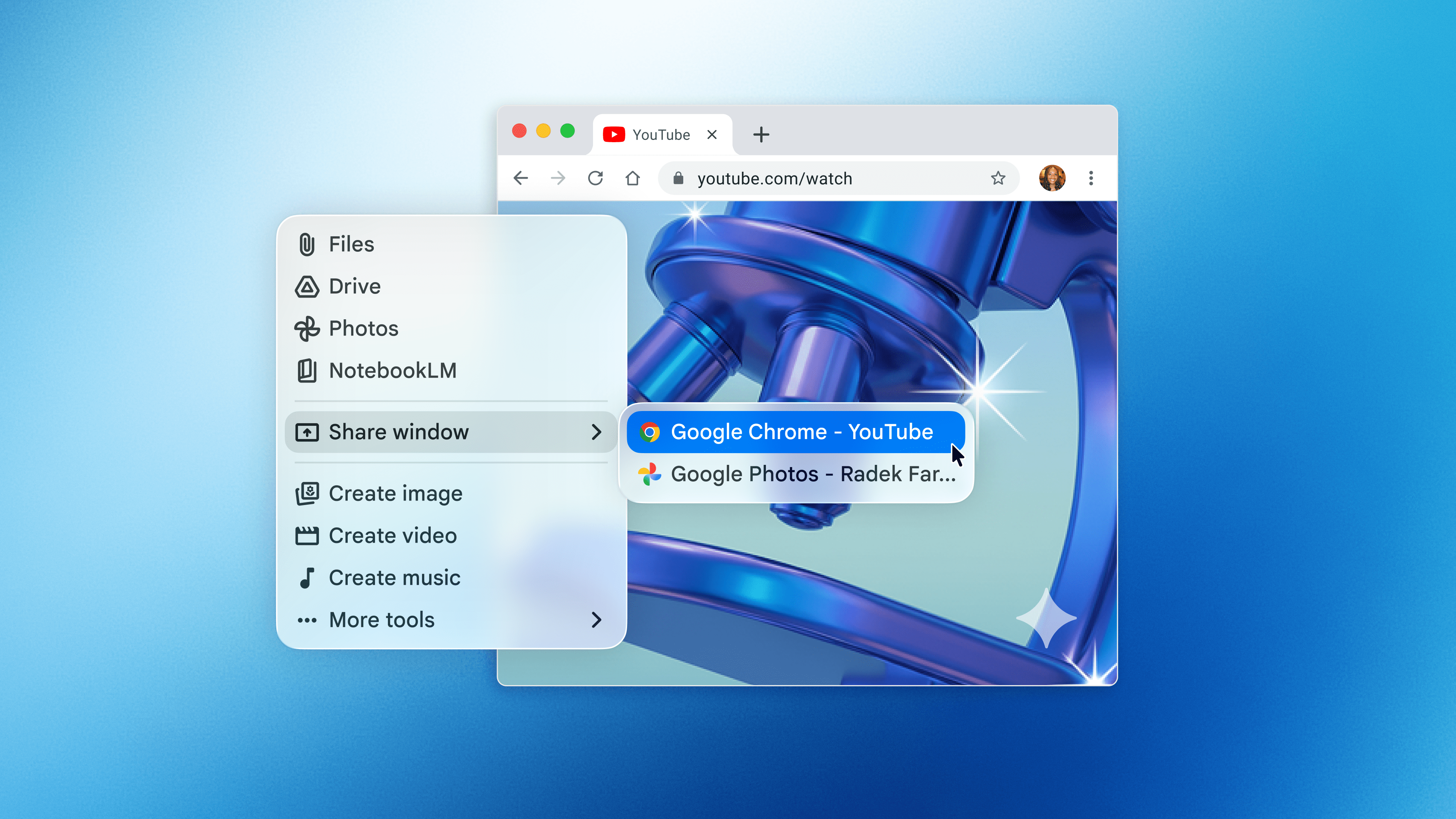
New Gemini app for Mac enables quick access to Google's AI assistant without leaving your current window
Users can activate the floating chat interface using Option + Space keyboard shortcut
Gemini can analyze and pull information from your screen to provide contextual answers after receiving system permission
The feature mirrors Apple's enhanced Spotlight search, which now supports device actions and system-level tasks
Ask the AI about this article →
For example, today's edition would include:
AI-summarized, only the topics you pick — one digest a day via Email, Slack, or Discord.
Free · takes 30 seconds · unsubscribe anytimeWhat is AIToday? →
Ask AI anything about this article. Q&As are published on this page for other readers too.
CBTS Technology Solutions LLC launched Forge Agents, a platform that turns a plain-language job description in…

Imec CEO Patrick Vandenameele said at SEMICON Taiwan 2026 that the Belgian research center is broadening its c…

Alphabet's AI Overviews now reach over 2.5 billion monthly users through Google Search, and its ad business ge…

Visual Studio Code 1.135 now includes an experimental 'Rubber Duck' feature that lets developers request a sec…

Amazon Web Services (AWS) has integrated its fully managed data warehouse service, Amazon Redshift, with Agent…

Sonos announced a new app update with generative AI features, a new soundbar called the Beam Ultra, and its se…