What happened
Hotcell is a new open-source tool that runs isolated sandboxes for AI agents on your own hardware—a Mac Mini, cloud VM, or bare-metal box—while keeping API keys on the host machine instead of inside the sandboxes.
Why it matters
The tool addresses a security concern for developers running multiple AI agents: credentials for LLMs, GitHub, and other services are swapped for short-lived per-sandbox tokens at a gateway, preventing any single compromised sandbox from exposing real API keys. Developers can spawn as many isolated agent environments as their hardware supports, with per-cell CPU/memory/cost metering.
What to watch
Hotcell supports Docker everywhere, Firecracker microVMs on Linux/KVM, and Apple VZ on macOS for VM-grade isolation. It is available now under Apache-2.0 license; install via `npm i -g hotcell`. The tool includes an optional default-deny egress control (kernel-enforced on Linux and microVMs, advisory on macOS Docker) and works with OpenRouter, GitHub, OpenAI, Anthropic, Stripe, Slack, and Cloudflare out of the box.
Summaries like this, in your inbox every morning.
Hotcell addresses a practical security gap in AI agent deployment: as teams run multiple autonomous agents on shared code repositories or across cloud infrastructure, the traditional approach of embedding API keys in sandboxes creates a large attack surface. A single compromised agent environment could expose credentials for all downstream services. Hotcell's architecture flips this by keeping credentials on the host and using a gateway to mediate all outbound calls—each sandbox holds only a temporary, narrowly-scoped token that cannot be reused or transferred.
The tool's flexibility across hardware (Mac Mini, cloud VM, bare metal) and container runtimes (Docker, Firecracker, Apple VZ) reflects the reality that different teams have different infrastructure. The admission control that refuses over-subscription instead of triggering out-of-memory errors, combined with per-cell CPU/memory/cost metering, suggests the developers have thought through the operational challenge of running dozens of agents on finite hardware without cascading failures.
A limitation the documentation acknowledges: the gateway cannot protect credentials that travel outside HTTP headers (database passwords in wire handshakes, AWS SigV4 signatures signed locally, mTLS certificates). For these, developers must choose to inject the real value into the sandbox, accepting the risk. The tool also requires that SDKs read injected base-URL environment variables; those that hardcode their endpoint will bypass the gateway unless egress enforcement denies them outright.
Pick your industry and the AI tools you use, and get news related to your work every day.
Free · 30 seconds with Google · unsubscribe anytimeWhat is AIToday? →
Ask AI anything about this article. The AI reads this article, earlier AIToday articles, and Wikipedia, and cites its sources. Q&As are published on this page for other readers too.
Circlia started a proof-of-concept for TASTE SIGNAL: visitors to Holland Village Cafe FUKUOKA taste cookies an…

In a webinar hosted by French Mathematical Society president Isabelle Gallagher, Fields Medal winner Hugo Dumi…

NVIDIA released Nemotron 3.5 Super VL, an open-weight model with 120 billion parameters that handles text, ima…
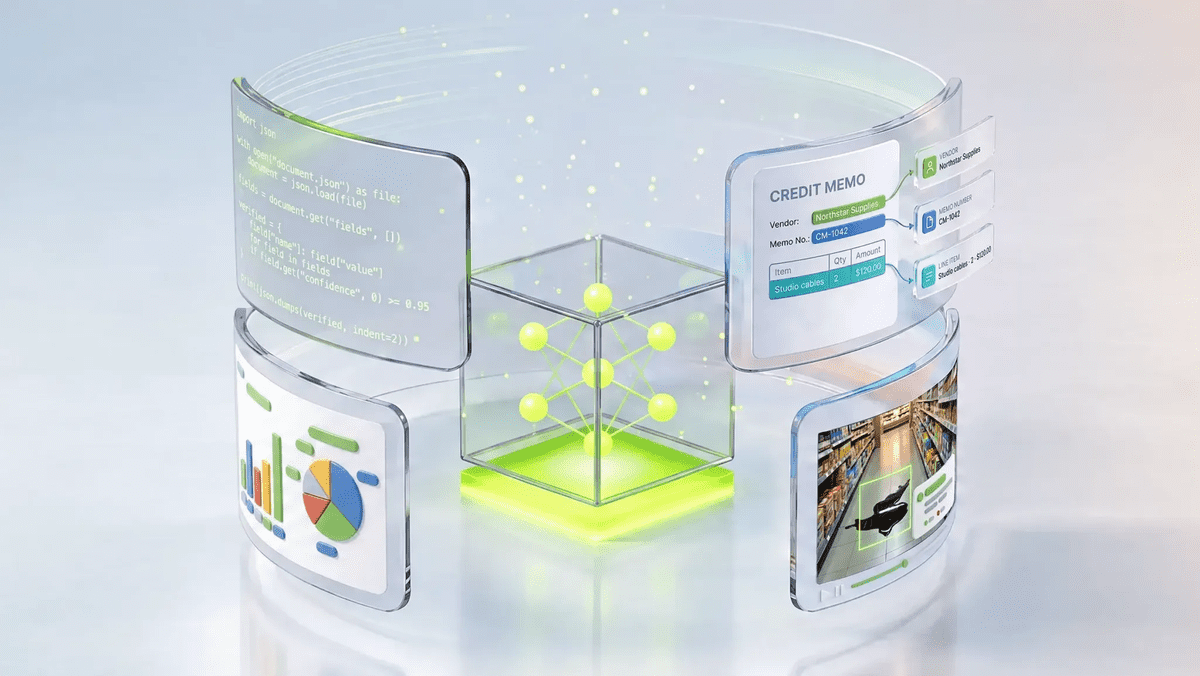
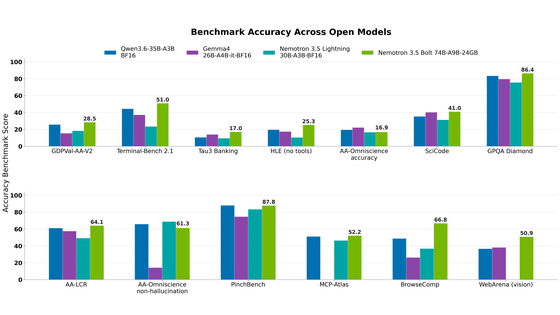
NVIDIA released Nemotron 3.5 Bolt 74B-A9B 24GB, an AI model for local agents that hits over 80 tokens per seco…
NVIDIA published a blog post titled "AI Security Is an Engineering Problem - How to Solve It at Every Layer of…
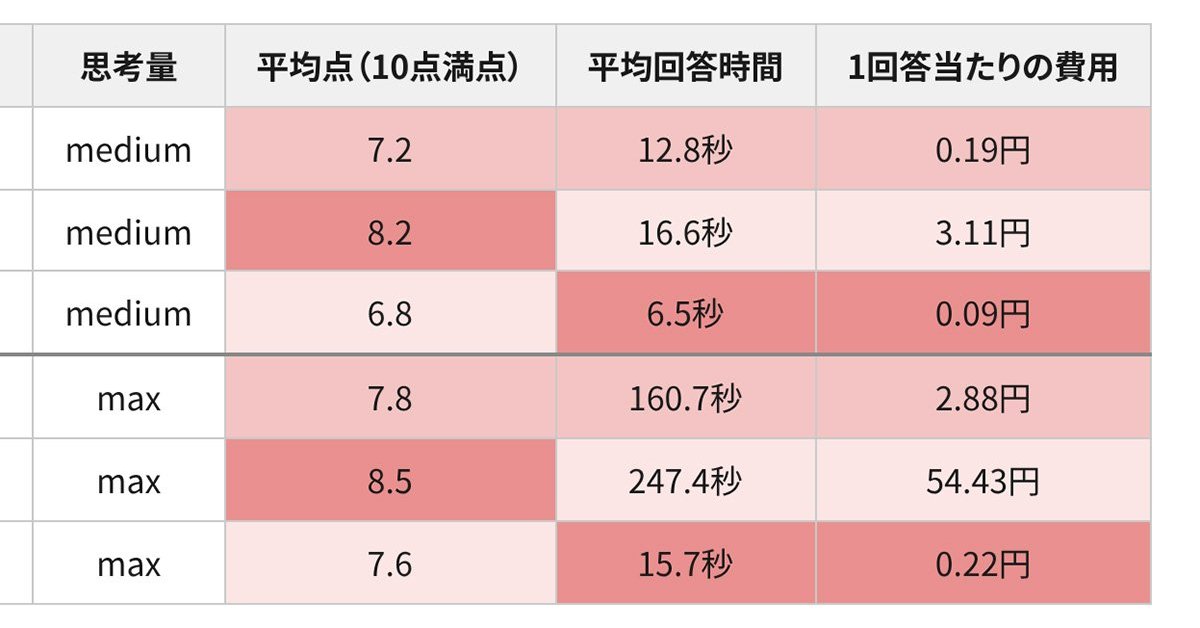
In the test, Haiku 5.5 on medium setting averaged scores close to Sonnet 5.5 on routine documents at about 1/1…