What happened
Smartsheet launched a generally available Model Context Protocol (MCP) Server that connects AI assistants to project data through more than 40 tools for sheets, rows, columns, and automations.
Why it matters
Users can update task statuses, create rows, and modify project structure through natural language, without switching tools or building a report or dashboard.
WHO IT HITSProject managers and operations teams can query and update Smartsheet data via natural language assistants, while developers can reference project context directly in their coding environment. Enterprise administrators gain organization-level controls over AI features and write-tool access by user group.
Summaries like this, in your inbox every morning.
Smartsheet's new MCP Server arrives as organizations look to let AI agents act on real work rather than just answer questions. The server provides structured context—row relationships, column types, cell history, and comments—which produces token-efficient payload sizes rather than raw API payloads. According to the announcement, this engineering decision reduces cost and improves latency at scale when running hundreds of AI-assisted queries across a project portfolio.
The integration paths target two distinct audiences. Business users, project managers, and operations teams can use Amazon Quick, an agentic AI workspace with Smartsheet as a pre-built connector, to query and update sheets through natural language. Developers can use Kiro, an agentic IDE, to reference project specs and update task statuses without leaving their coding workflow. Both paths expose the same Smartsheet toolset, so the choice depends on where the work gets done rather than on feature differences.
For regulated or enterprise environments, the security model builds on the same infrastructure and permissions layer as the Smartsheet REST API. Agents can only access data the authenticated user has permission to see, and administrators can toggle AI features globally or configure write-tool access by user group. The server does not store prompts, which may ease compliance reviews for teams concerned about data leakage through AI assistants.
Pick your industry and the AI tools you use, and get news related to your work every day.
Free · 30 seconds with Google · unsubscribe anytimeWhat is AIToday? →
Ask AI anything about this article. The AI reads this article, earlier AIToday articles, and Wikipedia, and cites its sources. Q&As are published on this page for other readers too.
ASI Inc., formerly Air Space Intelligence, raised a $325 million Series C led by Spark Capital, valuing it at…

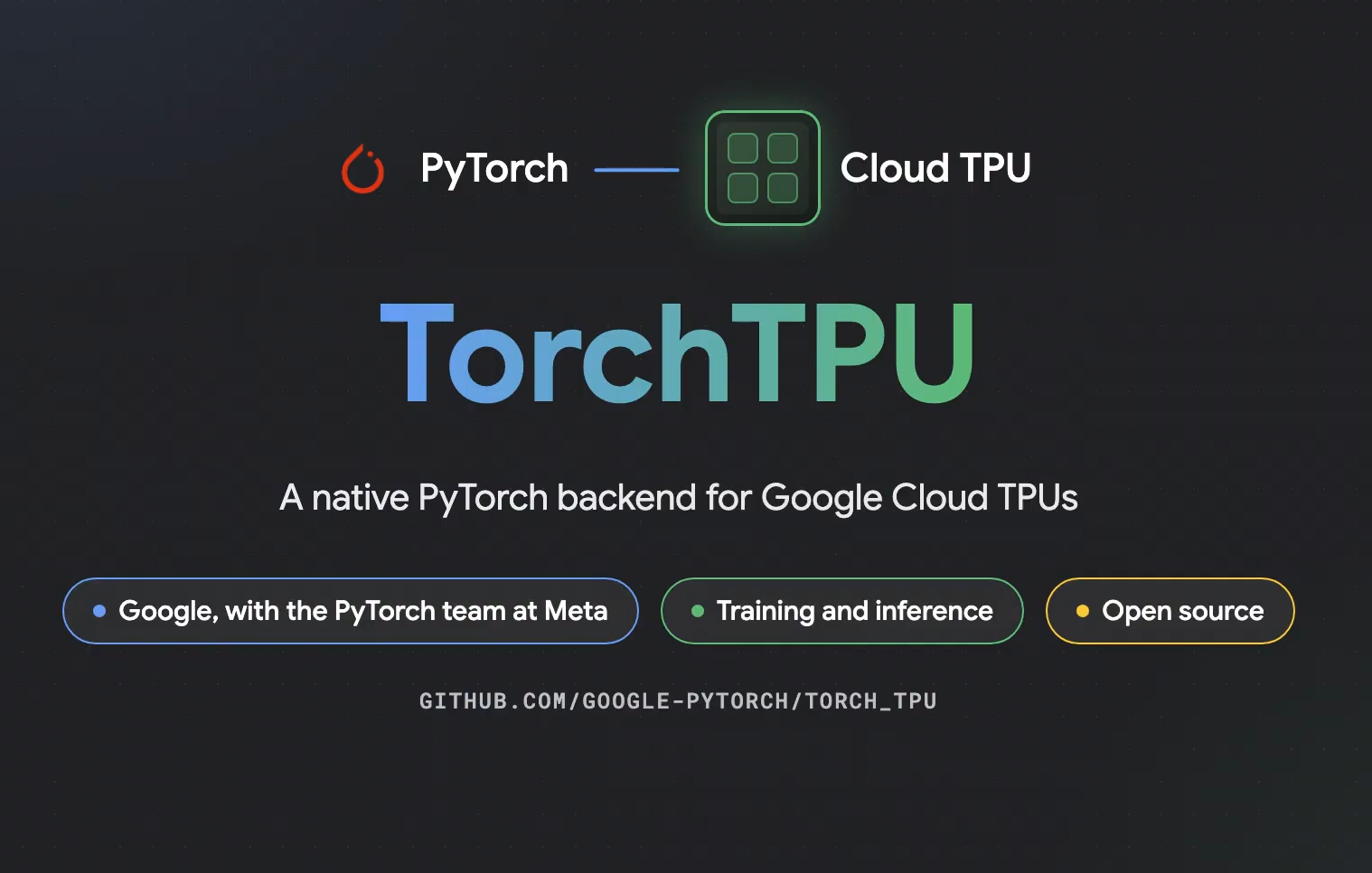
Google released TorchTPU, a version of the PyTorch framework that lets developers run existing AI apps and mod…
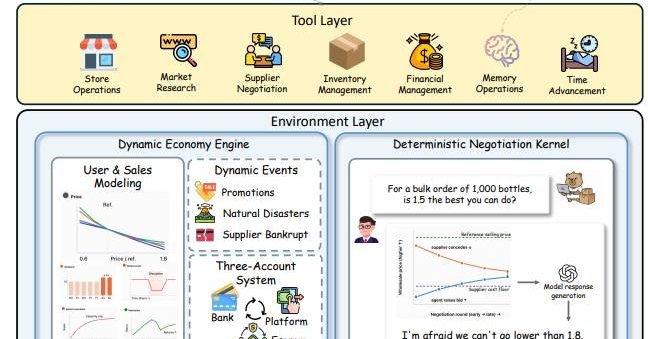
In a benchmark called E-Commerce Bench, 18 AI models ran up to four simulated shops for 365 days, using 18 too…
ITmedia's AI Plus released a 14-page booklet on using Gemini Notebook's (formerly NotebookLM) Studio feature…

Axon stock is down 54% from its 2025 peak and 30% year-to-date, even as the iShares Expanded Tech-Software Sec…

IBM Research's ALTK-Evolve turns each customer-service agent trial into short action rules and injects them in…


