HyperFrames, HeyGen's open-source (Apache 2.0) video tool, turns an HTML file into MP4 using headless Chrome and FFmpeg; one prompt to Claude Code produced a 1920×1080, H.264, 20.0-second video in about 6 minutes.
Summaries like this, in your inbox every morning.
The walkthrough is built around how HyperFrames splits labor: the AI writes only the HTML, while the tool handles rendering to video. HyperFrames is positioned from the start for coding agents — its README headline reads "Write HTML. Render video. Built for agents." — and three roles are distinguished: the person who asks in one sentence and checks the output, the AI that writes the HTML and assembles parts, and HyperFrames itself, which captures frame by frame in a browser and combines them with FFmpeg.
In practice, the AI did not start writing HTML immediately. It read the skill installed by init, searched the official component catalog, added five blocks (including code-terminal-run and count-up), ran a check, and took snapshot frames before rendering. That scaffolding — a catalog, instructions, checks, and frame samples — is what separates this from simply having the AI write an FFmpeg script.
Caveats are practical rather than technical. The template loads GSAP and fonts from external CDNs at render time, so an offline or restricted network fails unless you vendor them locally. The built-in text-to-speech produced Japanese the author could not understand, so supplying your own audio file is advised. Licensing also matters for commercial use: bundled sound effects are declared under the Pixabay Content License, and one music-generation route, MusicGen, has model weights under CC-BY-NC 4.0 (non-commercial) — though the BGM here was synthesized by the AI with FFmpeg, avoiding that issue.
Pick your industry and the AI tools you use, and get news related to your work every day.
Free · 30 seconds with Google · unsubscribe anytimeWhat is AIToday? →
Ask AI anything about this article. The AI reads this article, earlier AIToday articles, and Wikipedia, and cites its sources. Q&As are published on this page for other readers too.
Valuence's "Generative AI User Trends Survey" (June 2024–May 2026) tracked six services including ChatGPT, Gem…
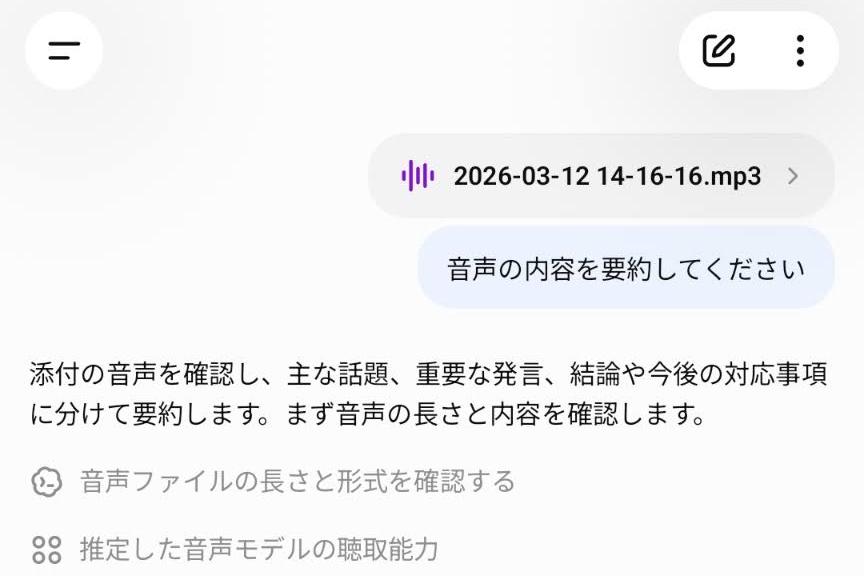
OpenAI began offering a ChatGPT feature that accepts uploaded audio files and can transcribe them, summarize t…
On a self-built 76-question Jev-format set, six trained 3B–9B open-weight models (Imajev-4B, Clef-Flash 9B, Je…

At Gemini at Work, Google introduced the Gemini agent, built into Gemini Enterprise, which gathers information…
Google released Google AI Edge Foresight, a free macOS Labs app that uses EmbeddingGemma 2 and Gemma 4 to tran…
The Association for Human Mathematics said OpenAI's release of 722 AI-generated "mathematical results" is not…