What happened
An overview of how to benchmark a development workstation before running robotics simulations, covering processor, graphics card, memory, and storage testing across platforms like macOS, Windows, and Linux.
Why it matters
Identifying hardware limitations early through benchmarking establishes a reliable performance baseline, making it easier to spot whether slowdowns during robot development come from software changes or hardware constraints—avoiding wasted engineering time on systems that cannot handle the computational load.
What to watch
Test with representative simulators (RoboDK, KUKA.Sim, Visual Components, DELMIA, ABB RobotStudio, Siemens Process Simulate) and monitor simulation speed, frame rate, CPU/GPU utilization, memory consumption, loading times, and temperatures across multiple runs with identical settings to get an accurate picture.
Summaries like this, in your inbox every morning.
Robotics simulations demand substantial computational resources—complex physics calculations, 3D rendering, and AI-powered perception place stress on workstations similar to the physical systems that will eventually be deployed. Before investing time in development, engineers need to understand whether their hardware can sustain the workload, because the weakest component in the system determines overall performance. A faster graphics card, for example, cannot eliminate slowdowns if the processor is already operating at full capacity or memory is exhausted.
Benchmarking establishes a baseline against which all future changes can be measured. By testing the workstation under load before work begins—using both synthetic benchmarking tools and real simulation software from platforms like RoboDK or ABB RobotStudio—engineers gain clarity on what the system can deliver. Once that baseline exists, any degradation after software updates or project expansion can be traced to its actual cause rather than assumed to be a hardware problem. The process applies equally across operating systems: macOS, Windows, and Linux systems all benefit from the same testing discipline.
Pick your industry and the AI tools you use, and get news related to your work every day.
Free · 30 seconds with Google · unsubscribe anytimeWhat is AIToday? →
Ask AI anything about this article. The AI reads this article, earlier AIToday articles, and Wikipedia, and cites its sources. Q&As are published on this page for other readers too.
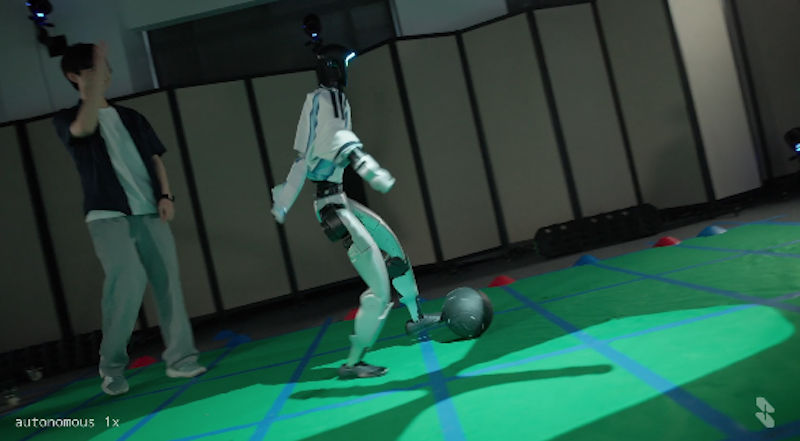
Skild AI used Nvidia Isaac Sim to give its S1 model one objective — score a goal — and let it compete against…
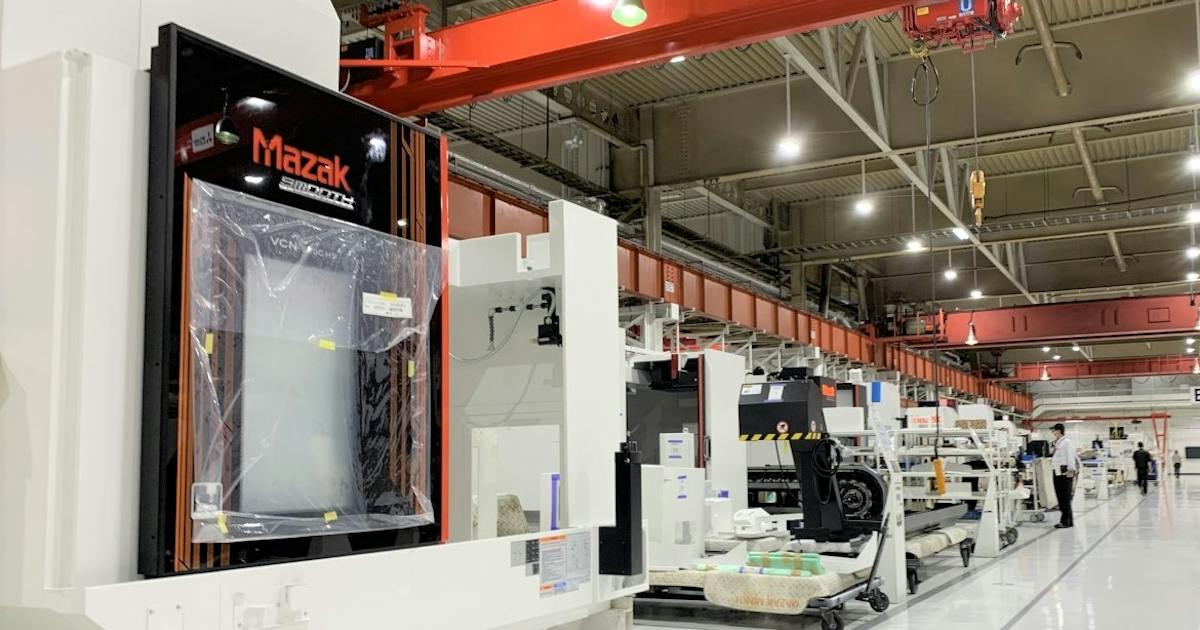
Yamazaki Mazak and ABEJA said on the 16th they will start joint development of physical AI, using ABEJA's ABEJ…
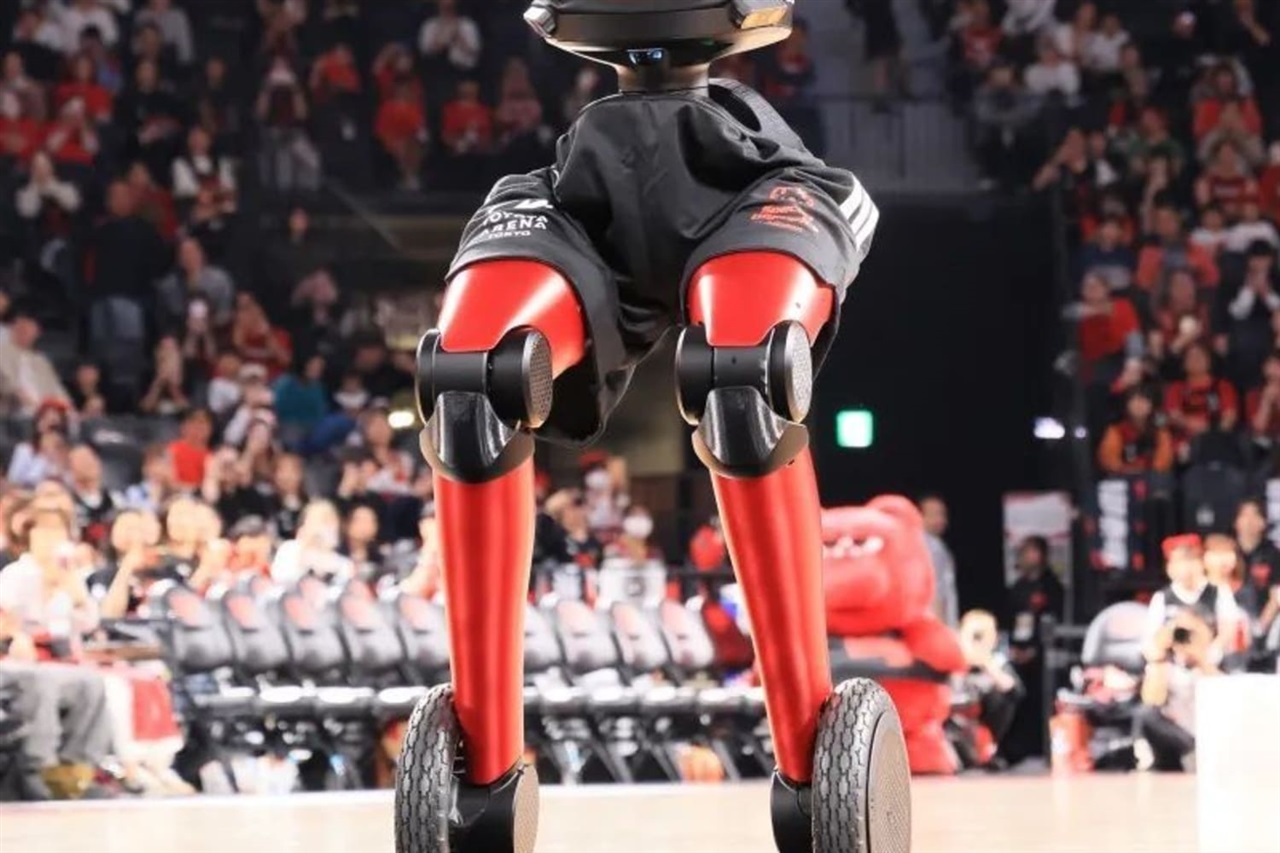
Toyota Motor's Japan Mobility Show Bizweek 2026 booth centers on its AI basketball robot CUE7, has no other ex…
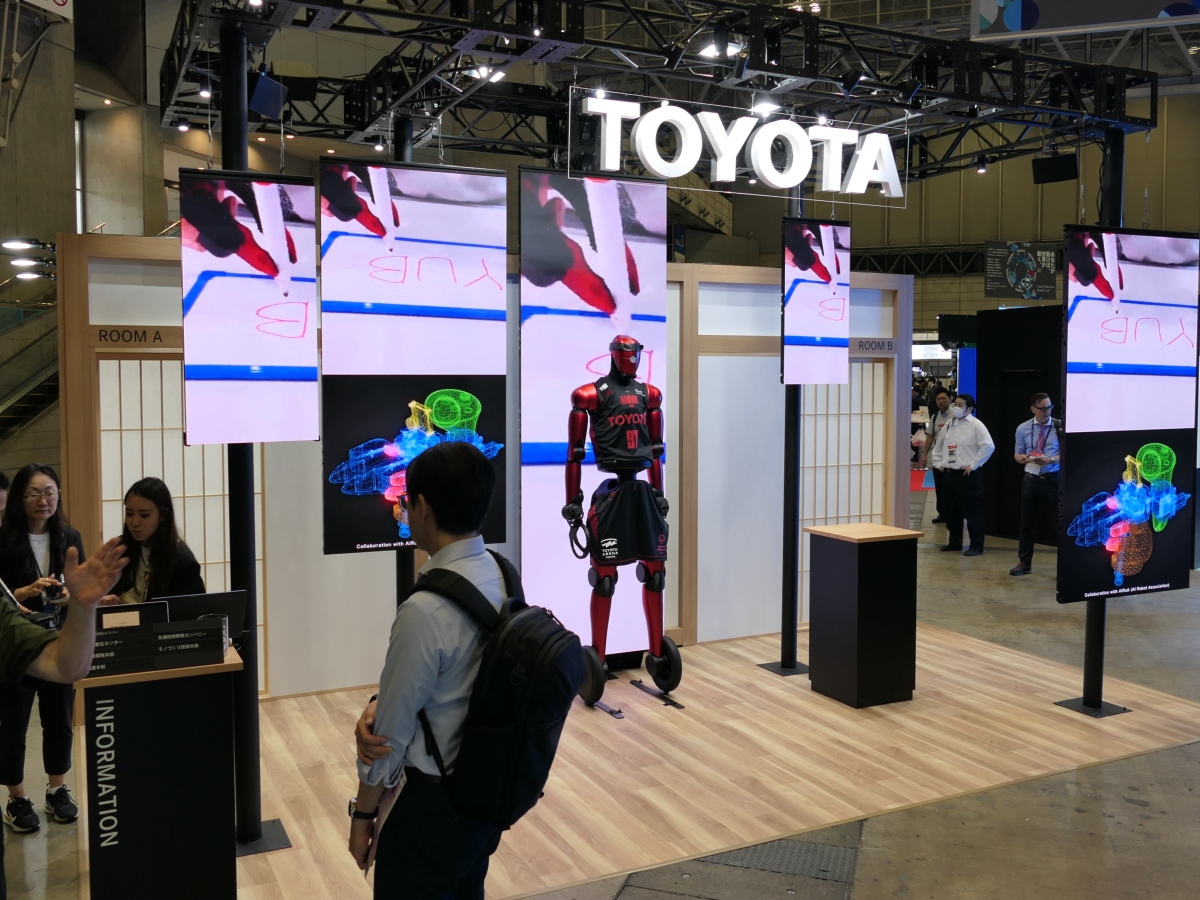
Japan Mobility Show Bizweek 2026 showcased Physical AI applications, including Toyota's basketball-playing rob…
Google pitched Gemini 4 Argon as one model for robot control, simulation and training-data review, saying it s…
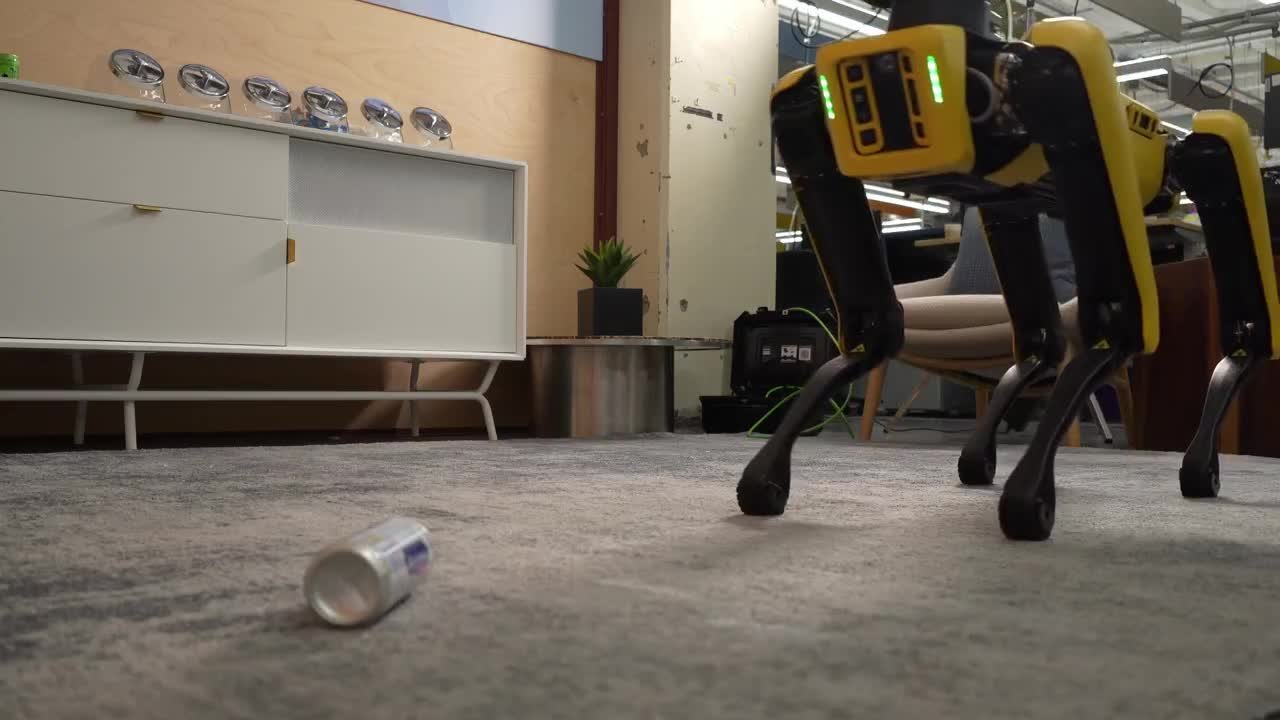
Researcher Sammy Azdoufal discovered Energize Lab's Eiliko robot stores 13 million conversations from 68,000 t…