What happened
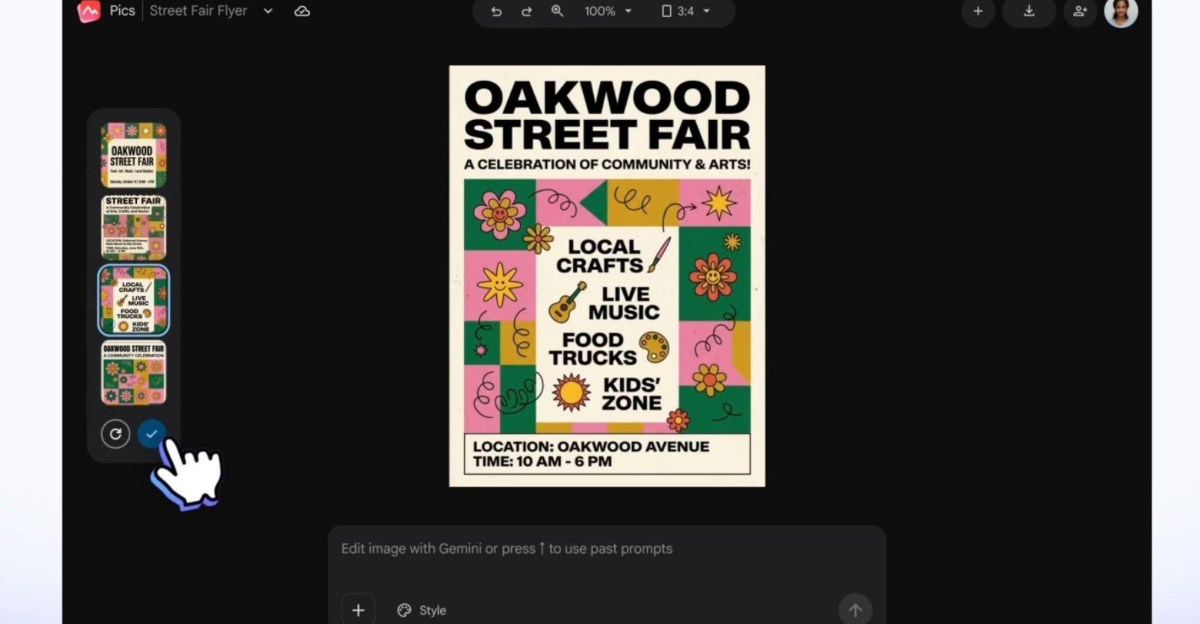
Google has launched Google Pics, a new suite of creative design tools for Workspace users, built around Gemini and the Nano Banana AI model. It is available as a standalone app and integrated into Google Docs and Slides, with Drive rollout planned.
Why it matters
Google aims to solve business pain points with AI image generation, such as inconsistent results and cumbersome workflows, by offering more precise control. This could reduce the need for Workspace users to rely on third-party tools like Canva or Adobe Express.
What to watch
The rollout includes Business Standard, Business Plus, Enterprise Standard, and Enterprise Plus plans, as well as Google AI Pro and Ultra personal plans, and Google AI Pro for Education. The tools include upscaling to 2K or 4K and collaborative design sharing.
Summaries like this, in your inbox every morning.
Google's entry into AI-powered design tools directly addresses the gap between personal AI image generation and business needs, as noted in their announcement. While Google Pics offers features similar to Canva and Adobe Express, its integration into Workspace could be a significant advantage. By embedding these tools directly into Docs and Slides, Google may simplify workflows for teams that already rely on its productivity suite. The focus on precise, granular control over image editing reflects an effort to overcome the inconsistent results often seen with AI generation. The rollout to specific business and education plans suggests a strategy to attract professional users who may otherwise turn to dedicated creative platforms. However, as the rollout is just beginning, its actual impact on how businesses create marketing materials will depend on user adoption and the quality of results in real-world scenarios.
Pick your industry and the AI tools you use, and get news related to your work every day.
Free · 30 seconds with Google · unsubscribe anytimeWhat is AIToday? →
Ask AI anything about this article. The AI reads this article, earlier AIToday articles, and Wikipedia, and cites its sources. Q&As are published on this page for other readers too.
Tesla revealed its next-generation Roadster at SpaceX's McGregor, Texas test site on October 15, presented as…

Cisco Systems heads a sample of three AI networking and server hardware stocks, with its Computer Networks seg…
Microsoft's AI research group detailed MAI-Base-2, a 2 trillion-parameter base model that activates 80 billion…
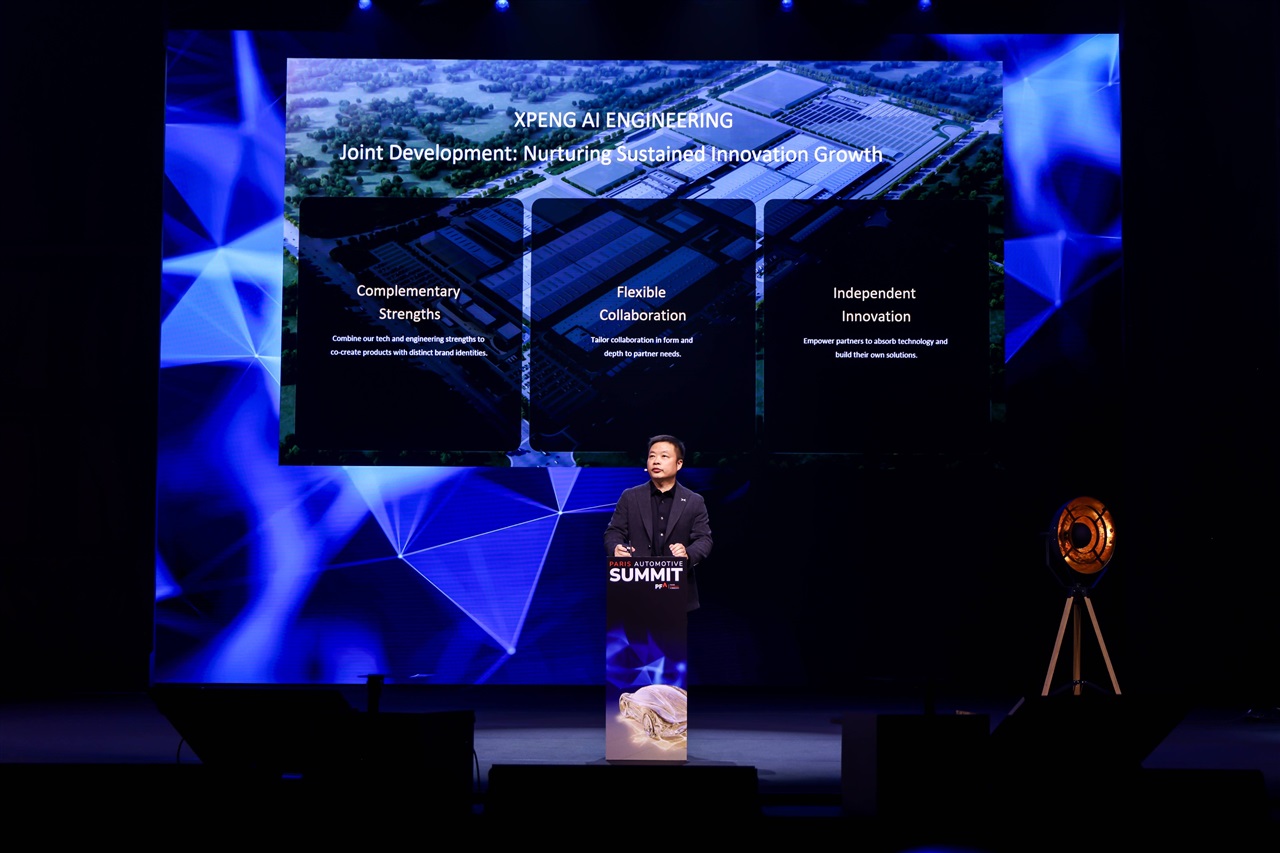
XPeng appeared at the Paris Automotive Summit, presenting not only automotive expertise but a broader technolo…
A follow-up agent using TrueForge and Jev matched Opus accuracy on 40 requests at 150x lower decision cost
xAI released Grok Voice 3.0 on the 14th and opened it through the Grok Voice API at $0.08 per minute ($4.80 pe…