Amazon Quick Automate, which combines AI agents with workflow orchestration within Amazon Quick, now offers native case management to help enterprises automate complex business processes at scale.
Each work item is tracked as a case with full visibility into its lifecycle, support for human-in-the-loop decision points, parallel execution, and compliance tracking—addressing the operational challenges that arise when running AI agents across thousands or millions of items in production.
What happened
Amazon Quick Automate now integrates case management with AI agent automation, allowing enterprises to track work items (cases) through defined lifecycle stages—Ready, In Progress, Successful, Failed, or Pending Resolution—as they move through multiple agents and systems.
Why it matters
At enterprise scale, running AI agents across thousands or millions of work items requires more than the agent itself. Case management provides step-by-step visibility into workflow state, surfaces exactly where failures occur, allows human intervention when needed, and enables parallel execution so teams can handle business processes reliably from initiation to resolution.
What to watch
The case creator-processor pattern enables dynamic scaling; builders can separate case creation (ingesting data from files, databases, web applications) from case processing (performing workflow steps with exception handling and human checkpoints), allowing multiple processors to run in parallel to increase throughput and meet service level agreements.
Ask the AI about this article →
Amazon Quick Automate addresses a specific operational challenge that emerges when enterprises attempt to run AI agents in production at scale. A proof-of-concept agent can process an invoice or classify a support ticket, but moving from dozens of work items to thousands or millions introduces an entirely different set of requirements: tracking state across multiple agents and systems, identifying and diagnosing failures, managing human judgment where the agent cannot decide reliably, and scaling infrastructure dynamically based on demand. Case management transforms these long-running, complex workflows into discrete, trackable units (cases) that persist throughout their lifecycle.
The lifecycle model—Ready, In Progress, Successful, Failed, Pending Resolution—formalizes how work progresses and what actions trigger state transitions. The system automatically records metadata including status, exception details, and execution logs, creating a complete audit trail. This addresses compliance and governance requirements: every action, decision, and state transition becomes part of the case history. The separate Case Creator and Case Processor pattern is designed to unlock parallel processing; teams can scale processor capacity independently to meet service level agreements without redesigning the entire workflow.
Human-in-the-loop is built into the case lifecycle: when a human checkpoint is needed, a task is created in the Task Center, the case enters Pending Resolution, and processing pauses for that case while the system moves on to the next one. Once the task is completed, the case automatically transitions back to Ready with the human input attached. This design allows operators, managers, and business stakeholders to remain aligned through real-time status updates and centralized collaboration within the case context, replacing fragmented communication channels with clear ownership and fewer lost handoffs.
For example, today's edition would include:
AI-summarized, only the topics you pick — one digest a day via Email, Slack, or Discord.
Free · takes 30 seconds · unsubscribe anytimeWhat is AIToday? →
Ask AI anything about this article. Q&As are published on this page for other readers too.
CBTS Technology Solutions LLC launched Forge Agents, a platform that turns a plain-language job description in…

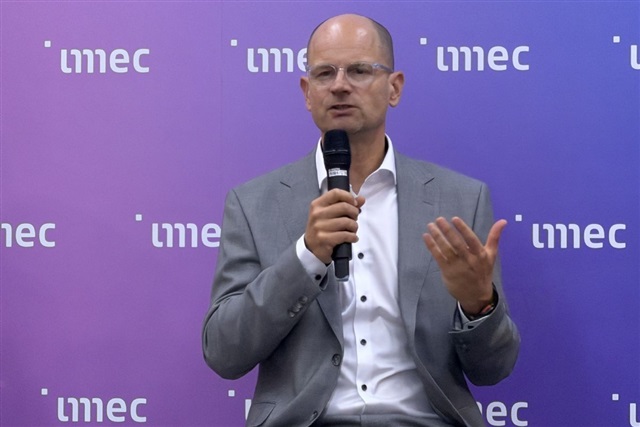
Imec CEO Patrick Vandenameele said at SEMICON Taiwan 2026 that the Belgian research center is broadening its c…
Alphabet's AI Overviews now reach over 2.5 billion monthly users through Google Search, and its ad business ge…

Amazon Web Services (AWS) has integrated its fully managed data warehouse service, Amazon Redshift, with Agent…
Visual Studio Code 1.135 now includes an experimental 'Rubber Duck' feature that lets developers request a sec…
Sonos announced a new app update with generative AI features, a new soundbar called the Beam Ultra, and its se…