What happened
Microsoft announced the GitHub Copilot Agent is now released and stable for both .NET and Python, letting developers use GitHub Copilot's agentic harness as the execution engine for their agents while keeping Agent Framework's extensibility, observability, and approval workflows.
Why it matters
Developers building coding agents can now combine Copilot's built-in capabilities — shell execution, file read/write, URL fetching, and MCP tools — with Agent Framework's enterprise governance and middleware, without choosing between the two. This opens new workflows for code review assistants, repository maintenance agents, and developer copilots, all governed by permission handlers so agents only do what you explicitly allow.
What to watch
Developers building agents will need GitHub Copilot CLI installed and an active GitHub Copilot subscription; .NET requires .NET 8+, Python requires 3.11+. Permission handlers control sensitive actions (shell commands, file writes, URL fetches, MCP calls) before they run.
Summaries like this, in your inbox every morning.
The GitHub Copilot Agent addresses a gap developers have faced: they want to build agents that reason about code, modify files, execute commands, and work across repositories, but GitHub Copilot already provided a powerful coding harness for these tasks while Agent Framework offered the extensibility, governance, and observability features needed for production use. Rather than force developers to choose between them, Microsoft integrated the two by making the GitHub Copilot agent a native Agent Framework provider. This means developers can now leverage Copilot's CLI-backed capabilities — its built-in planning loop, tool invocation, shell access, and file manipulation — as an execution engine while retaining Agent Framework's middleware, streaming, human-in-the-loop approval, and observability through OpenTelemetry tracing.
The release emphasizes production-readiness through governance controls. Because agents have system-level abilities, they must be safely controlled; the permission handler model ensures every sensitive operation (shell commands, writes, fetches, custom tools requiring approval) routes through a developer-provided gate before execution. The SDK enforces this through pre-tool-use hooks and warns if a custom hook would bypass approval. This design lets organizations run agents in production by approving trusted operations and denying or prompting on others, while maintaining consistent observability across different agent providers in their system.
Pick your industry and the AI tools you use, and get news related to your work every day.
Free · 30 seconds with Google · unsubscribe anytimeWhat is AIToday? →
Ask AI anything about this article. The AI reads this article, earlier AIToday articles, and Wikipedia, and cites its sources. Q&As are published on this page for other readers too.
Circlia started a proof-of-concept for TASTE SIGNAL: visitors to Holland Village Cafe FUKUOKA taste cookies an…

In a webinar hosted by French Mathematical Society president Isabelle Gallagher, Fields Medal winner Hugo Dumi…

NVIDIA released Nemotron 3.5 Super VL, an open-weight model with 120 billion parameters that handles text, ima…

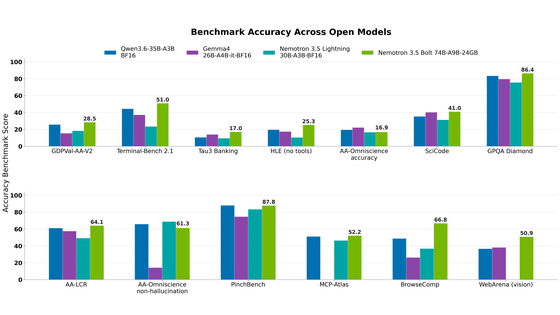
NVIDIA released Nemotron 3.5 Bolt 74B-A9B 24GB, an AI model for local agents that hits over 80 tokens per seco…
NVIDIA published a blog post titled "AI Security Is an Engineering Problem - How to Solve It at Every Layer of…

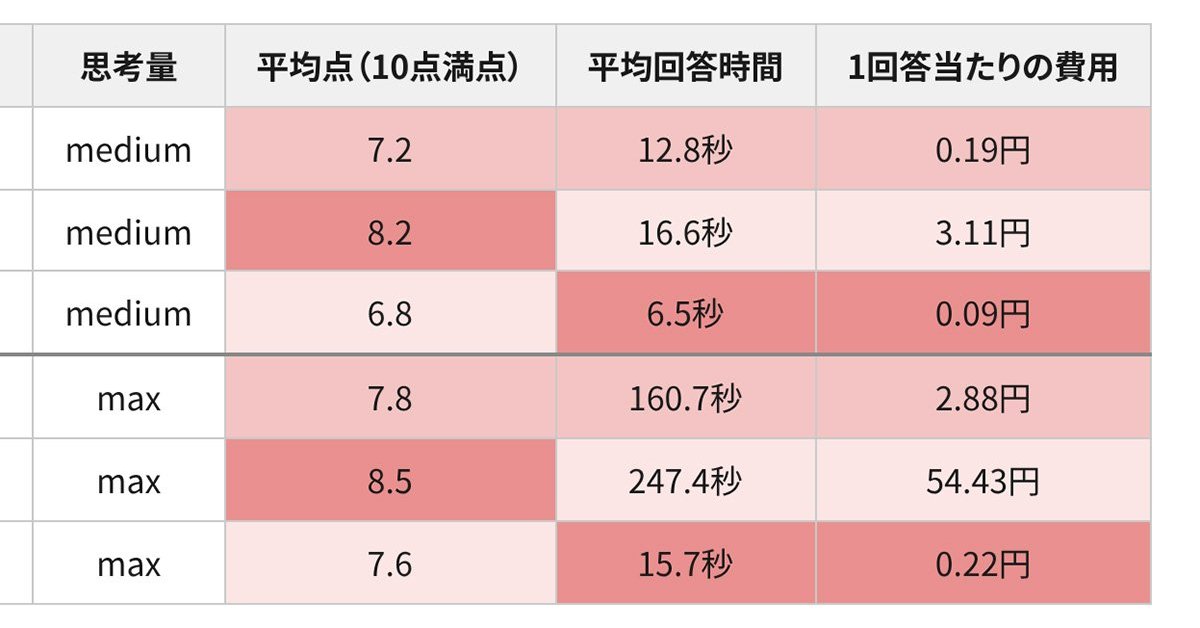
In the test, Haiku 5.5 on medium setting averaged scores close to Sonnet 5.5 on routine documents at about 1/1…