
What happened
Google announced on 2026年10月29日 that Gemini can generate, preview and directly edit PDFs, documents, slides, spreadsheets and code in the chat, available to all users including free personal accounts.
Why it matters
Users can now fix a sentence themselves or ask Gemini to rewrite a selected part, without leaving the conversation, which may make document work faster than exporting to separate apps.
WHO IT HITSOffice workers, students and anyone who drafts PDFs, slides or documents in Gemini can now make small edits and request AI rewrites without switching tools; mobile users get PDF editing but not the other formats yet.
Summaries like this, every morning.
Gemini has been building out file creation step by step. In March 2025, Canvas added document and code generation and editing with HTML and React previews. October 2025 brought slide generation in Canvas with export to Google Slides, and April 2026 added generation and download of PDF, Word and Excel files from the chat. The October 29, 2026 announcement goes further by letting users preview and directly edit those files inside the conversation, or select a passage and ask Gemini to revise it.
The practical change is the shift from generating a file to working on it in place. A user can shorten a phrase by hand, then ask Gemini to simplify a difficult explanation or adjust a diagram without leaving the chat. For PDFs, the flow runs from a request through preview, manual edits, selected rewrites and export. Slides can be adjusted in Gemini before opening in Google Slides or downloading as PPTX or PDF.
Availability differs by device. PDF preview and editing are supported on both web and mobile, while code, slides, documents and spreadsheets are web-only for this feature. The company also notes that file generation itself is separate from these preview and editing capabilities, and that some editing functions existed in Canvas before this announcement.
Pick your industry and the AI tools you use, and get news related to your work every day.
Free · 30 seconds with Google · unsubscribe anytimeWhat is AIToday? →
Ask AI anything about this article. The AI reads this article, earlier AIToday articles, and Wikipedia, and cites its sources. Q&As are published on this page for other readers too.
Amazon's free cash flow was an outflow of more than $42 billion over the 12 months through September, nearly d…

Mistral published open weights for Mistral Large 4, a 1.05T-total, 52B-active model with 1M context and text+i…
The developer built J.H Editor for Windows to read and edit AI-generated Markdown, but says the most-used feat…
The author ran an experiment that gave a subagent NOTES.md with a line to open each of 12 log files one at a t…

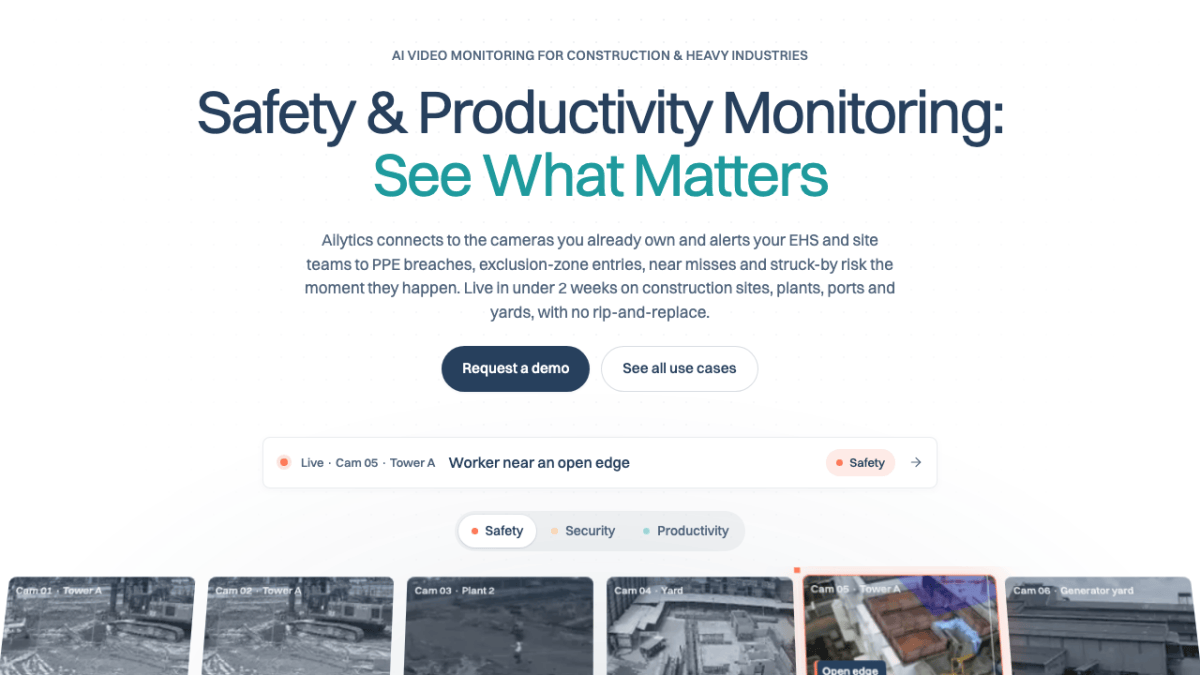
Singapore's Ailytics raised $7.4 million in a Series A led by Tin Men Capital, with SG Growth Capital and Safi…
Two camera modes appear in ChatGPT and Gemini apps: attaching a shot to chat for questions like "what is this?…