What happened
Two camera modes appear in ChatGPT and Gemini apps: attaching a shot to chat for questions like "what is this?", or real-time live video. As of October 27, 2026, Gemini Live works for free users; ChatGPT's live video requires a paid plan.
Why it matters
Users who can't put a question into words can point the camera instead, though photo-based chat is capped by usage and image limits even on free plans.
Summaries like this, every morning.
The camera features serve as a workaround for a common problem: people often know what they want to ask about but cannot put it into words, which makes both web search and AI chat awkward. Pointing a camera sidesteps that gap.
The two implementations differ in effort. Attaching a photo to a chat is a multi-step process — open the camera from the chat field, shoot, then ask — and it works on free plans but with limits on uses and image counts. Live video is more immediate, with the AI recognizing what the camera sees and answering by voice.
An October 27, 2026 check shows the access rules diverge: Gemini Live is open to free users, while ChatGPT's live video sits behind a paid plan and, on that date, displayed a message asking users to switch to the conventional voice mode before starting. The piece also notes a follow-on section on organizing handwritten notes and paper documents, suggesting document handling is a further use case.
Pick your industry and the AI tools you use, and get news related to your work every day.
Free · 30 seconds with Google · unsubscribe anytimeWhat is AIToday? →
Ask AI anything about this article. The AI reads this article, earlier AIToday articles, and Wikipedia, and cites its sources. Q&As are published on this page for other readers too.
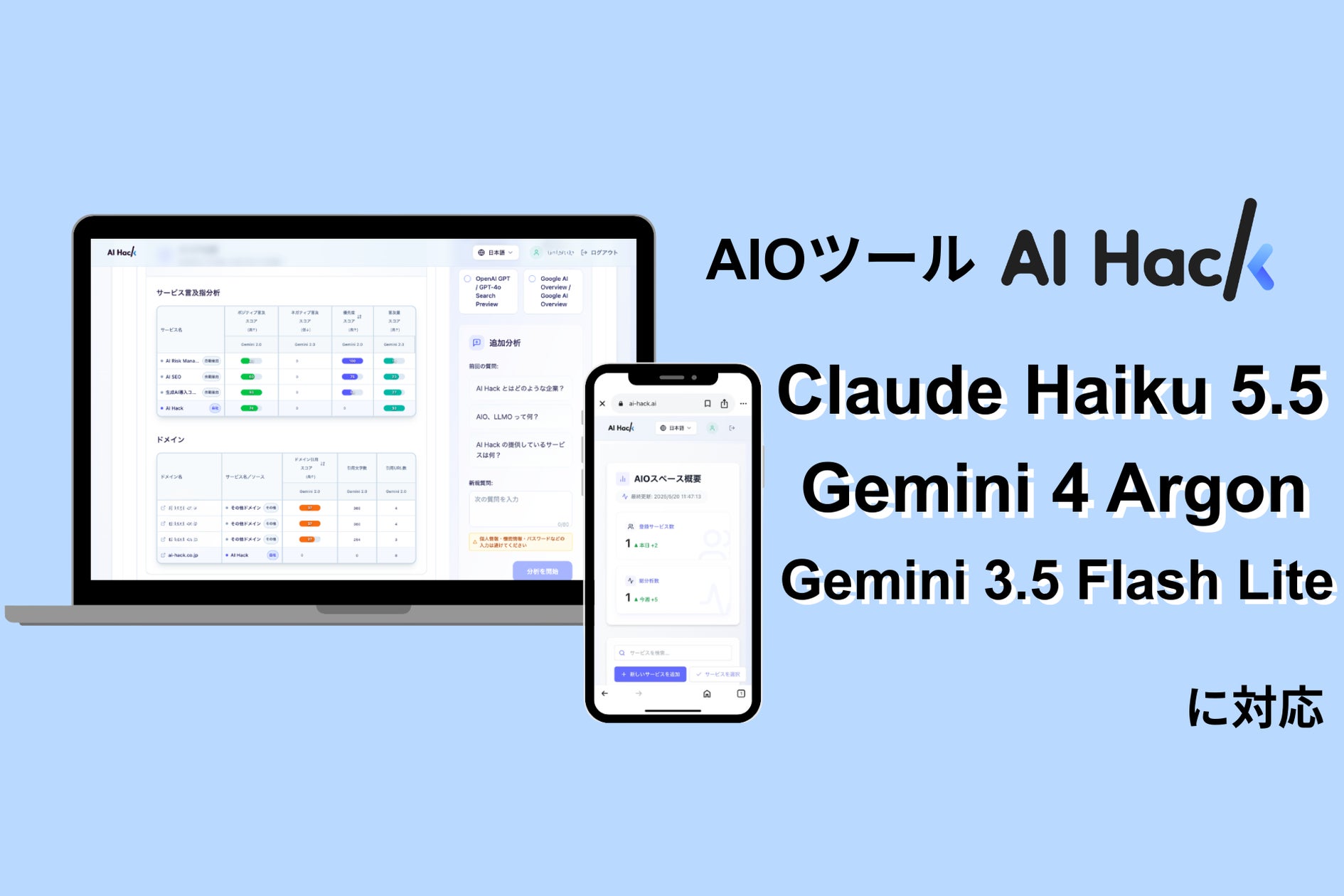
AI Hack completed support for Claude Haiku 5.5, Gemini 4 Argon and Gemini 3.5 Flash Lite in its AIO analysis t…
Ippu Senkin began offering Local AI Agent for Security, which runs on its Local AI Agent platform

Cognition released Devin Security 2.0 on October 26, 2026, adding deep scans powered by frontier cyber models…
A hobbyist posted a video showing Qwen3.8-Flash-Next, running fully offline at home, turning plain-English com…

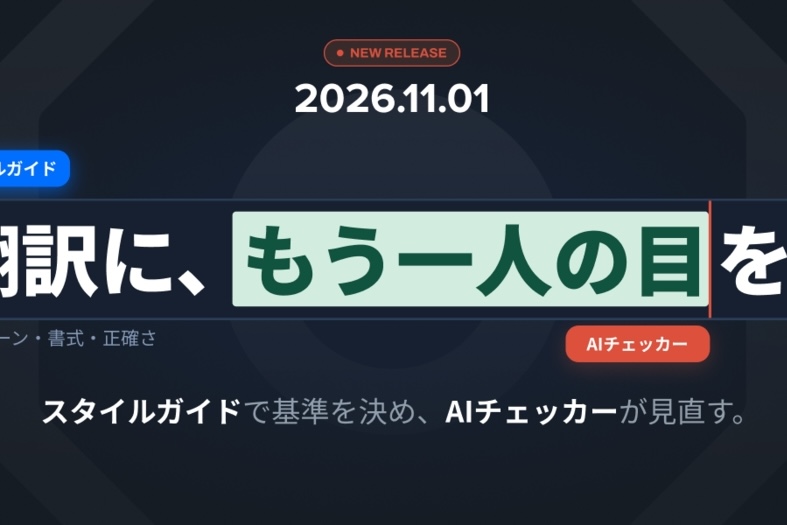
Yaraku will update "Yaraku Translation" to Ver.6.1 on November 1, adding an "AI Checker" that fixes number err…
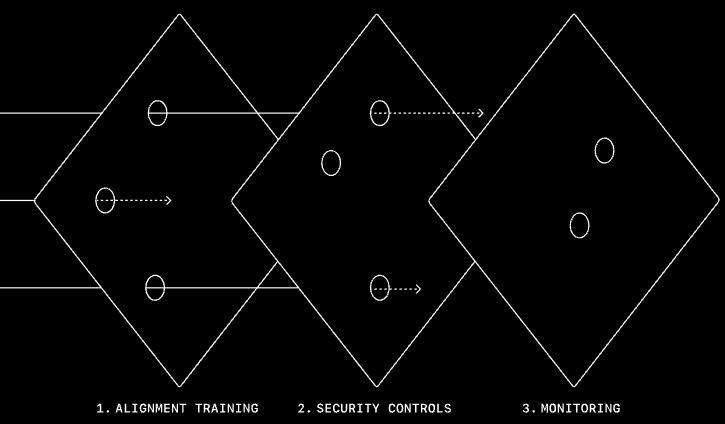
OpenAI expanded a four-layer monitoring system and said replaying the Hugging Face incident showed a warning c…