
What happened
Google rolled out temporary threads in AI Mode, letting users click an icon in the upper right corner to chat without the session being logged or tied to their account.
Why it matters
The session is detached from the user's account, so responses won't be informed by past preferences and won't impact future personalization—useful for one-off or personal queries.
WHO IT HITSEveryday Google search users who want to explore personal or one-off topics in AI Mode without that activity shaping their search history or recommendations. Privacy-conscious searchers are the clearest beneficiaries.
Summaries like this, every morning.
AI Mode drops users into a conversational interface when they search Google, but until now there was no way to keep those conversations out of their history. Google's existing incognito mode covered standard search queries, yet the conversational layer lacked an equivalent. The new temporary threads fill that gap by detaching the session from the user's account entirely.
The mechanics mirror what Google already offers in its stand-alone Gemini chatbot, where temporary chats are an established option. In AI Mode, the company says users won't need to adjust settings—they simply click an icon in the upper right corner. When the thread is closed, the user returns to searching as usual.
The feature could suit moments when someone digs into a personal topic via AI Mode and decides mid-conversation that they don't want it recorded. Because the session is detached, responses aren't informed by past preferences and won't shape future personalization—a way to explore a one-off subject without signaling to Google that it's a main interest. The option is rolling out globally on desktop and mobile across all supported languages.
Pick your industry and the AI tools you use, and get news related to your work every day.
Free · 30 seconds with Google · unsubscribe anytimeWhat is AIToday? →
Ask AI anything about this article. The AI reads this article, earlier AIToday articles, and Wikipedia, and cites its sources. Q&As are published on this page for other readers too.
OpenAI said Apollo Research, METR, Transluce and Goodfire will work on-site at its offices, with access to unr…

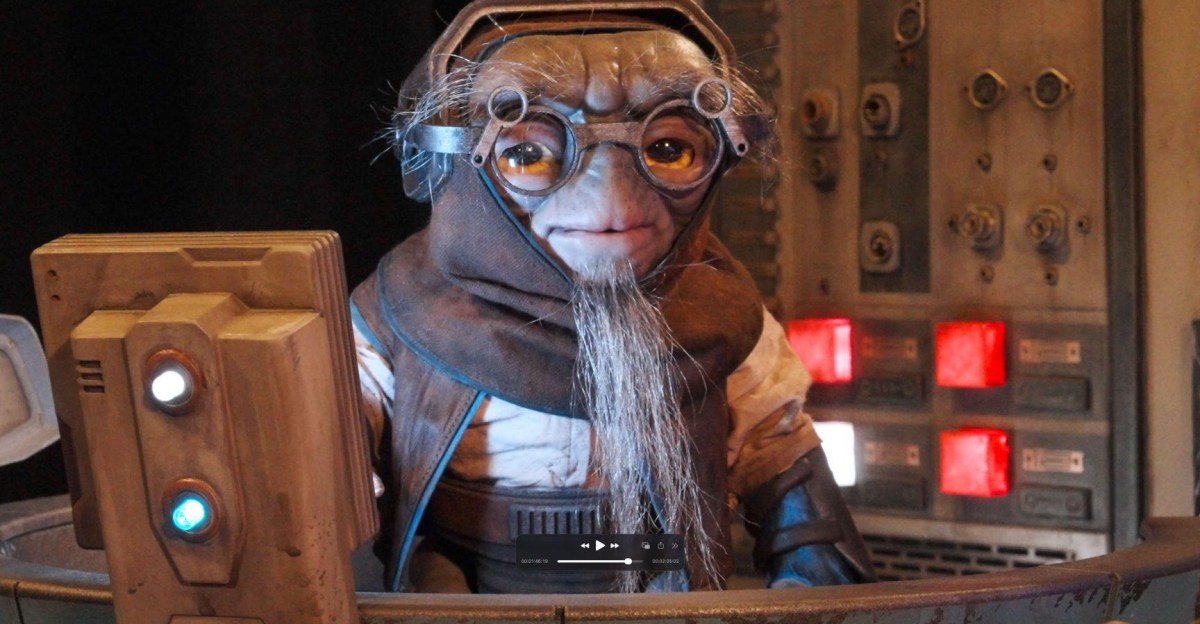
Walt Disney Imagineering R&D revealed three Audio-Animatronic prototypes—Vilo Vele, Kado Bre'a, and Jibu Bre'a…
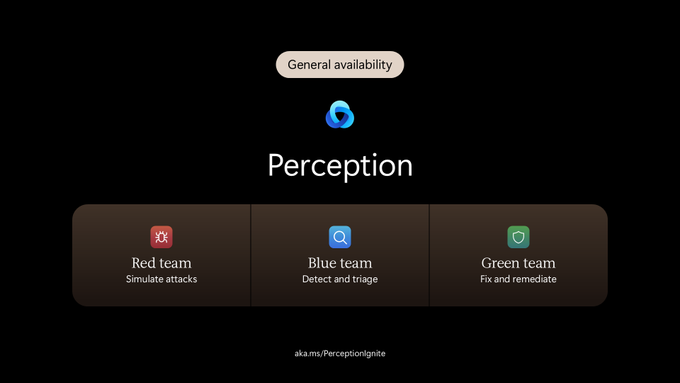
At Microsoft Ignite 2026, Microsoft said Microsoft Perception is now generally available, combining red, blue…
At Microsoft Ignite 2026, Microsoft released a public preview of Windows Server 2028, which adds AI inference…
AUMOVIO chose Databricks Unity Gateway as its single route to LLMs after a cross-functional taskforce picked o…

CADMAGEDDON scores 0.991 on BenchCAD's 64³ voxel IoU over a 1000-part subset, above vendor-reported 0.963, 0.9…