What happened
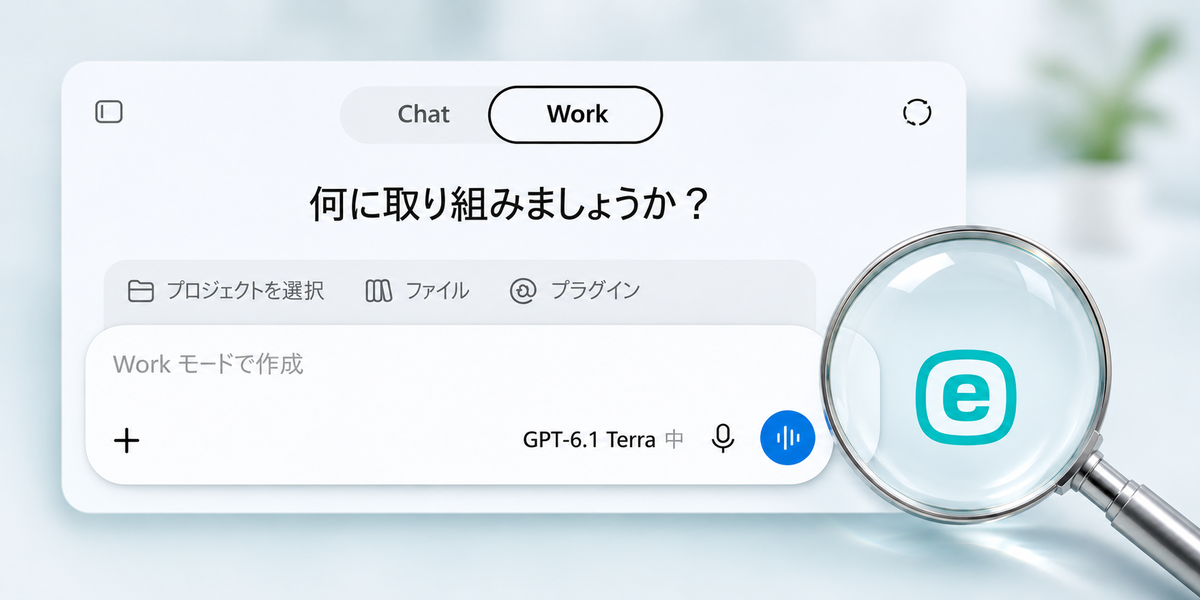
ESET released ESET HOME セキュリティ V20 on October 28, 2026, adding AI会話セキュリティ to scan URLs and generated code in browser ChatGPT and Copilot, flagging risky items before users click.
Why it matters
The feature gives users a visual warning—such as a red border on suspicious links—to help spot potentially harmful content encountered during chats.
WHO IT HITSIndividual PC users, especially those using generative AI and AI agents daily, now have a tool to help identify risky links and code in AI conversations, though they still need to verify information themselves.
Summaries like this, every morning.
ESET HOME セキュリティ V20 builds on previous versions by formally integrating AI-focused protections. The AI会話セキュリティ feature was already introduced in a V19 update but is now officially supported and extended to browser-based Copilot. This reflects ESET's response to the growing use of generative AI and AI agents in everyday PC tasks, where users may encounter unfamiliar links or code.
The new AIエージェントセキュリティ and AI行動監視 features address risks unique to autonomous agents, such as files downloaded or actions taken without direct user oversight. While these tools can help reduce exposure, ESET also emphasizes that users should manage permissions and backup important data, suggesting a layered approach to security in the AI era.
Pick your industry and the AI tools you use, and get news related to your work every day.
Free · 30 seconds with Google · unsubscribe anytimeWhat is AIToday? →
Ask AI anything about this article. The AI reads this article, earlier AIToday articles, and Wikipedia, and cites its sources. Q&As are published on this page for other readers too.
The Defense Ministry released its Defense AI Vision on Friday, setting five basic principles for Self-Defense…

A 76-author team led by Hui Shen released OS-Omni, a NeurIPS 2026 benchmark covering Windows, Ubuntu, macOS, i…

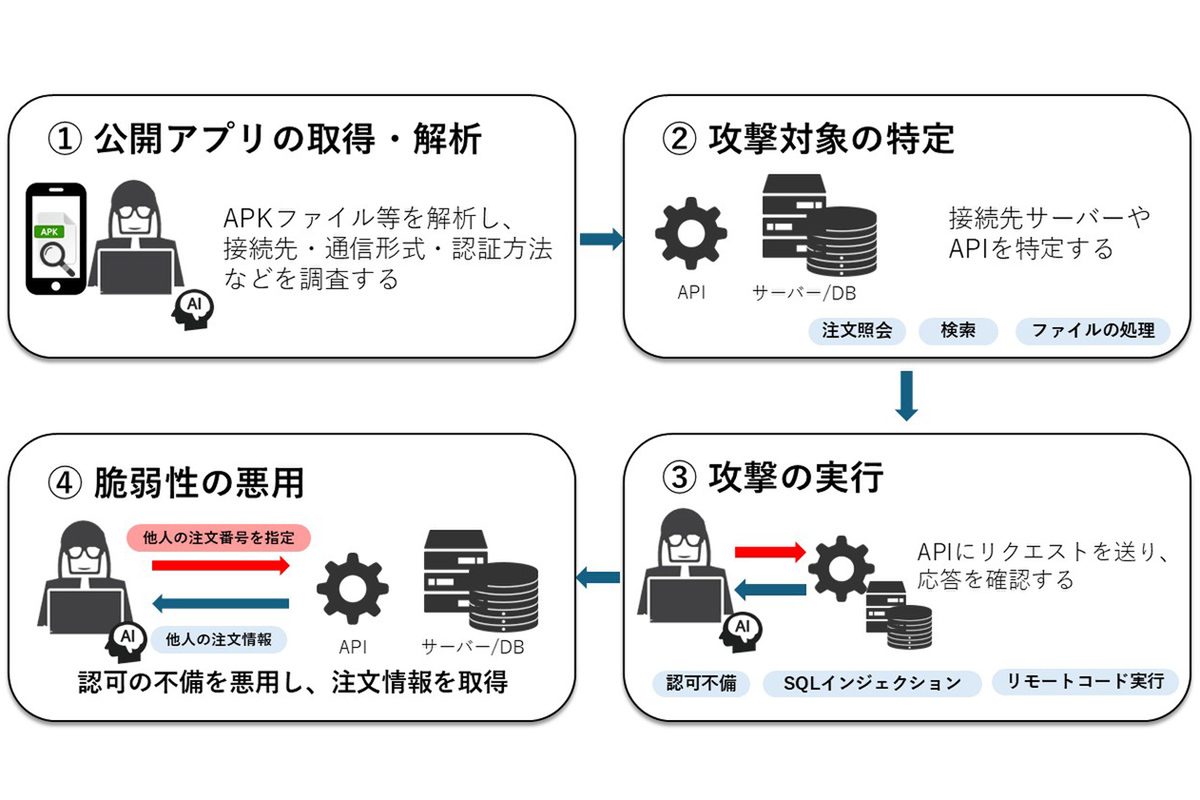
On October 13, NICT flagged A2B attacks, where attackers reverse-engineer public apps to find API endpoint and…
In Avitas's corporate governance and internal audit survey, 56.3% named AI and generative AI as a risk gaining…

A Nikkei xTECH writer asked ChatGPT and Copilot a calculation whose correct answer is 408662395656168840741382…

Google shared four evaluation-engineering lessons from building its Google Cloud Developer plugin; in an 11-pr…