
What happened
Nishika began offering an "AI agent" feature on SecureMemoCloud on October 13, 2026, available on all plans at no extra charge; it searches across meeting transcripts the user can view and answers with the source meeting name and statement timestamp.
Why it matters
Teams no longer need to remember which meeting covered a topic; the feature is aimed at people who missed discussions and need the background, such as after a transfer or handover, since decisions and context get scattered across recurring meetings.
WHO IT HITSEmployees who inherit projects or clients through transfers and handovers, and anyone who needs to trace past decisions without knowing which meeting they came from, can query meeting records directly instead of hunting through minutes.
Summaries like this, every morning.
SecureMemoCloud is Nishika's cloud-based AI meeting-minutes service, which links with Zoom and Teams and handles real-time recognition, automating minutes creation. The company also sells an on-premises version, SecureMemo, which runs transcription, speaker recognition and generative-AI summarization in an environment cut off from external networks; the body says it has been used by police, government agencies and local municipalities. Both products run on Nishika's in-house speech and speaker recognition AI, "shirushi".
The new agent feature extends the service from producing minutes to drawing on the accumulated record. Meeting minutes exist to be checked later, but finding who decided what and why has meant recalling which meeting it was and reading back through the transcript. When the same theme is discussed across regular meetings or sales talks, decisions and background spread across several meetings, and someone who was not present has little idea where to look. By answering across meetings and attaching the meeting name and statement time to each answer, the feature is positioned to make stored meeting data usable as an organizational asset, with access limited to meetings each user may view.
Pick your industry and the AI tools you use, and get news related to your work every day.
Free · 30 seconds with Google · unsubscribe anytimeWhat is AIToday? →
Ask AI anything about this article. The AI reads this article, earlier AIToday articles, and Wikipedia, and cites its sources. Q&As are published on this page for other readers too.
AI coach, founded in 2024, and Saitama Shimbun, publisher of a daily paper since 1944, will jointly offer in-p…

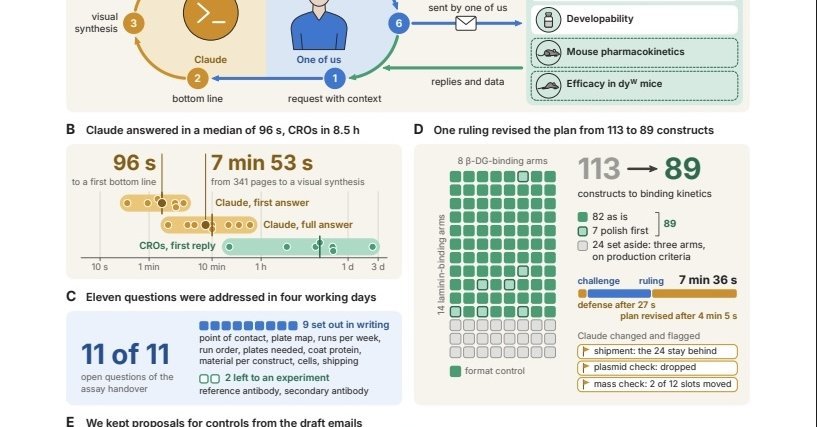
Anthropic acquired Mithril Medicine, run solely by founder Cody Traumberger with Claude handling contracts and…
Notion is replacing flat monthly AI pricing with monthly credits — 1,500 standard and 500 select per Business/…
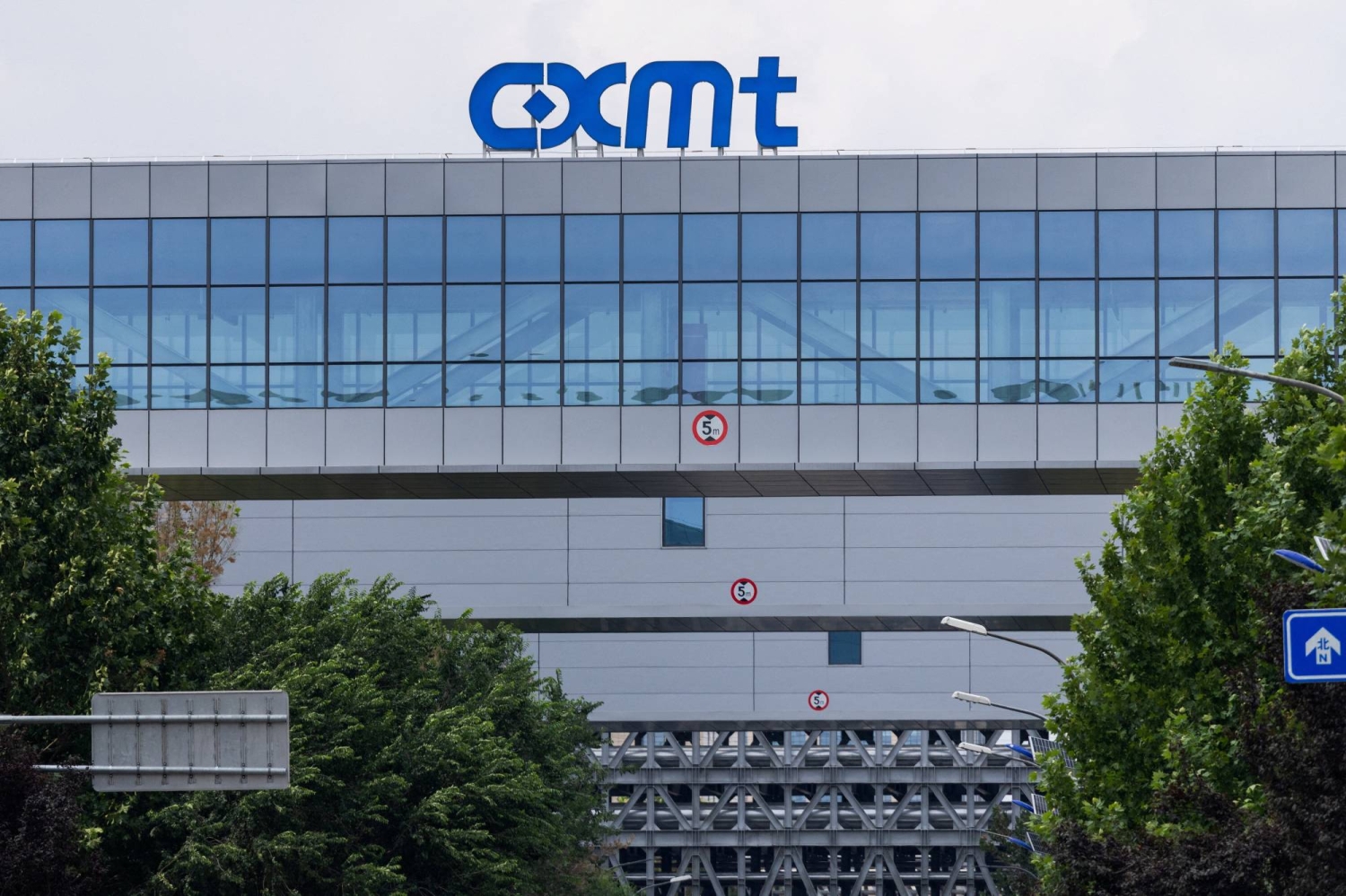
CXMT, China's largest DRAM maker, has sent HBM3E samples to several domestic AI chip designers and expects lim…
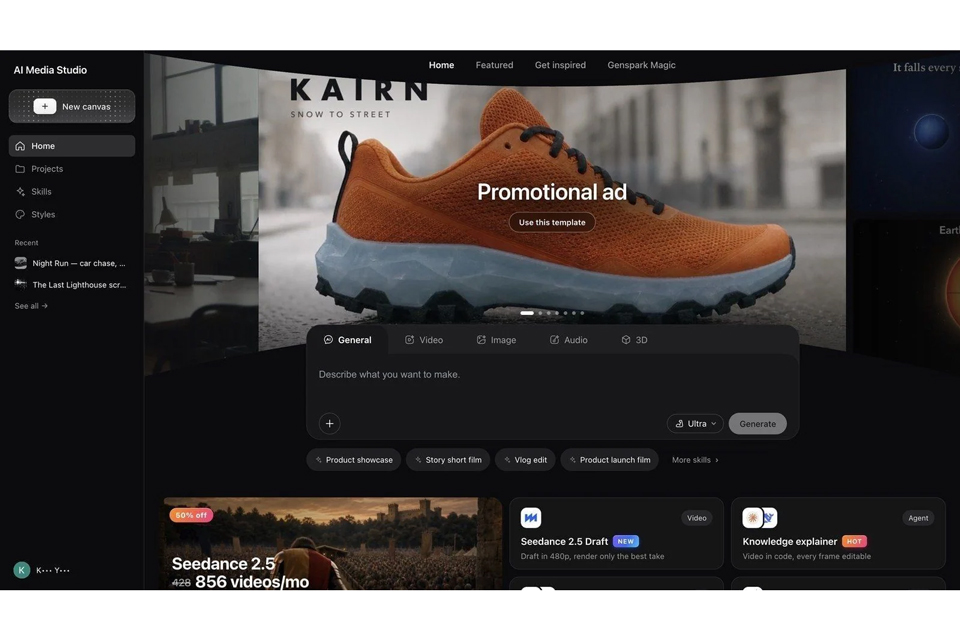
Genspark released Genspark AI Media Studio, which turns spoken or written requests into script, storyboard, fo…
Meta began offering Muse in Japan on the 23rd and expanded to Singapore on the 27th (local time)