
What happened
Snowflake launched the Snowflake AIM application in public preview as of Oct. 20, a standalone desktop app guiding users through six stages from Connect to Migrate.
Why it matters
The app packages a five-year-proven deterministic conversion engine with AI remediation, automated testing and persistent project state, so migration work can pause and resume over weeks.
WHO IT HITSMigration engineers, DBAs and data engineers inherit a guided workflow instead of stitching together extraction scripts, conversion tools and validation jobs. Project stakeholders gain visibility into object counts and validation results without digging through log files.
Summaries like this, in your inbox every morning.
Snowflake AIM began as a skill inside the Snowflake CoCo CLI and later arrived in CoCo Desktop. The new application gives it a dedicated surface built specifically for migration projects, while the CoCo CLI and CoCo Desktop remain available for users who already work in them.
The application organizes work into six stages: Connect, Initialize, Register, Convert, Assess and Migrate. Within the Migrate phase, four workstreams run with separate logic, validation and fix loops: database code testing, ETL testing, database DDL deployment, ETL pipeline migration, report repointing and historic data migration. Testing is treated as three distinct problems — database code, ETL logic and data movement — each with its own baselines and comparison methods.
Historic data migration runs on an orchestrator and worker architecture, with workers connecting to both source and Snowflake and scaling horizontally for large volumes. Validation happens automatically at three levels: schema comparison, metric comparison and optional row-level comparison. Snowflake positions the application as handling the most common migrations end to end, which it says frees partners to focus on change management and complex estates.
Pick your industry and the AI tools you use, and get news related to your work every day.
Free · 30 seconds with Google · unsubscribe anytimeWhat is AIToday? →
Ask AI anything about this article. The AI reads this article, earlier AIToday articles, and Wikipedia, and cites its sources. Q&As are published on this page for other readers too.
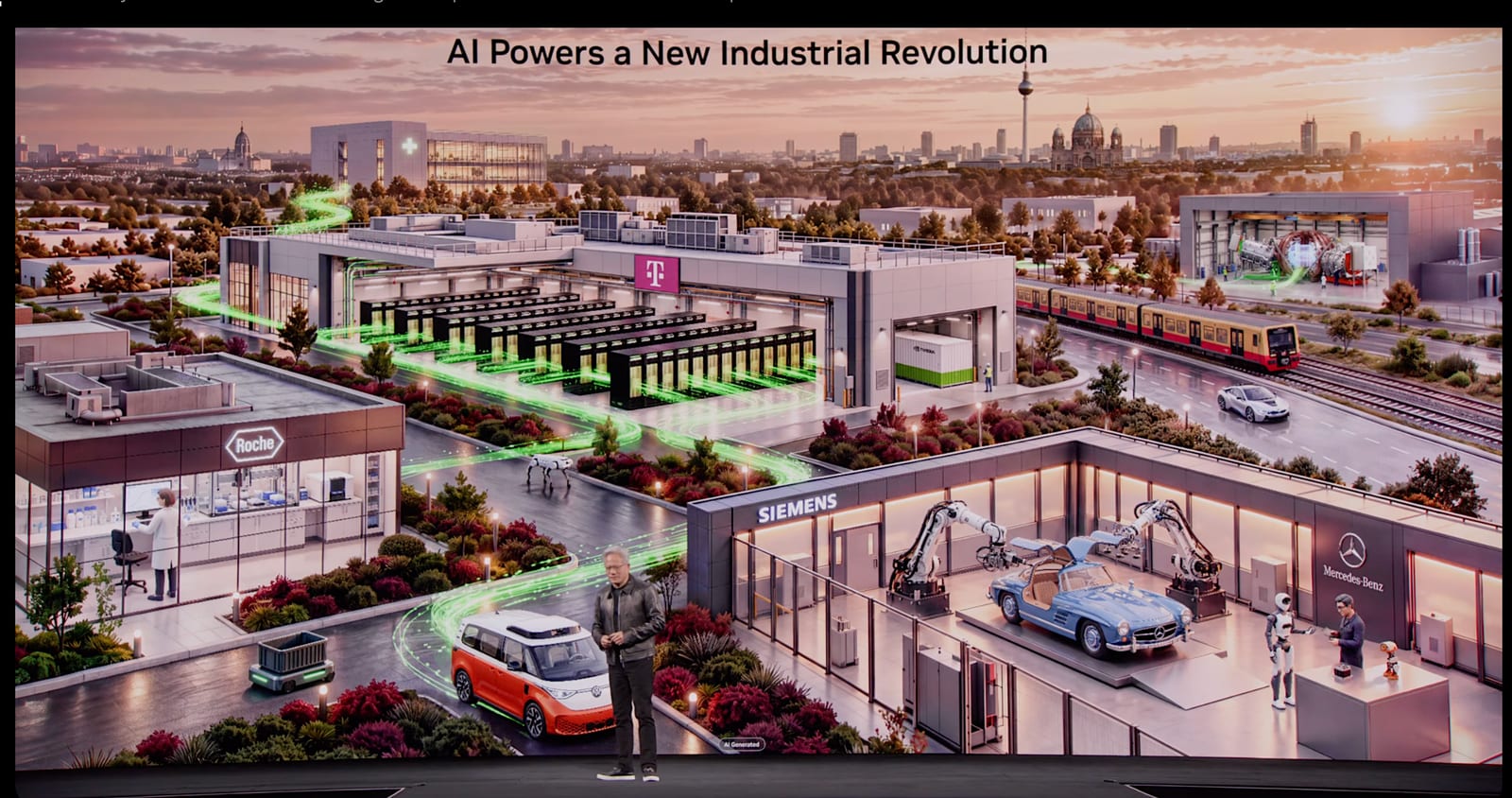
At GTC Berlin, Jensen Huang introduced DSX POD — seven Vera Rubin NVL72 racks per container — and said deploym…
AI and high-performance computing are pushing PCBs toward higher layer counts and denser, higher-performance m…

Vice President Hsiao Bi-khim opened the 27th TPCA Show 2026 in Nangang on October 20 and urged the PCB industr…

Opposable launched an AI agent that operates Android phones via accessibility services and iPhones through a c…

Vertiv and NVIDIA launched an AI factory framework at NVIDIA GTC Berlin, targeting up to 30% higher cumulative…

On Meta's third quarter earnings call, CEO Mark Zuckerberg said the company has a goal of serving billions of…