
What happened
The tutorial, based on official Claude Code documentation and checked as of October 18, 2026, says failed fixes and corrections pile up in the context window. It cites the guidance to run /clear after more than two corrections on one issue.
Why it matters
A clean session with a better prompt tends to beat a long session full of corrections, per the documentation. The tutorial suggests restating the goal, the file location, and the approach to avoid.
Summaries like this, in your inbox every morning.
The tutorial frames the problem as one of resource management: the context window holds everything in the conversation, including failed code and the corrections pointing it out. Because Claude reads all of it when composing the next reply, those failed approaches can become reference material that steers the next attempt wrong. The documentation's own language is stark — a clean session plus a good prompt almost always beats a long correction-heavy session. The tutorial's recommended fix is not just /clear but a rewritten prompt that adds three things learned from the failures: the goal, the place to make the change, and the approach to avoid. It gives the example of a login redirect in Next.js, where Claude kept adding router.push inside useEffect; the restarted prompt specifies middleware.ts and rules out useEffect transitions. Beyond /clear, the piece maps out the other commands: /compact summarizes while letting you say what to keep, /btw asks a side question without adding to the main history, and CLAUDE.md holds rules for what summaries must preserve. The author notes using /rewind, /compact with instructions, and /clear to split a problem into smaller sessions.
Pick your industry and the AI tools you use, and get news related to your work every day.
Free · 30 seconds with Google · unsubscribe anytimeWhat is AIToday? →
Ask AI anything about this article. The AI reads this article, earlier AIToday articles, and Wikipedia, and cites its sources. Q&As are published on this page for other readers too.
Anthropic's internal study shows junior new hires in technical departments fell from 27 percent to 9 percent s…
Mastercard is testing a new intelligence layer in its Agent Pay Trust Framework in the United States that prod…

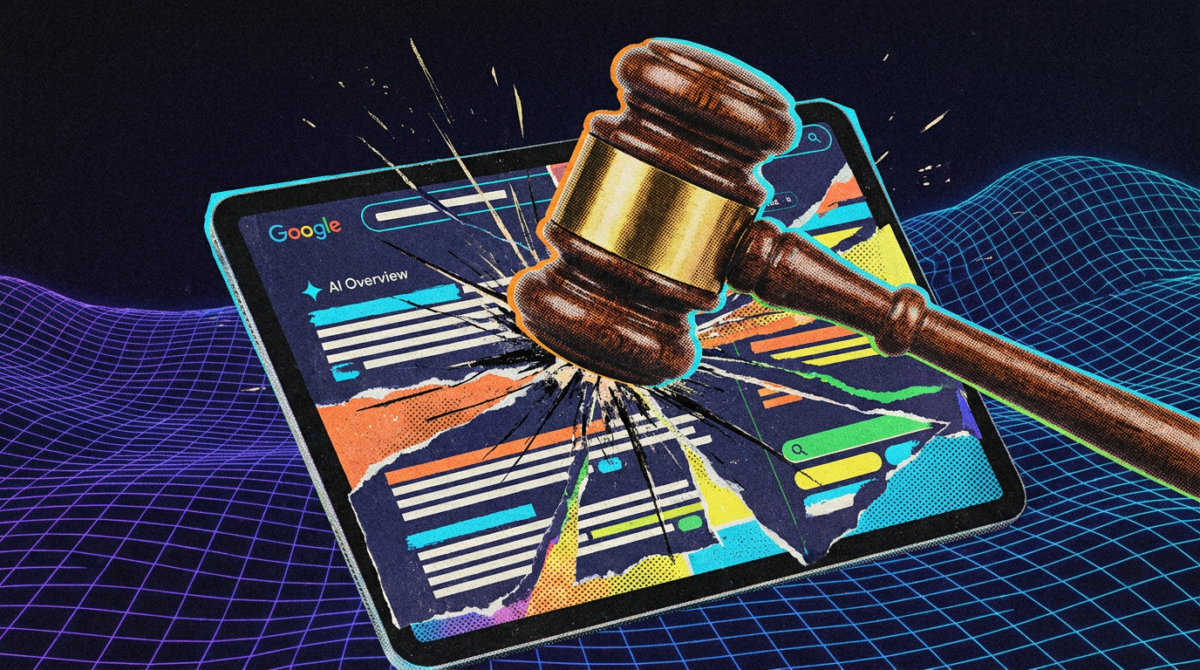
In a decision dated September 24, 2026, the Aachen Regional Court banned Google from spreading three false AI…
Three designs for turning encoded inputs into predictions: pooling all inputs into one shared vector, applying…

Across 24 counted runs of /code-review on a 41-line shopping-cart file with six planted bugs, --max-findings 1…
On 2026-08-24, Claude Code called X's search 16 times at up to 100 results per call as a connectivity check; w…

