What happened
Ai2 replaced its priority-based GPU scheduler with GPU time budgets and fair-share allocation, delivering 98% of owed GPU hours over a 30-day test and cutting human-in-the-loop repairs by 74%.
Why it matters
Clearly defined budgets and time-slicing let teams reclaim unused capacity later, which one researcher described as feeling like 30% more compute, and prevent costly workarounds like GPU squatting.
WHO IT HITSThis affects AI research teams and their managers who allocate scarce GPU capacity among competing projects; they may benefit from clearer, budget-based ways to prioritize work without leaving expensive hardware idle.
Summaries like this, in your inbox every morning.
Ai2 runs thousands of NVIDIA H100, B200, and B300 GPUs across clusters ranging from 88 to 1024 GPUs, serving about 150 internal researchers. Demand for GPU time has consistently exceeded supply, with outstanding requests for 2-3x more GPUs than are available. The old priority-based scheduler let workloads opt out of preemptability, which led to GPU 'squatting' and priority inflation, where eventually 100% of scheduled workloads used HIGH priority. On-call engineers spent most of their ticket time negotiating shutdowns of non-preemptable workloads on hosts needing maintenance.
The new budget-based system assigns each project a guaranteed share of GPU time, such as Project A1 having a 35% claim on total capacity. A hierarchical fair-share scheduler tracks occupancy over a 7-day lookback window and sorts workloads accordingly. Workloads must declare a minimum runtime in exchange for preemption protection; minimum runtime can be set to zero for free but preemptible use. The rollout began at the end of July, cluster by cluster.
Simulations using historical data and constructed scenarios predicted debug workload wait times would fall from about 6 hours to 5 minutes, and real outcomes overperformed, with p90 waits dropping from 2 hours to 30 seconds. Occupancy held steady at 98% before and after, with 18% of delivered GPU time unallocated. The learning curve was steeper than assumed, with live explanatory sessions proving more effective than documentation alone.
Pick your industry and the AI tools you use, and get news related to your work every day.
Free · 30 seconds with Google · unsubscribe anytimeWhat is AIToday? →
Ask AI anything about this article. The AI reads this article, earlier AIToday articles, and Wikipedia, and cites its sources. Q&As are published on this page for other readers too.
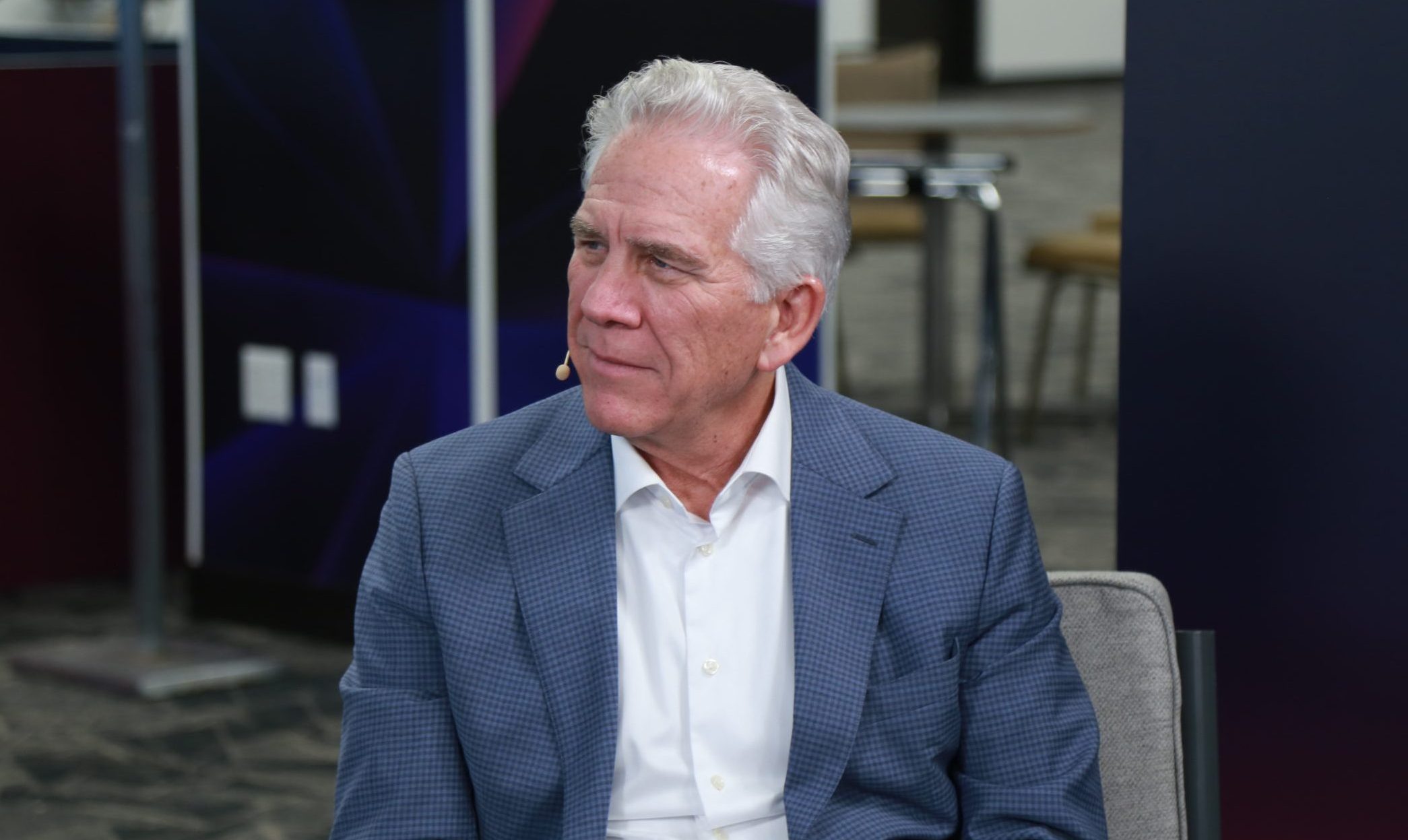
At SailPoint's Navigate event in Austin, CEO Mark McClain said identity security for AI agents has become a bo…
OpenAI told investors it actually had $18 billion less revenue than the $68 billion it said last month, cuttin…
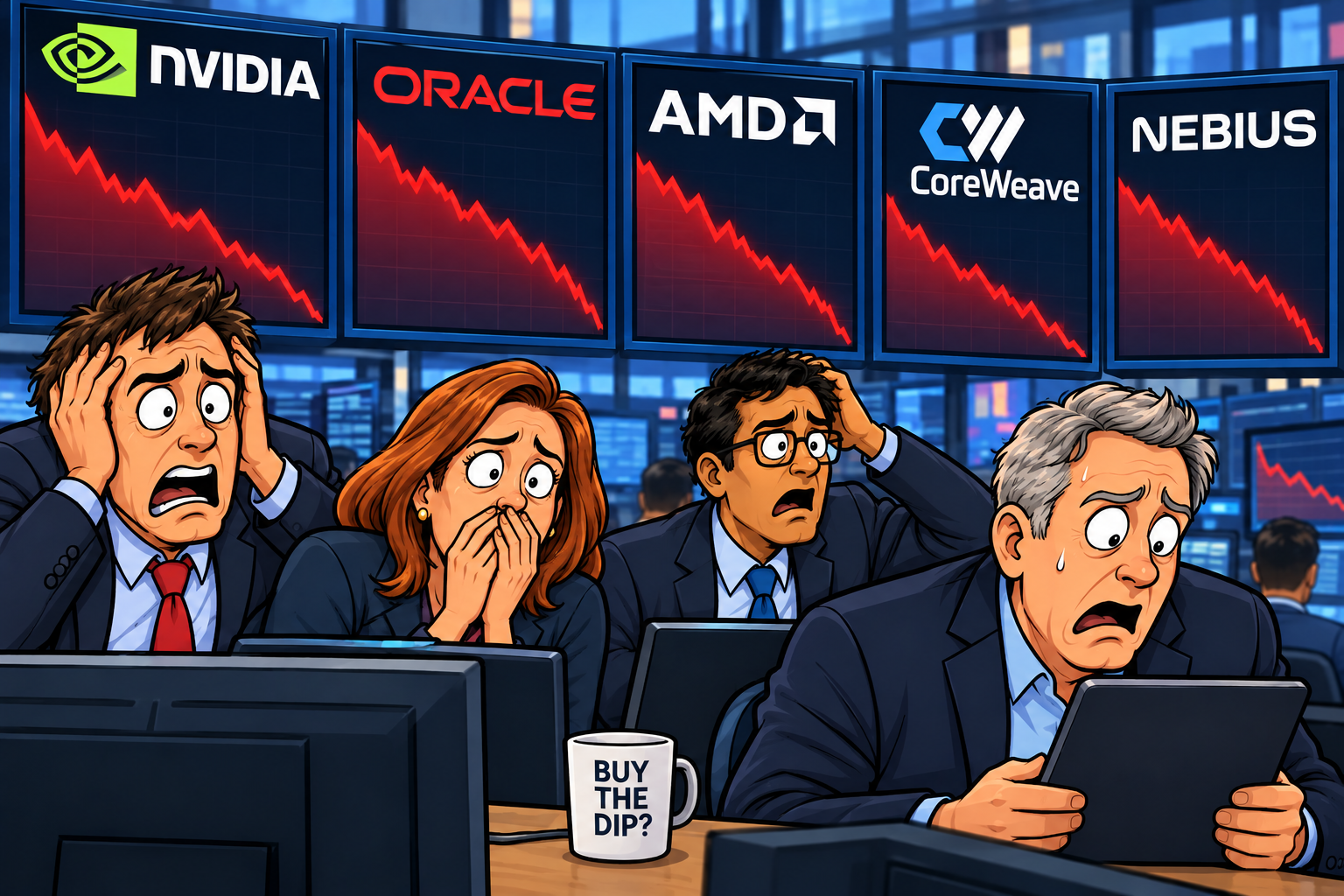
The author predicted a $5,000 investment split between Nvidia and Broadcom will triple by 2028, citing Broadco…

Nvidia is the better pick over AMD, per a Motley Fool analysis
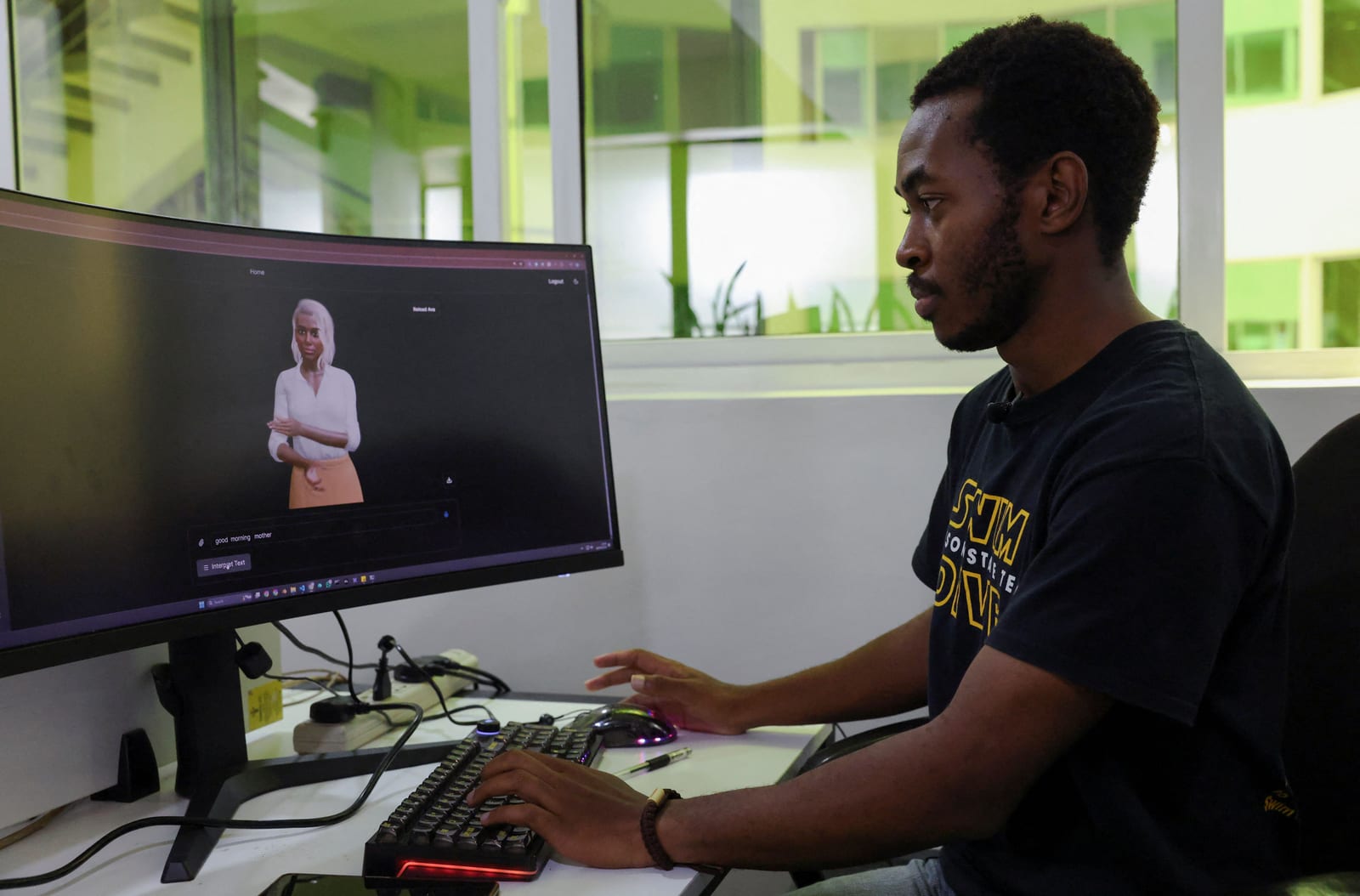
The World Bank's biannual Economic Update argues most African economies should adopt and adapt AI rather than…
Tomek Korbak, Jasmine Wang and Mikita Balesni, fired by OpenAI, released an open letter on Oct