What happened
Suno released Studio 2.0, a major upgrade to its generative AI music tool that adds MIDI support (its most requested feature), track automation for panning and volume, a context-aware chatbot for prompting lyrics and instruments, built-in effects (distortion, delay, reverb, compression, EQ), and the ability to create and save custom effects plugins.
Why it matters
These additions position Suno closer to a full digital audio workstation (DAW) rather than a bare-bones generative editor, expanding what musicians and producers can do within the tool—though the platform still lacks third-party plugin or VST support, limiting integration with industry-standard instruments and effects.
What to watch
The chatbot's depth as a creative partner; Suno's demo shows it handling tasks like note cleanup and quantization that users previously did manually, suggesting the chat may increasingly take over production choices rather than just assist them.
Summaries like this, in your inbox every morning.
Suno's move toward DAW functionality reflects the maturing demand for AI-assisted music production. The addition of MIDI support—which Suno identifies as its most-requested feature—signals that users want to bring their own musical ideas (chords, melodies, rhythms) into the tool rather than relying entirely on generation from text prompts. This bridges the gap between Suno's strength (instant audio synthesis) and the control musicians expect from established tools like Ableton Live or Logic Pro. The integration of a context-aware chatbot that understands the current project's musical context is a differentiation point; rather than spawning isolated audio snippets, users can ask the bot to generate a B-section that fits the existing arrangement or improve a vocal track with targeted effects. However, the absence of third-party plugin support and VST compatibility is a notable constraint—it locks users into Suno's ecosystem for instruments and effects processing, limiting interoperability with the broader music-production supply chain that professionals rely on. The demo footage showing Suno's own team outsourcing note cleanup and quantization decisions to the chatbot hints at a design philosophy where human decision-making is progressively delegated, raising questions about how much creative control remains with the user.
Pick your industry and the AI tools you use, and get news related to your work every day.
Free · 30 seconds with Google · unsubscribe anytimeWhat is AIToday? →
Ask AI anything about this article. The AI reads this article, earlier AIToday articles, and Wikipedia, and cites its sources. Q&As are published on this page for other readers too.
A solo developer built Yurune, a web app that plays synthesized rain, wave and forest sounds and lets users ta…

The developer benchmarked Moonshine Voice's Japanese "Small Streaming" model against faster-whisper's small mo…

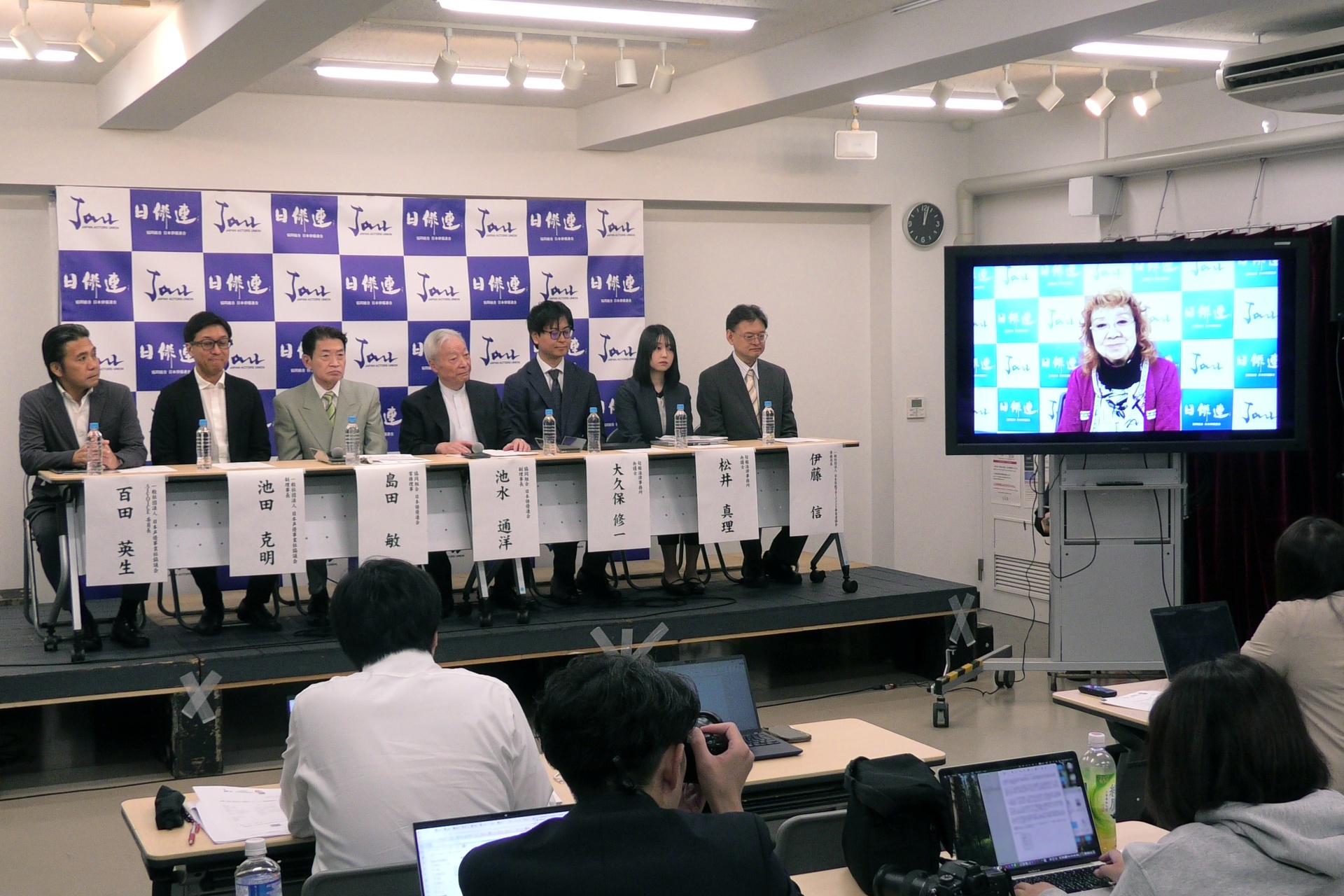
The Japan Actors Union adopted a generative AI guideline for voice on October 15, requiring prior consent from…
SpaceXSI released Grok Voice 3.0, rated 86.9 on Artificial Analysis' Speech-to-Speech Index, ahead of OpenAI's…
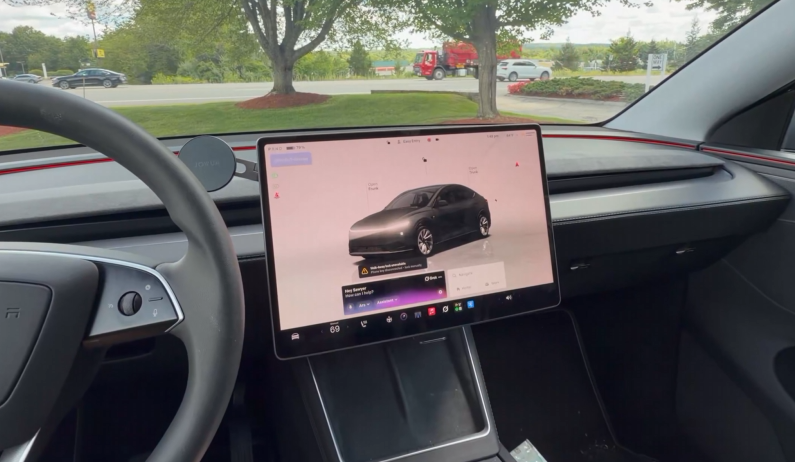
Square launched the Square Kiosk, a pill-shaped ordering device with a 21.5-inch touchscreen and an AI voice l…

YouTube is adding a "Made with AI" label to tracks "altered or fully generated" using AI, starting today in th…