What happened
Anthropic integrated a browser window into Claude Code that allows Claude to open, read, click, and type on web pages directly within the app. The browser works like a tab-based browser, opens with a keyboard shortcut, and includes safety checks—classifiers screen write actions on external sites, and Claude will not buy anything, create accounts, or bypass CAPTCHAs without user consent.
Why it matters
Claude can now access documentation sites, issue trackers, and other web resources during coding work without leaving the app, potentially speeding up development workflows. Organizations can restrict access through an allowlist or disable the feature entirely, giving teams control over which sites Claude reaches.
What to watch
Users who need Claude to act within their own logged-in sessions should use the Chrome extension instead of the built-in browser, which runs on a clean profile with no saved logins.
Summaries like this, in your inbox every morning.
Claude Code previously used tools to preview local apps; Anthropic has extended this capability to the open web with extra safety layers. The integrated browser removes friction for developers who need to reference online resources—documentation, GitHub issues, API references—without context-switching to a separate tab or window. By routing web interactions through safety classifiers, Anthropic is attempting to preserve the convenience of automated web access while preventing unintended side effects like unauthorized purchases or account creation.
The allowlist and disable options signal that Anthropic expects organizational buyers to want granular control, reflecting broader tension between automation and trust in AI tooling. The explicit note that logged-in workflows require the Chrome extension also suggests the company is steering users toward a less automated path when sensitive authentication is involved, rather than trying to handle login state within the sandboxed browser.
Pick your industry and the AI tools you use, and get news related to your work every day.
Free · 30 seconds with Google · unsubscribe anytimeWhat is AIToday? →
Ask AI anything about this article. The AI reads this article, earlier AIToday articles, and Wikipedia, and cites its sources. Q&As are published on this page for other readers too.
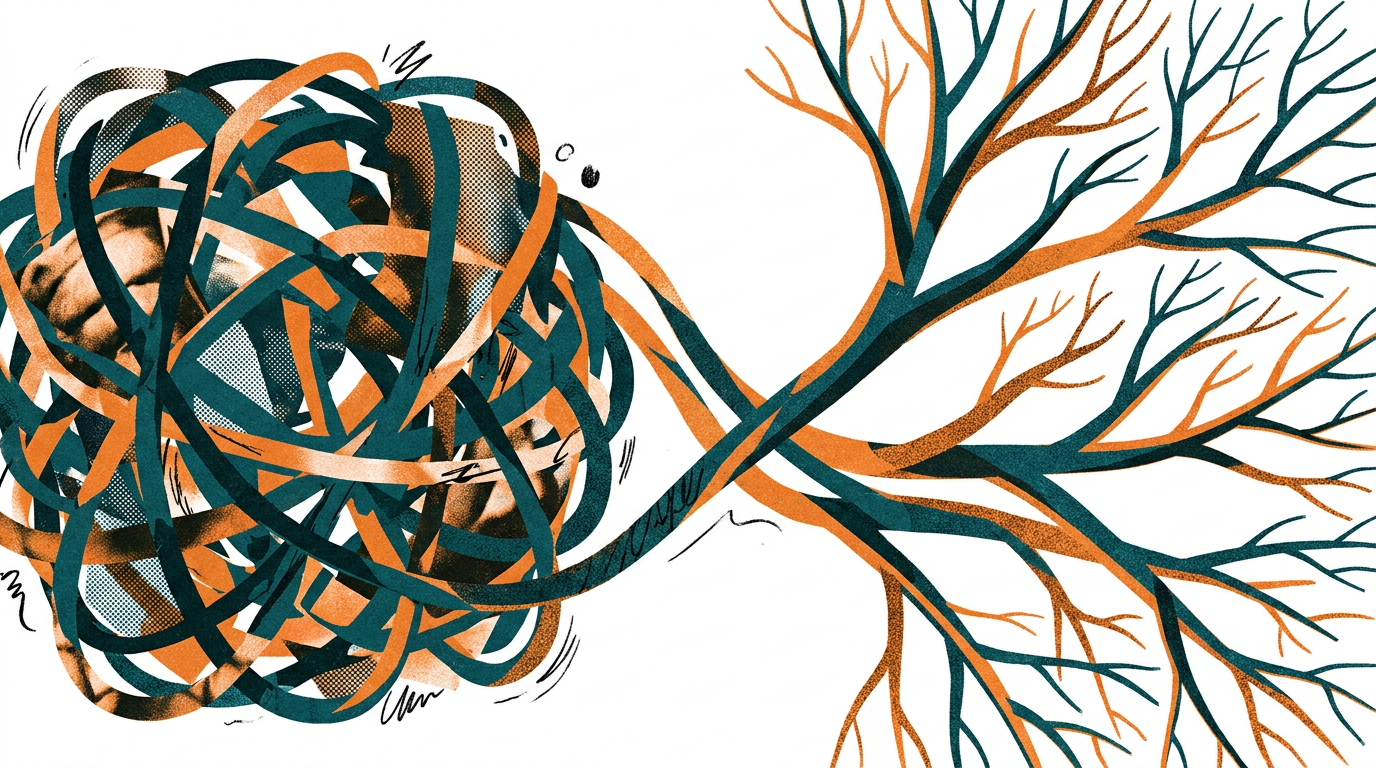
Cammarata reinterprets InceptionV1's cat-car neuron as a V-shape detector, not two unrelated concepts
Google Deepmind's Gemini 4 Argon scored 97.5 percent on ARC-AGI-3 at a cost of $4,800, second only to GPT-6 As…

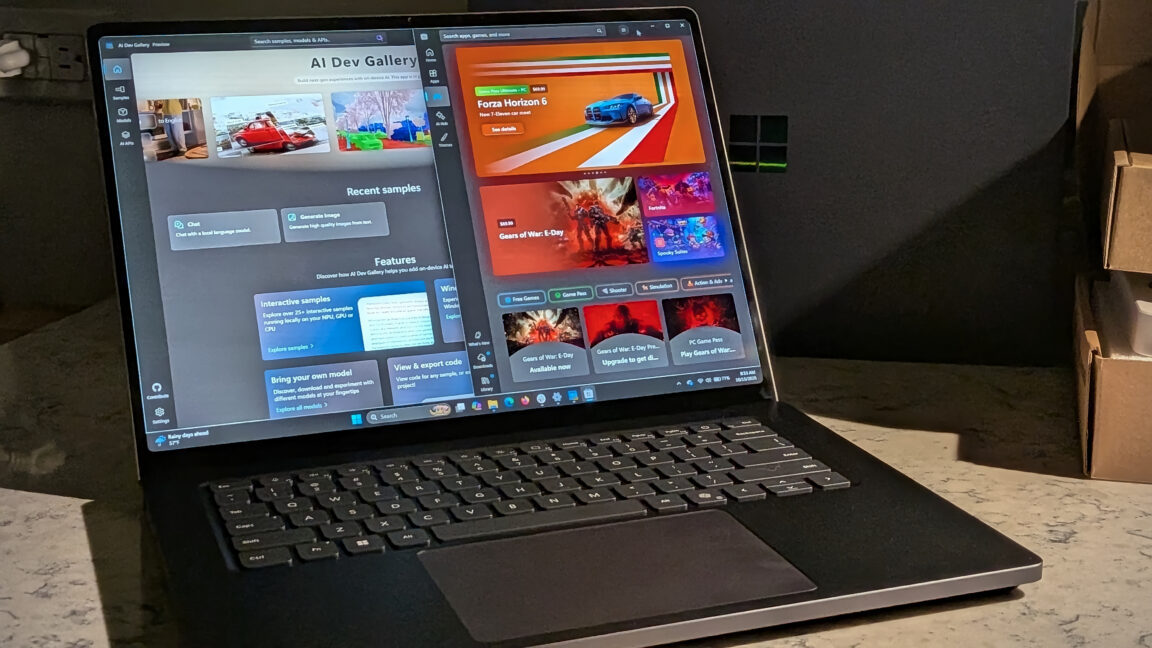
Microsoft's Surface Laptop Ultra, using Nvidia's RTX Spark platform, starts at $2,599 (up to $5,899)
Meta's new commercial terms, effective October 30th, appear to let it crawl and train AI on content from websi…
Vercel data published Thursday shows TypeSafe AI's Jev, a lightweight decision model for choosing among predet…
Reflection AI introduced Beam, an open-weight model for agentic coding and long-horizon tasks, with 501 billio…