
What happened
Solène released braindead-local-intelligence, a project that runs a chat LLM, an image model, SearXNG and Open WebUI in podman containers, swapping models automatically. Models were tested up to 12 GB of VRAM.
Why it matters
Small models could still handle yes/no tasks, the author suggests, such as filtering local spam.
Summaries like this, every morning.
Solène built the project for a specific need: experimenting with local AI without working through long guides or picking from thousands of model files. The setup bundles a chat LLM server compatible with the OpenAI API, an image generation server, SearXNG for web search and Open WebUI as the interface, all behind a single address that can be protected by a token if exposed externally.
The design choice Solène highlights is model swapping. Rather than choosing between the LLM and the image model, only one is loaded in memory at a time, loaded when a request arrives and unloaded after a few minutes without traffic so GPU memory frees up. Solène's own machine, built in 2021 with 32 GB of RAM and a Radeon RX 6700 XT, still works well for this.
Solène's expectations are modest. In practice, Qwen3.6 35B-A3B with web search gave good results, but answers can take minutes because half the model runs in RAM, and the computer gets hot and noisy. Solène notes that even spending several tens of thousands of euros or dollars would not approach service-based LLMs, which use more advanced models and much larger context windows. The pitch instead is privacy and play: nothing leaves the computer except the web searches.
Pick your industry and the AI tools you use, and get news related to your work every day.
Free · 30 seconds with Google · unsubscribe anytimeWhat is AIToday? →
Ask AI anything about this article. The AI reads this article, earlier AIToday articles, and Wikipedia, and cites its sources. Q&As are published on this page for other readers too.
Gomumari will start offering its Master Data Management AI Agent on November 2, 2026, at an initial build cost…

Apple outlined plans to charge for heavier use of certain Apple Intelligence features from 2027, with usage ca…
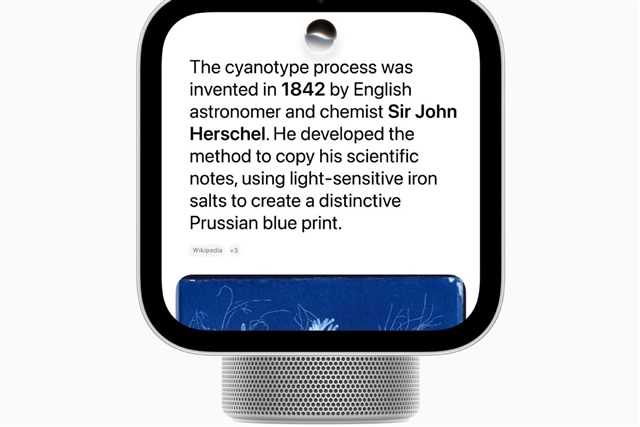
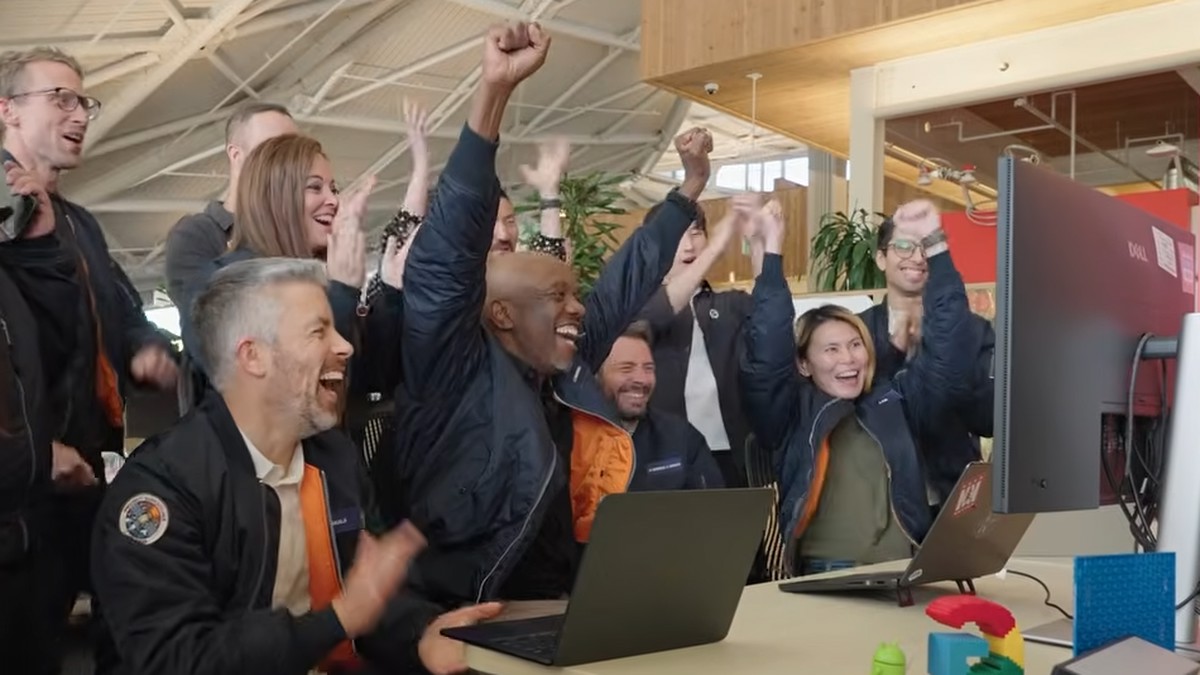
Google said a satellite running its TPU processor received a response from the open model Gemma 4 after a grou…
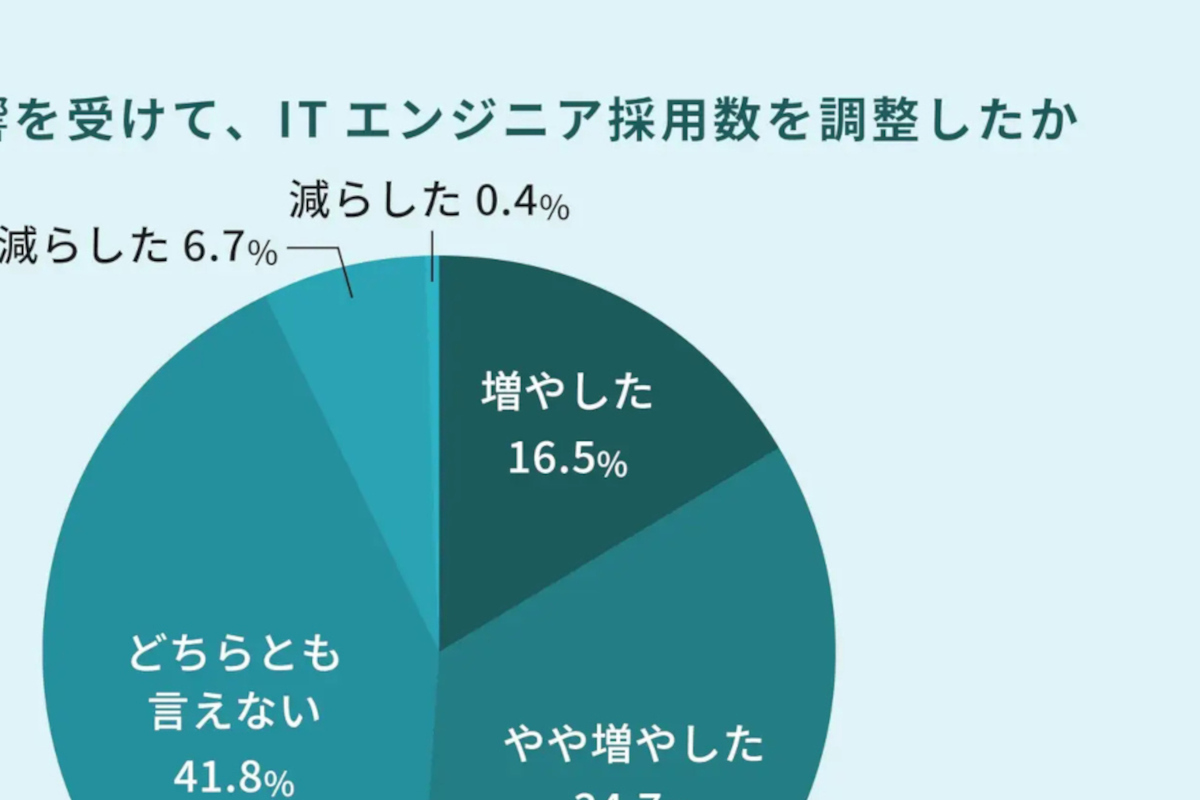
A Dell Technologies survey of 2,950 business and IT decision-makers in 35 countries found 58% of Japanese comp…
CData's guide walks through creating a SELECT-only Snowflake role called claude_role, setting up an OAuth secu…
Oracle announced on Oct 28, 2026 an expanded partnership with OpenAI and a new product lineup spanning four ar…