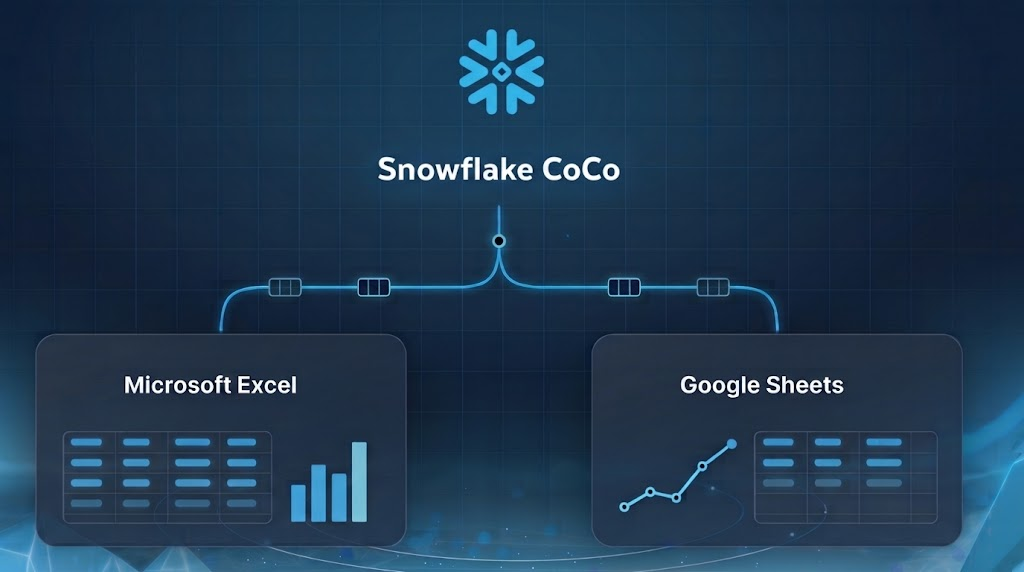
What happened
Snowflake CoCo, its coding agent for data teams, is now in public preview for Microsoft Excel and Google Sheets. It lets users query Snowflake data and build native formulas, charts and pivot tables via natural language, with governance controls applied.
Why it matters
The integration aims to replace manual spreadsheet connections, giving analysts live governed data and AI in the tools they already use, which may reduce version confusion and improve trust in results.
WHO IT HITSBusiness analysts and data teams who work in spreadsheets gain a way to pull live governed Snowflake data and build analyses with natural language, without asking IT for new connectors.
Summaries like this, every morning.
Snowflake's move addresses a long-standing gap: spreadsheets are where many business analysts spend their time, but connecting them to governed cloud data has usually meant manual CSV exports or asking IT to set up ODBC or third-party connectors. Those workarounds create disconnected copies and leave administrators struggling to keep versions straight. By placing CoCo directly in Excel and Sheets, Snowflake aims to let users work with live data without leaving the spreadsheet.
The company says it tested CoCo for Excel against an AI model harness for Excel using the Snowflake MCP across 25 spreadsheet tasks with Opus 5.5, Sonnet 5.5 and Haiku 5.5. The add-ins had similar accuracy, but CoCo for Excel showed better latency and used fewer output tokens. Snowflake also reports near-constant performance as data size scales, which it attributes to streaming query results directly to the sheet instead of through the model's context window. These internal results have not been independently verified.
Customers cited in the announcement describe easier handling of complex tables. Matt Wyman, Vice President of Information Technology at The Chefs' Warehouse, said CoCo understands table relationships and is intuitive enough for analysts to use without training. Kate Savina, Head of Data Technology at GTCR LLC, said CoCo starts with the firm's data directly, with no exporting or switching tools. Snowflake says both add-ins are in public preview now.
Pick your industry and the AI tools you use, and get news related to your work every day.
Free · 30 seconds with Google · unsubscribe anytimeWhat is AIToday? →
Ask AI anything about this article. The AI reads this article, earlier AIToday articles, and Wikipedia, and cites its sources. Q&As are published on this page for other readers too.
Hitachi Energy is expanding its partnership with Celonis, the process-intelligence leader, to scale AI use acr…

KJ Holdings, which runs the Kawaijuku Group, signed an MOU with Seoul-based IHFB in October 2026 to jointly st…

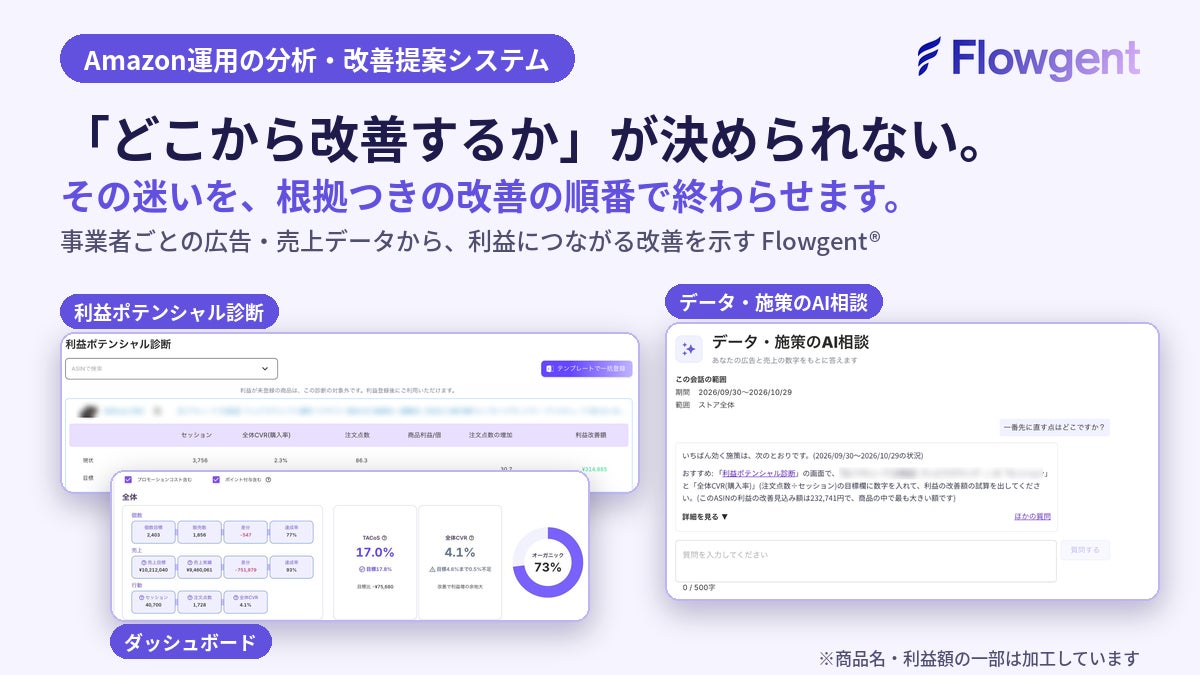
Spesia added an "AI consultation on data and measures" chat to Flowgent, its Amazon operations analysis system
For April–September 2026, Nomura Research Institute posted revenue of 4299億円, up 8% year on year, and operatin…

DXYZ and TIERO will run the 'Face-Only Shopping' demonstration for three days from November 21 to 23, 2026 at…

In Branding Works' October 2026 survey of ChatGPT and Gemini answers, 辻・本郷税理士法人 appeared in 50% of responses…