What happened
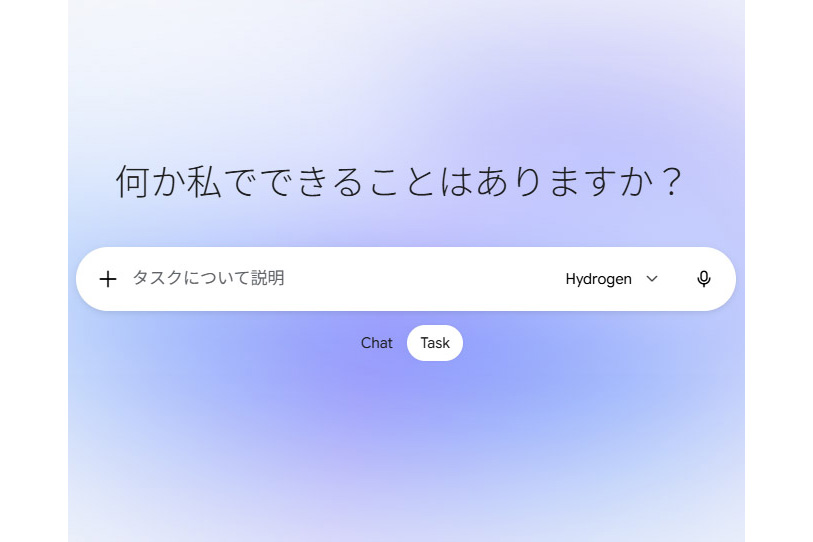
Google renamed Gemini's paid-plan "Spark" feature to "Tasks" and opened it to free personal Google accounts. Users pick "Task" in the chat screen and give a goal, and Gemini schedules and works autonomously.
Why it matters
Tasks is now available to users without a paid plan, so more people can have Gemini handle recurring jobs like daily news collection or restocking reminders. The body frames this as a way to simplify everyday chores, not as a new paid tier.
Summaries like this, every morning.
Tasks is the new name for Spark, a feature Google had previously limited to paid-plan users. The change matters less as a new capability than as a widening of who can use an agent that works on its own: the same goal-setting and scheduling now appears on free personal Google accounts.
The examples lean on repetition rather than one-off requests. A daily news digest set for a fixed time, or a restocking reminder tied to how long supplies last, shows where a scheduling agent fits: jobs the user would otherwise have to remember and re-issue. The suggested prompt for consumables goes further, having Gemini recalculate reminder timing when the user types only an item name, with days-after-purchase intervals set per item.
Google is not positioning Tasks as a separate product tier in the piece. Instead, it is treated as a free convenience with workarounds: Android users can add a thread's URL to the home screen, and iPhone users can build a shortcut with the Shortcuts app, so a replenishment thread opens with one tap. Whether this nudges free users toward paid plans is not stated; the body presents Tasks simply as an everyday helper.
Pick your industry and the AI tools you use, and get news related to your work every day.
Free · 30 seconds with Google · unsubscribe anytimeWhat is AIToday? →
Ask AI anything about this article. The AI reads this article, earlier AIToday articles, and Wikipedia, and cites its sources. Q&As are published on this page for other readers too.
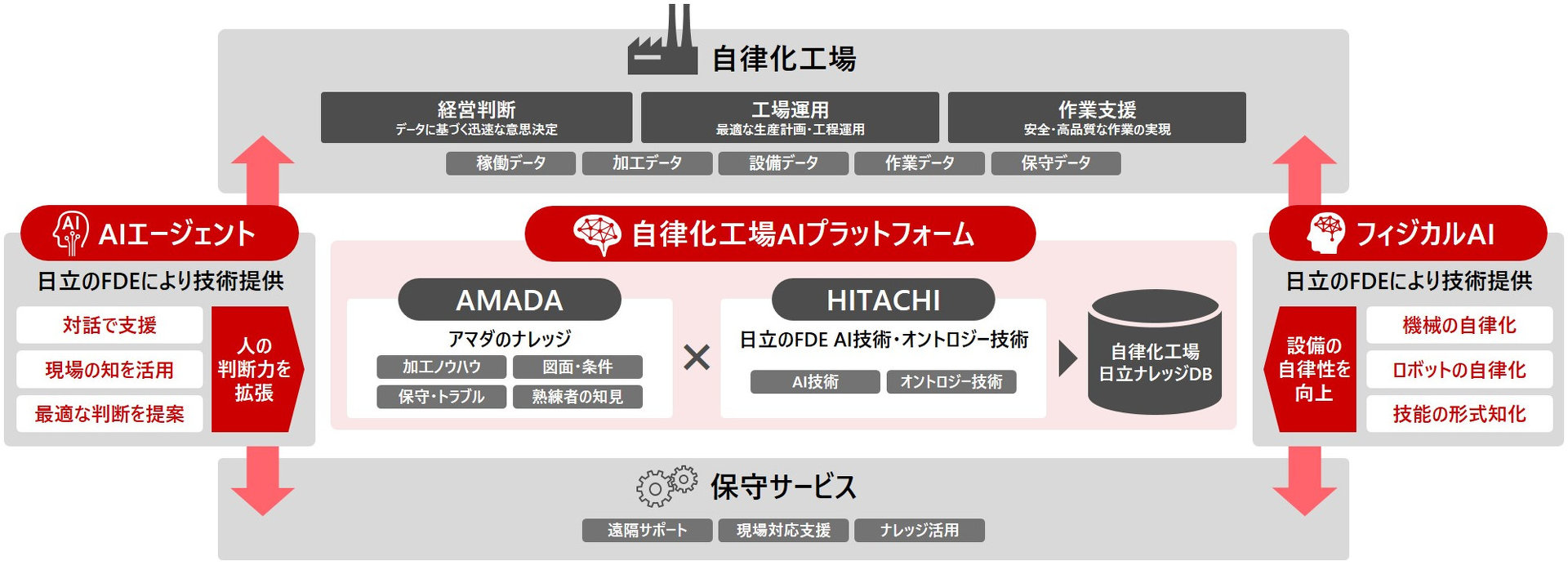
Amada and Hitachi ran an AI-agent PoC from August and October 2026 on an Amada customer factory's operating da…
Visa's Abhijeet Ramesh said stronger AI models and cheaper AI tokens now let agents complete purchases, and Vi…

A developer who started LLM product work last autumn says prompt engineering and RAG went fine, but unexpected…

A Zenn essay proposes Consumer Harness, a framework connecting human desires and states to autonomous AI produ…
Waystar integrated into Google Cloud's Gemini for healthcare, and Oracle debuted AI agents for clinical trials

Xpeng unveiled humanoids, cars and drones built on a single shared AI brain, a direct challenge to Tesla