What happened
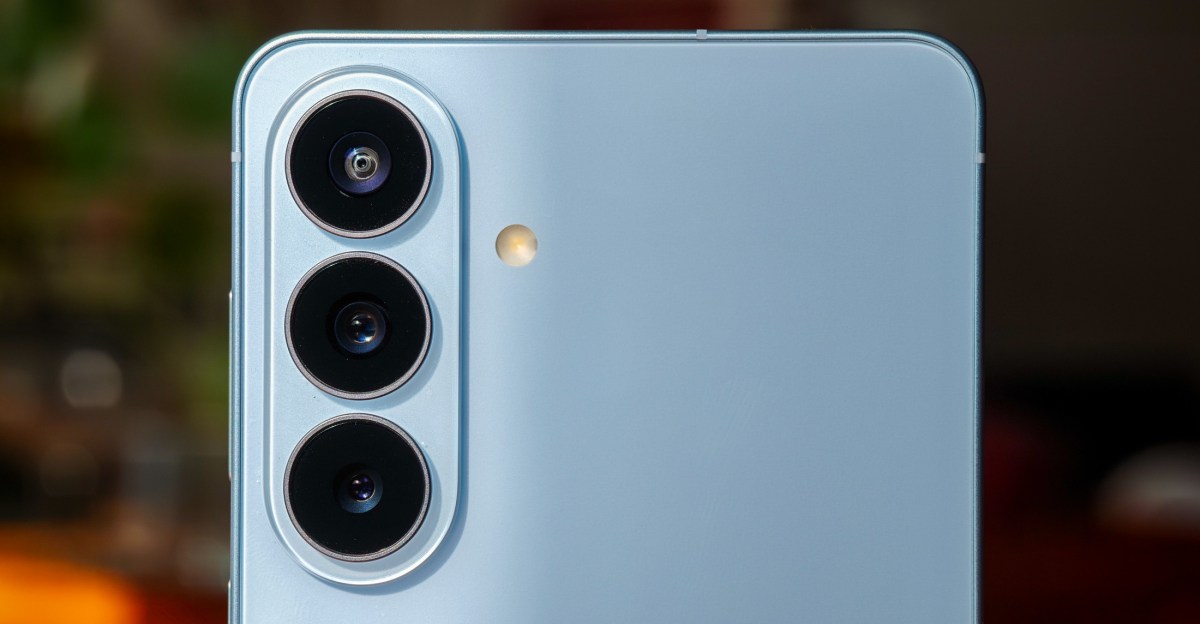
Code in the One UI 9.5 beta, found by Android Authority, points to a Recompose feature in Samsung's Photo Editor that builds on the existing Move tool and lets users change a photo's angle after capture.
Why it matters
The strings describe dragging with one finger to change perspective and a slider to make background objects appear closer or farther away, suggesting reframing could become a standard edit rather than a retake.
WHO IT HITSSamsung Galaxy owners who edit photos on their phones would gain a way to adjust a shot's perspective after the fact, reducing the need to retake a photo to fix its angle.
Summaries like this, every morning.
The find comes from the One UI 9.5 beta, which means Samsung is at least prototyping the idea inside its Photo Editor app. The code strings show the interface would sit alongside the existing Move tool, with a toggle between the two, so Recompose looks like an addition to an established editing workflow rather than a separate app.
The reported mechanism is a two-step process: a separate Spatial Core app converts the photo into a 3D rendering using a depth map, and Photo Editor then sends the image to the cloud for generative AI to fill in the missing parts. That split suggests the heavy lifting happens off-device, which would matter for how quickly edits come back.
Android Authority found the references in beta code, not in a shipping product, and the body gives no date for when, or whether, Recompose would reach users.
Pick your industry and the AI tools you use, and get news related to your work every day.
Free · 30 seconds with Google · unsubscribe anytimeWhat is AIToday? →
Ask AI anything about this article. The AI reads this article, earlier AIToday articles, and Wikipedia, and cites its sources. Q&As are published on this page for other readers too.
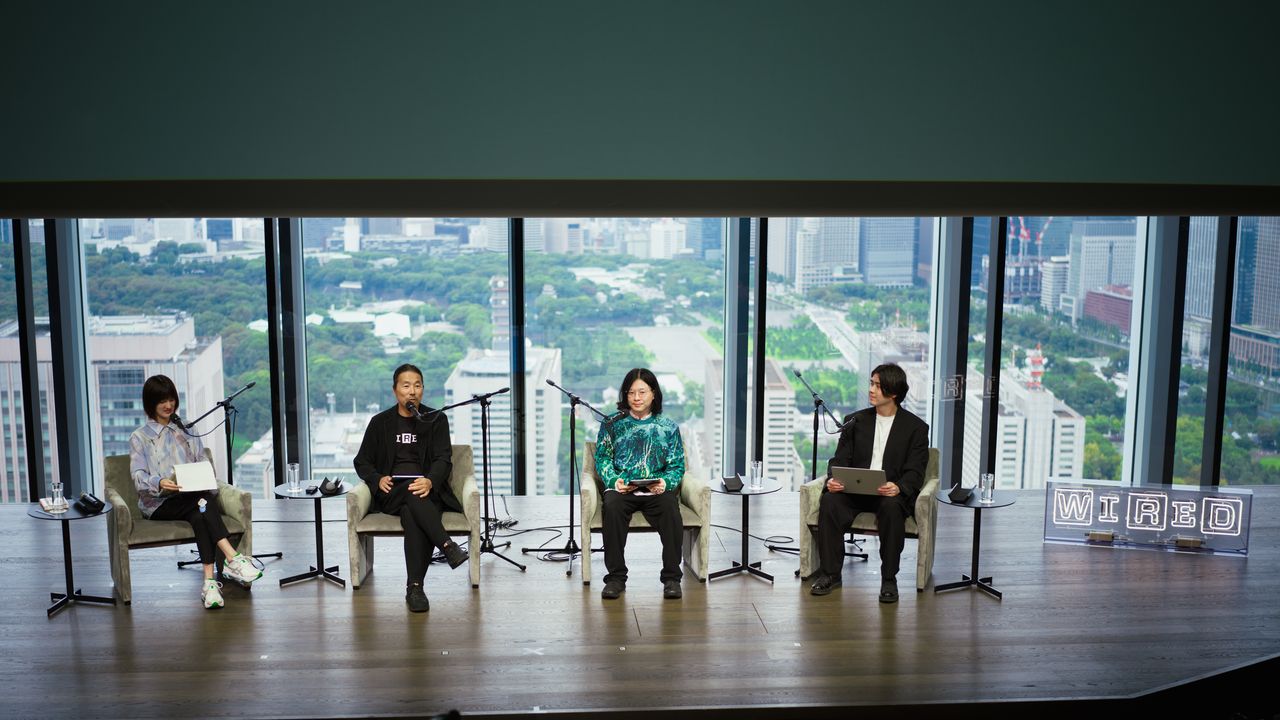
At a WIRED Futures Conference 2026 live podcast on latent space, HATRA's Keisuke Nagami said AI hallucinations…
Simon Willison tested Gemini 4 Neon in AI Studio with an SVG poster prompt for the Kakapo recovery project and…

Using IP-Adapter Plus Face at strengths up to 1.0 produced no likeness, but switching to IP-Adapter FaceID mad…

Studio Prompt Lead David Matamoros published a guide on using Nano Banana 3.0's multi-reference 4K editing pip…
EvoForge detailed a four-stage pipeline — scale normalization and LOD chains, KTX2 texture compression, voxel-…
Ant's inclusionAI released Ming-Image-0.2-Design on Nov 26 under the MIT license, a 6B model it says improves…