
What happened
Dots' official FAQ shows that turning off ChatGPT Memory or disconnecting a plugin only stops new access, while a Dot's already-received context stays, and deleting a Dot leaves its files, Codex threads, and ChatGPT conversations intact.
Why it matters
Users may assume disconnecting or deleting a Dot wipes shared data, but per the FAQ, received information and separately saved files must be checked and managed in each storage location.
Summaries like this, every morning.
Stopping an operation is distinct from erasing data. Turning off ChatGPT Memory or disconnecting a plugin is described as blocking new sharing or new access, not as undoing what a Dot has already taken in as context.
Deleting a Dot is presented as deleting only that Dot's own context. Files the Dot created, Codex threads, and ChatGPT conversations are stored separately, and Memory from other ChatGPT conversations is managed apart from Dots' context. The FAQ and administrator guide also state that individual Dot memories cannot be listed or selectively deleted, so users cannot remove a single sentence.
The distinction is illustrated with a hypothetical case: a cloud storage connection used to summarize documents, where the connection is ended but the summary file is kept. It recommends sorting what access to stop, what information to erase, which separate storage locations to check, and what outputs to keep. It also notes that the referenced documentation does not clarify when deletion completes or whether every backend copy is removed, so unconfirmed points should be recorded as unconfirmed.
Pick your industry and the AI tools you use, and get news related to your work every day.
Free · 30 seconds with Google · unsubscribe anytimeWhat is AIToday? →
Ask AI anything about this article. The AI reads this article, earlier AIToday articles, and Wikipedia, and cites its sources. Q&As are published on this page for other readers too.
Mercari said unauthorized access at Fireworks AI, its Notion AI subcontractor, may have leaked some employee i…

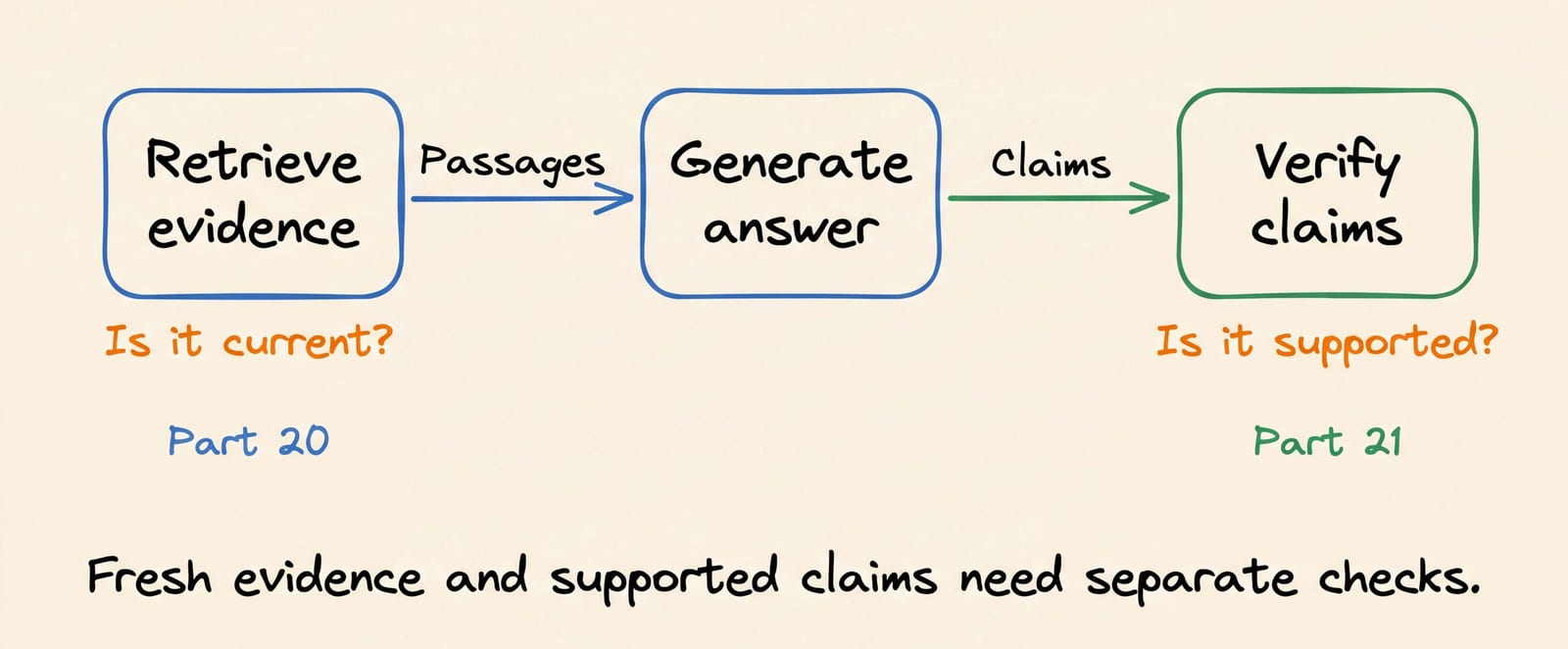
Parts 20 and 21 of the hands-on RAG Systems course are now available
Anthropic introduced Claude for Manufacturing on November 12, a plugin for Claude Team or Enterprise plans tha…

The ninth AIF-C01 prep article covers task 3.1 on design considerations for foundation model applications, lis…

In a blog post, OpenAI chief scientist Jakub Pachocki argued that perplexity — which measures how well a model…

A Chinese-nexus actor's Cairn AI agents autonomously discovered a zero-day vulnerability, according to Amazon…