
A user left a Claude Code subagent running overnight with the MacBook lid closed and returned to a "Request timed out" failure. Logs (`pmset -g log`) showed the machine entered Clamshell Sleep the moment the lid shut, cutting the in-flight request.
Summaries like this, in your inbox every morning.
The problem the author describes is not a bug in the code or the API — it's macOS itself. When the lid closes without an external display attached, the machine enters what the logs call "Clamshell Sleep", and a request that was in flight at that moment is cut. The failure doesn't surface immediately; it was recorded hours later, during a DarkWake, as "Request timed out". That gap is why the symptom looks mysterious and the cause is easy to misattribute.
The tools that seem like they should help don't. `--bg` background sessions and Remote Control both keep execution on the local Mac, so they are preserved across sleep but produce no progress during it. `caffeinate` and the Desktop app's "Keep computer awake" setting only target idle sleep — as the macOS SDK comment quoted in the piece puts it, the system may still sleep for lid close, low battery, or other reasons. The author also points out that idle sleep is already handled: Claude Code itself spawns a `caffeinate -i -t 300` child process, so the only remaining gap is the lid.
The proposed fix, `sudo pmset -a disablesleep 1`, has to be run in an ordinary Terminal, because Claude Code's `!` bash mode has no terminal to read a password. Interestingly, the `AppleClamshellCausesSleep` flag still reads `Yes` even after the change; based on a reading of the public XNU source, `SleepDisabled` sets a separate `userDisabledAllSleep` path that rejects the clamshell sleep request, so `pmset -g log` is the more reliable check. The author tested this once, only on battery, with the lid closed for an unrecorded period, and warns the option isn't documented — hence the caution about power draw, heat, and remembering to reset it.
Pick your industry and the AI tools you use, and get news related to your work every day.
Free · 30 seconds with Google · unsubscribe anytimeWhat is AIToday? →
Ask AI anything about this article. The AI reads this article, earlier AIToday articles, and Wikipedia, and cites its sources. Q&As are published on this page for other readers too.
A write-up describes running Claude Code unattended every four hours via Windows Task Scheduler and Python, wi…
An engineer ran a single ffmpeg command with fps=1/5 and tile=8x16 on an 8-minute 24-second 1080p clip; it fin…
The author built 18 decks in Claude Code between May and August, using HTML and a shared asset folder instead…
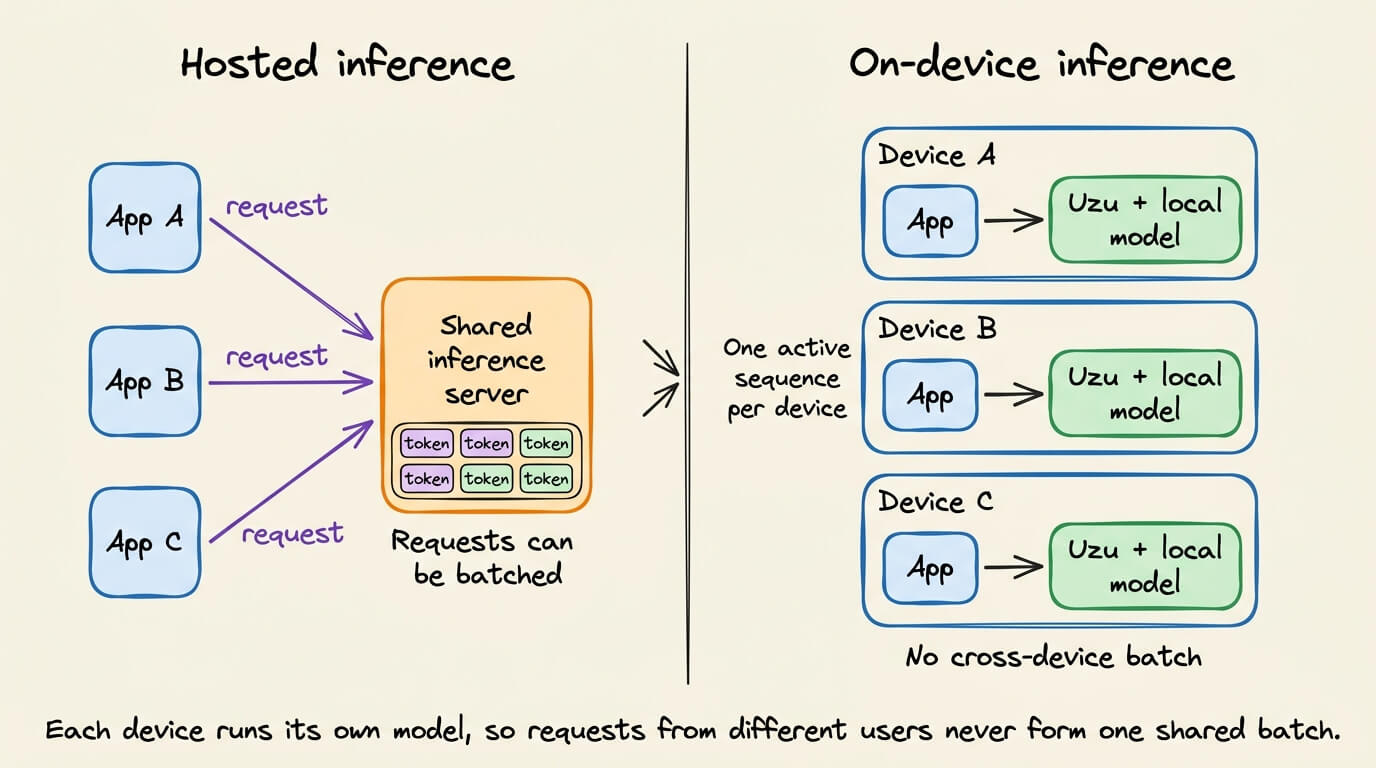
Uzu, Mirai's open-source engine, generated 92–117 tokens per second on a base M5 MacBook Pro with 4-bit Qwen3.…
clipref v0.2.0 is a command that takes text from the clipboard or standard input, writes it to a new file, and…
Running Claude Code sub-agents as company departments for about a year, the author found that only 4 of 11 — d…

