What happened
The author started a 10-part note.com series titled "Stop Scattering Your Notes! Grow 'My AI Second Brain' with Gemini × Obsidian," using Gamma Forge-style diagrams and step-by-step guides.
Why it matters
The core split is that humans stop organizing and Gemini (Antigravity) reads local Markdown files directly, extracting insights and auto-linking past notes, so messy daily logs and reading notes can be reused instead of abandoned.
WHO IT HITSKnowledge workers, students, and independent developers who already take notes in plain text (Markdown, Notion, or Apple Notes) and want an AI agent to read and synthesize those files locally, rather than manually filing and tagging them.
Summaries like this, every morning.
The author frames the problem as a "graveyard of notes" — memos, Slack logs, and half-formed ideas written into Notion or text files and never reopened. Their earlier attempts at solving this revolved around organizing folders and tags cleanly, which they say repeatedly failed.
The proposed shift is a division of labor: the human only writes plain text into an Obsidian Vault, while Gemini handles reasoning and connection. Obsidian's bidirectional links turn notes into a natural mesh, and the local Markdown files can be managed on-device and tracked with Git. Because Gemini (Antigravity) can grasp the local workspace directly, the author says a single request — such as combining last week's notes with yesterday's thoughts into a new outline — can produce an output that understands the full context.
The 10-part note.com roadmap runs from installation and Markdown habits through graph-view structuring, daily-journal summarization, automatic MOC (knowledge map) generation, Obsidian MCP/CLI integration that lets the agent search and append notes, and finally backup and maintenance. The author presents Part 1 as offering a ready-to-use recommended folder layout and a Gemini-specific starter prompt.
Pick your industry and the AI tools you use, and get news related to your work every day.
Free · 30 seconds with Google · unsubscribe anytimeWhat is AIToday? →
Ask AI anything about this article. The AI reads this article, earlier AIToday articles, and Wikipedia, and cites its sources. Q&As are published on this page for other readers too.
Together AI CEO Vipul Ved Prakash said an unauthorized party downloaded stored prompt samples from requests to…

OpenAI says adaptive red-team attacks on protected reasoning from an earlier request succeeded 54.0% of the ti…

Citi added a section to its online user agreement this month stating that any access or transactions by a thir…
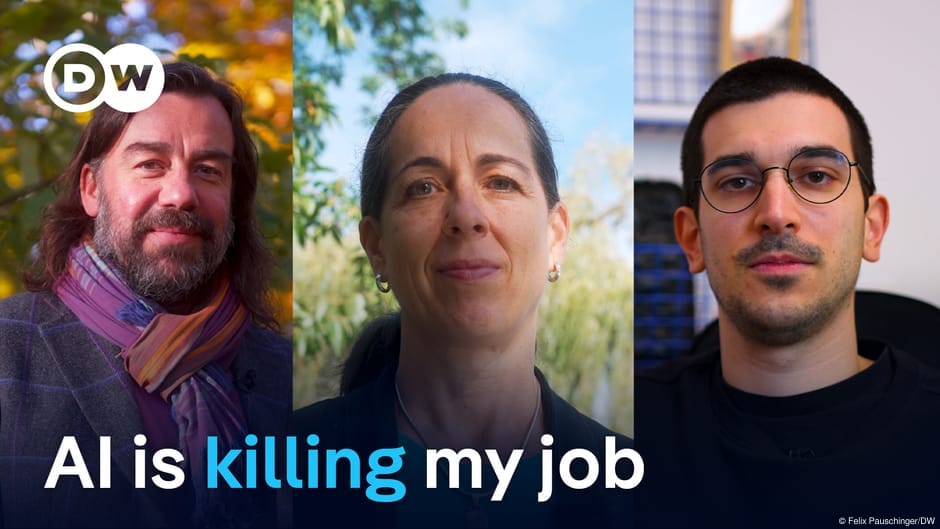
Interpreter Sara Campos lost a longtime Berlin client to AI, which the company chose because it is cheaper and…
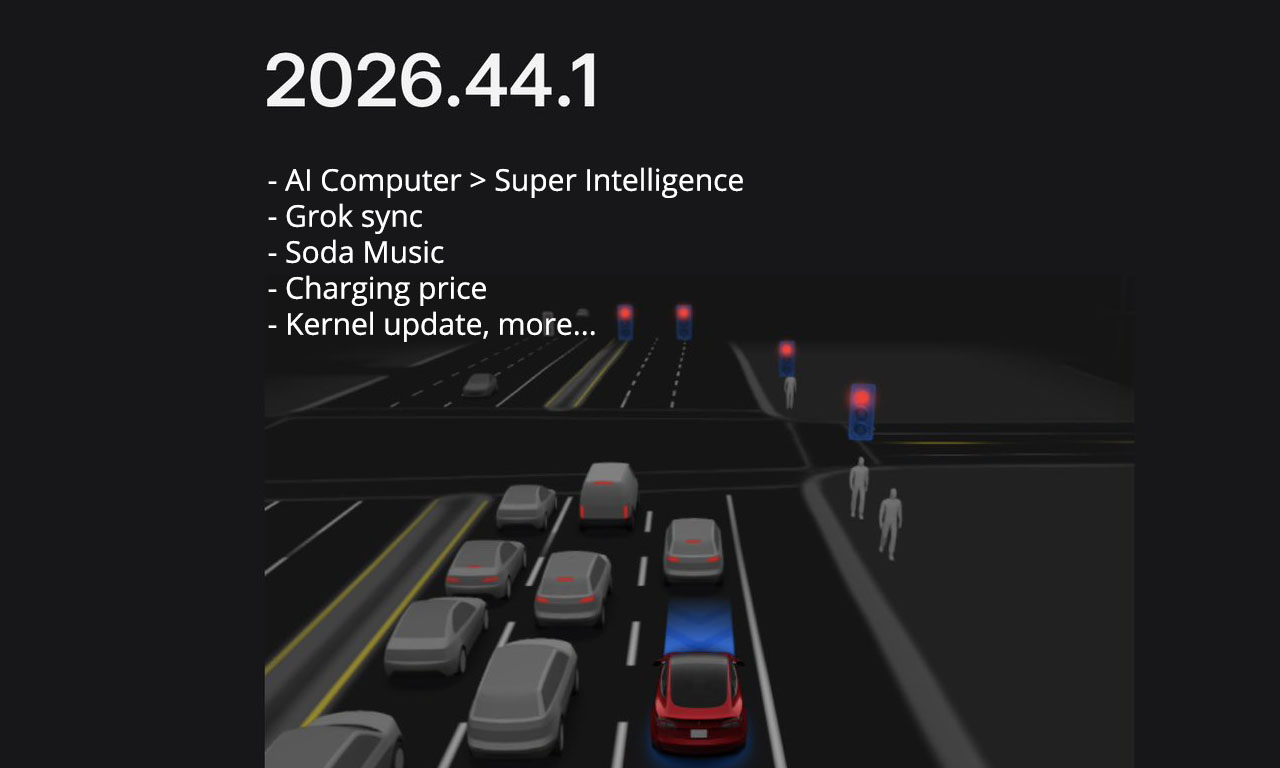
Tesla hacker green (@greentheonly) found that in firmware 2026.44.1, Tesla renamed the AI Computer (HW4/AI4) t…
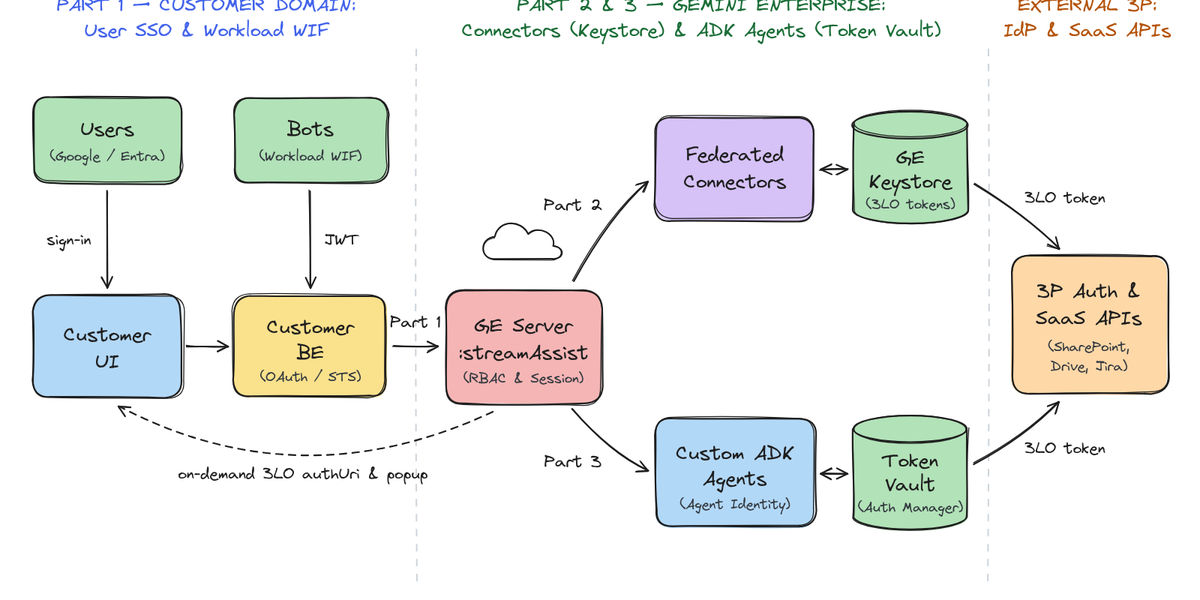
Google detailed three keyless authentication patterns for calling the StreamAssist API: Google Identity, Workf…