
What happened
chrome-use, an Apache-2.0 CLI and MCP server, connects agents such as Claude Code, Codex and Cursor to your everyday Chrome via a Web Store extension and native messaging, so no remote-debugging port is opened.
Why it matters
Agents inherit the tabs' existing login state, and each session runs in its own colored tab group, so a human can step in for two-factor authentication without touching other tabs.
Summaries like this, every morning.
The gap chrome-use targets is the login state agents leave behind. Most browser automation starts a fresh context with no cookies, so agents hit login screens, CAPTCHAs and new-device emails before doing any work. Playwright and Puppeteer can attach to an existing browser, but Chrome 136 and later refuse a --remote-debugging-port on the default profile, and Chrome 144's remote-debugging toggle makes every window in that profile visible to the tool and asks for permission on each connection.
chrome-use's answer is to skip the DevTools route entirely: a small extension talks to the CLI over native messaging and drives only the tabs the agent targets via chrome.debugger. The visible trade-off is the "debugging" bar Chrome shows while connected, which the --silent option removes by restarting Chrome with --silent-debugger-extension-api. Setup is a one-line install plus a store extension, and the project places a guidance skill for Claude Code, Codex and Cursor automatically.
The project positions itself against Chrome DevTools MCP and Playwright's extension mode by supporting multiple agents on the same logged-in Chrome without remote debugging; for front-end debugging or teams already on Playwright MCP, its own guidance points elsewhere. Its stealth measurements are self-reported and environment-specific, and the docs state plainly that no tool can promise CAPTCHAs never appear or that accounts stay safe.
Pick your industry and the AI tools you use, and get news related to your work every day.
Free · 30 seconds with Google · unsubscribe anytimeWhat is AIToday? →
Ask AI anything about this article. The AI reads this article, earlier AIToday articles, and Wikipedia, and cites its sources. Q&As are published on this page for other readers too.
FlashLabs started offering Orca Connect for OrcaRouter, which adds local runtimes such as Ollama, vLLM and LM…

Anthropic's prospectus discloses SpaceX compute agreements of up to $120.5 billion through 2029, with monthly…

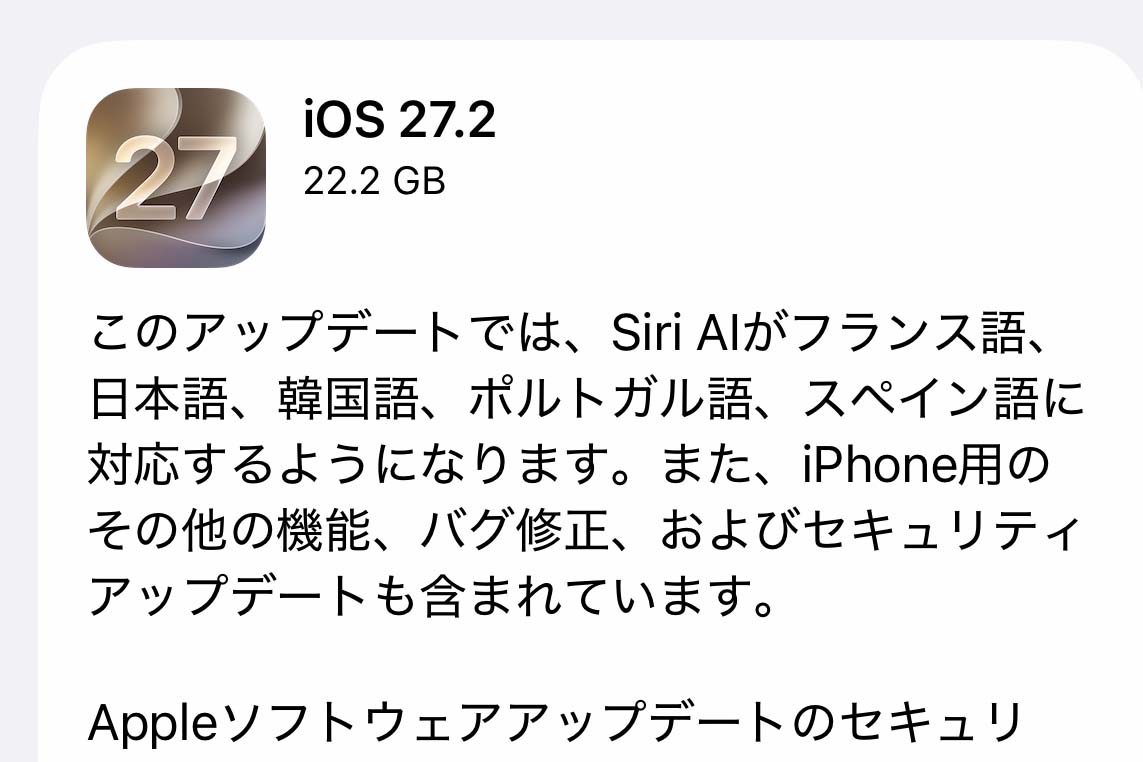
Apple released iOS 27.2, bringing Siri AI to iPhone 16 and later plus iPhone 15 Pro and Pro Max, with support…
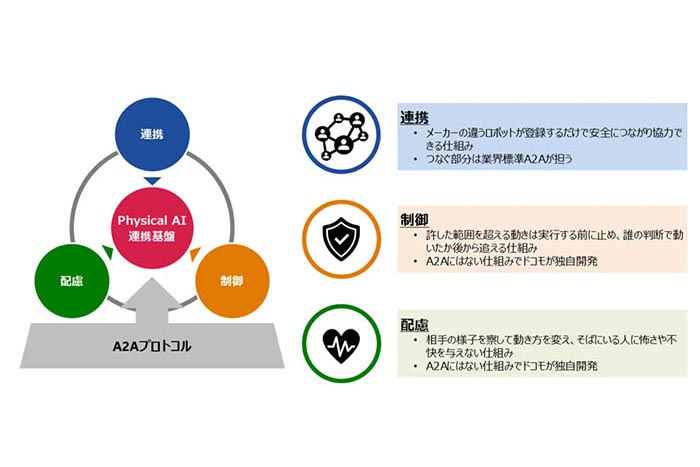
NTT Docomo developed "Physical AI連携基盤," which unifies linking AI agents to robots, controlling permitted actio…
Folkbench published a guide, reworked for Japanese readers on Zenn, laying out four checks for AI relays used…
On the morning of 10/27, the author's automated Threads posting stopped twice with "cannot confirm the Threads…